
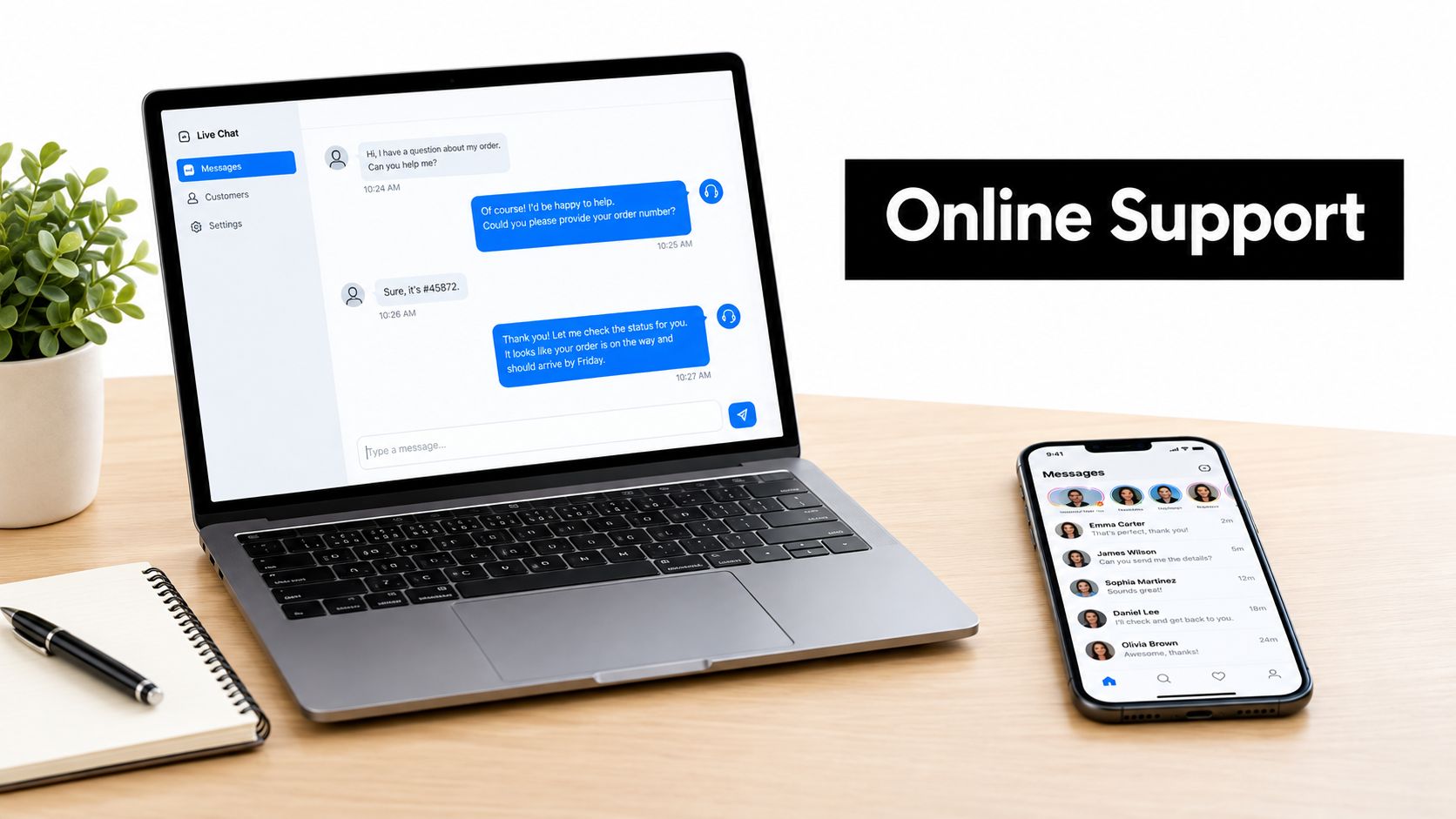
Online customer service is now expected to be near-instant. 85% of Facebook users expect replies within six hours, and live chat customers expect a response in under one minute. That kind of pressure changes how a support team has to be built from the start.
Most small businesses feel that pressure the moment they launch a chat widget, publish a support email, or start answering DMs. The hard part isn't just answering faster, it's answering in the right place, with the right level of detail, without making customers repeat themselves. A strong remote customer service specialist can help structure that work, but the system still has to fit the channel.
Table of Contents
- What Online Customer Service Means Today
- Decoding Channel-Specific Expectations
- The Hidden Cost of Context Switching
- Why Speed Alone Fails Without Human Handoff
- Designing a Blended AI and Human Workflow
- Measuring What Actually Matters
- Key Takeaways for Implementing Online Support
What Online Customer Service Means Today
A customer opens a chat window with a billing problem, sends an email about a missing order, or messages a brand on social media after a checkout error. Those are all forms of online customer service, but they do not carry the same expectation. The channel shapes the clock, and the clock shapes the work.
That is where many small teams run into trouble. A support inbox can absorb some delay, while a live conversation cannot. One rule for every message creates waste in one place and frustration in another.
A better approach starts with the customer's situation, then matches the response style to it. Email usually allows a pause. Live chat often sits at the point where a purchase is on hold, so the customer wants a fast answer and a clean handoff if the issue needs more work.
A remote customer service specialist can help organize that flow, especially when the team is still defining who handles what.
Channel fit matters more than channel count
The channel itself is only part of the job. A support setup also has to be clear about how much transparency customers get, and what happens when AI or automation cannot finish the issue. If a bot gives a quick reply but hides the next step, the customer still feels stuck.
A platform such as SignalZen live chat can sit on a website and catch those urgent moments without pushing every inquiry into the same slow queue. Used well, it works like a front desk, taking in the request, sorting urgency, and handing the case to a person when the problem is too complex for automation. That handoff is where many small businesses feel pressure, because speed matters less if the customer has to repeat the story three times.
Practical rule: build the service model around the customer's clock, not the internal team's preferred workflow.
Decoding Channel-Specific Expectations
A customer who sends an email, posts on social media, or starts a chat is not asking for the same kind of help. The channel shapes the clock. If a support team treats every digital message as equally urgent, it either misses expectations or spends energy in the wrong place.

Email is slower, but not endless
Pennsylvania State University Extension reports that 50% of consumers who email a business expect a reply within 24 hours. Email gives the team more room to respond well, yet it still carries an expectation. If the inbox becomes a holding area with no clear ownership, customers feel ignored even when the reply eventually arrives.
Social platforms compress the timeline
The same source reports that 85% of Facebook users expect replies within six hours, and 42% expect one within one hour. That changes the job. Public posts are often less about full resolution and more about visible acknowledgment, because silence in a public feed looks like inaction.
Live chat is the sharpest edge
Live chat moves faster still. The same synthesis says the expectation is less than one minute for the first useful response. That does not mean every problem should be solved in under a minute. It means the customer needs to see progress almost immediately, even if the full fix takes longer.
For teams comparing setup options, the operational logic behind a dedicated live chat workflow is simple, customers use it when they want immediate progress, not when they want a ticket number.
A small business feels the pressure most when automation answers quickly but does not explain what happens next. Fast replies help only if the customer can tell whether a bot is still working on the issue or whether a person has taken over. The handoff has to be clear, or speed turns into a dead end.
A support manager should think in clocks, not channels. The channel matters because it sets the customer's tolerance for waiting.
The Hidden Cost of Context Switching
Fast replies don't fix a broken handoff. If a customer has to repeat the same issue three times, the team has already spent more time than it saved by answering quickly. That friction is one of the most expensive parts of online customer service because it drains patience on both sides.
Customer-effort research shows that well over half of surveyed customers reported difficulties such as being transferred, repeating their issue, or moving from an unsuccessful website interaction to a phone channel. That pattern points to a simple failure, the conversation is not travelling with the customer. When the business breaks the thread, the customer has to rebuild it.
What continuity actually looks like
A solid support setup keeps one record of the conversation, not separate fragments spread across tools. It should preserve the original question, the customer's identity, any files or screenshots, and the steps already taken. The next agent should not have to ask the customer to reconstruct the case from memory.
That's why shared history matters more than a prettier inbox. A team can route email, chat, and handoff notes into one workspace, then make the current agent work from the full thread instead of a fresh blank screen. If the conversation also needs structured tracking, webhooks in customer support can help move the right context between systems without making the customer retype it.
The operational lesson
Support leaders often focus on response time because it's visible. Context switching is slower to notice and harder to measure, but it creates more real-world damage. When the customer must restate the problem, the company has shifted the cost of poor integration onto the customer.
Plain test: if a customer switches from chat to email and has to start over, the support stack is fragmented.
Why Speed Alone Fails Without Human Handoff
A customer can get a fast answer and still leave frustrated. That happens when AI gives the first response, but no one carries the issue through to resolution. The true test is not how quickly the conversation starts, it is whether the customer reaches a clear outcome without having to repeat the problem.
Disclosure matters here. Customers usually cope better when they know whether they are speaking with AI or a person, because that sets the right expectation for what comes next. A bot that is silent about its role can create false confidence, especially when the issue will need human judgment later.
Small businesses do not need automation on every topic. They need clear rules for which questions fit self-service, which ones should go straight to a human, and how to move between the two without losing the thread. If the handoff forces the customer to restate the situation, the time saved at the start comes back as extra work at the end.

Disclosure and trust are part of the workflow
Transparency is part of good service design, not a separate policy. If the customer understands when AI is handling routine questions and when a person is taking over, the handoff feels less abrupt and less risky. That matters most when the issue touches billing, account access, or anything that depends on context.
AI should narrow the work, not widen it
Automation works best on repetitive, low-risk questions. Human agents should step in when the issue is ambiguous, emotional, or tied to account-specific judgment. The goal is to reduce the queue without creating a second conversation inside the same case.
A useful way to frame it is simple, AI clears the front of the line, humans finish the job. A 2025 holiday-season study by SignalZen found that 85% of consumers said AI made service faster or more accessible, yet only 29% said it improved their experience. The same research found that 55% had to escalate an AI-handled issue to a human. That gap shows why speed without a clean handoff can look efficient while still leaving the customer's problem unresolved.
Designing a Blended AI and Human Workflow
A blended workflow helps small support teams avoid two common failures, slow first replies and broken handoffs. Automation handles routine questions quickly, then a person steps in when the issue needs judgment. Customers experience one support thread, not two separate conversations stitched together after the fact.
The AI layer should do a few specific jobs well. It can greet the customer, collect the basic details, and draft a first response from trusted material. The human layer then needs the full thread, not just the latest message, so the agent can continue without asking the same questions again.
Why preserved context changes the outcome
A 2018 study in the Journal of Computer-Mediated Communication found that participants completed an online chat task in 11.65 minutes when the agent responded quickly, compared with 15.46 minutes when the agent responded slowly. The practical lesson is straightforward. Delay does not only create frustration, it changes how long the whole task takes and how much backtracking the customer has to do.
A tool that combines AI assistance, a live chat widget, and human takeover in one support flow fits naturally here. SignalZen is one example. The core test is simpler than the product category, can the team preserve conversation history and move from automation to agent without making the customer repeat anything?
A workable sequence for small teams
A sensible workflow usually looks like this:
- AI answers the first pass: handle common questions, simple troubleshooting, and basic qualification.
- AI summarizes the thread: keep the open issue, context, and any unresolved steps visible to the next agent.
- Human takes over when needed: step in for billing exceptions, account-specific decisions, or sensitive concerns.
- The customer keeps one conversation: no reset, no duplicate explanation, no separate ticket archaeology.
Useful standard: if the agent has to ask for information that already appeared in the thread, the handoff is incomplete.
This setup is especially helpful for small businesses working inside Slack, Microsoft Teams, or Google Chat. Teams can stay in the collaboration tools they already use, but the process still has to protect context and show when AI is speaking versus when a person has taken over. In SignalZen's support automation guidance, that balance between automation and human review is treated as a practical workflow choice, not a branding choice. The technology only matters if it shortens the path to a correct answer.
Measuring What Actually Matters
A support queue can look healthy on paper while customers are still stuck. That happens when teams treat first-response time as the main scorecard. A quick reply is useful, but it is only the opening move. If the answer is incomplete, the customer comes back with the same issue, and the work starts over.
A cross-market survey by Zendesk found that 92% expect customer service to respond quickly, but speed should not be a standalone KPI. The better view is to measure first-response time together with resolution rate, CSAT, reopen rate, and escalation rate. That mix shows whether the team is solving the problem or only acknowledging it.
A simple example from daily support
A customer writes in about a delayed order. The bot confirms the request right away, asks for the order number, and hands the thread to an agent. If the agent can see the order details, the earlier messages, and the reason for the delay, the conversation can move toward resolution without repeating the basics.
If that same issue closes quickly but opens again the next day, the answer was incomplete. If escalations keep rising for one topic, the automation is reaching beyond what it can handle. If CSAT falls while response time stays low, the team is rewarding speed instead of clarity. Those patterns are easier to spot when the reporting view is built for action, as in building support dashboards that drive action.
Dashboards should drive decisions
A dashboard only helps when it changes behavior. Support leads should use it to decide when to add automation, when to rewrite help content, and when to move a topic back to a human-first path.
If the reporting layer shows fast acknowledgments but weak resolutions, the system trains the team to value the wrong outcome. The support operation should reward complete answers, stable handoffs, and fewer repeat contacts.
Key Takeaways for Implementing Online Support
Online customer service works when the team respects the clock of each channel, protects context across handoffs, and uses AI as a helper rather than a replacement for judgment. Email, social, and live chat need different response standards, because customers expect different speeds from each one.
The practical starting points are clear. Map your service levels to the channel, keep one shared conversation record, and make sure AI disclosure and human escalation are both visible. That combination gives a small business a support model that can scale without losing trust.
SignalZen gives small teams one place to handle AI answers, live chat, email, and human takeover with conversation history preserved. It fits this topic because it's built for the exact problems that slow support down, fragmented channels, repetitive questions, and handoffs that lose context. Visit SignalZen to see how that workflow can support a more consistent customer service operation.
Written with Outrank



Better support without a bigger support team.
Start with AI. Add your team when the conversation needs a person.