
The support inbox is full before the working day starts. Order updates sit beside billing questions, account-access requests, and a complaint that needs more care than a saved reply. Meanwhile, agents keep rewriting answers that already exist somewhere in the help center.
Small businesses that automate email responses need more than faster typing. They need a dependable way to decide which messages deserve an answer, what information that answer can use, and when a person must take over.
Table of Contents
- Why Email Automation Matters for Small Teams
- Preparing Your Inbox Before You Automate Anything
- Building Reliable Templates and Rules for Repeat Questions
- Using AI to Draft Replies Without Losing Control
- Routing Email Into Shared Inboxes and Chat Workspaces
- When Automation Should Stop and a Human Takes Over
- Measuring Success and Picking Your Next Automation
Why Email Automation Matters for Small Teams
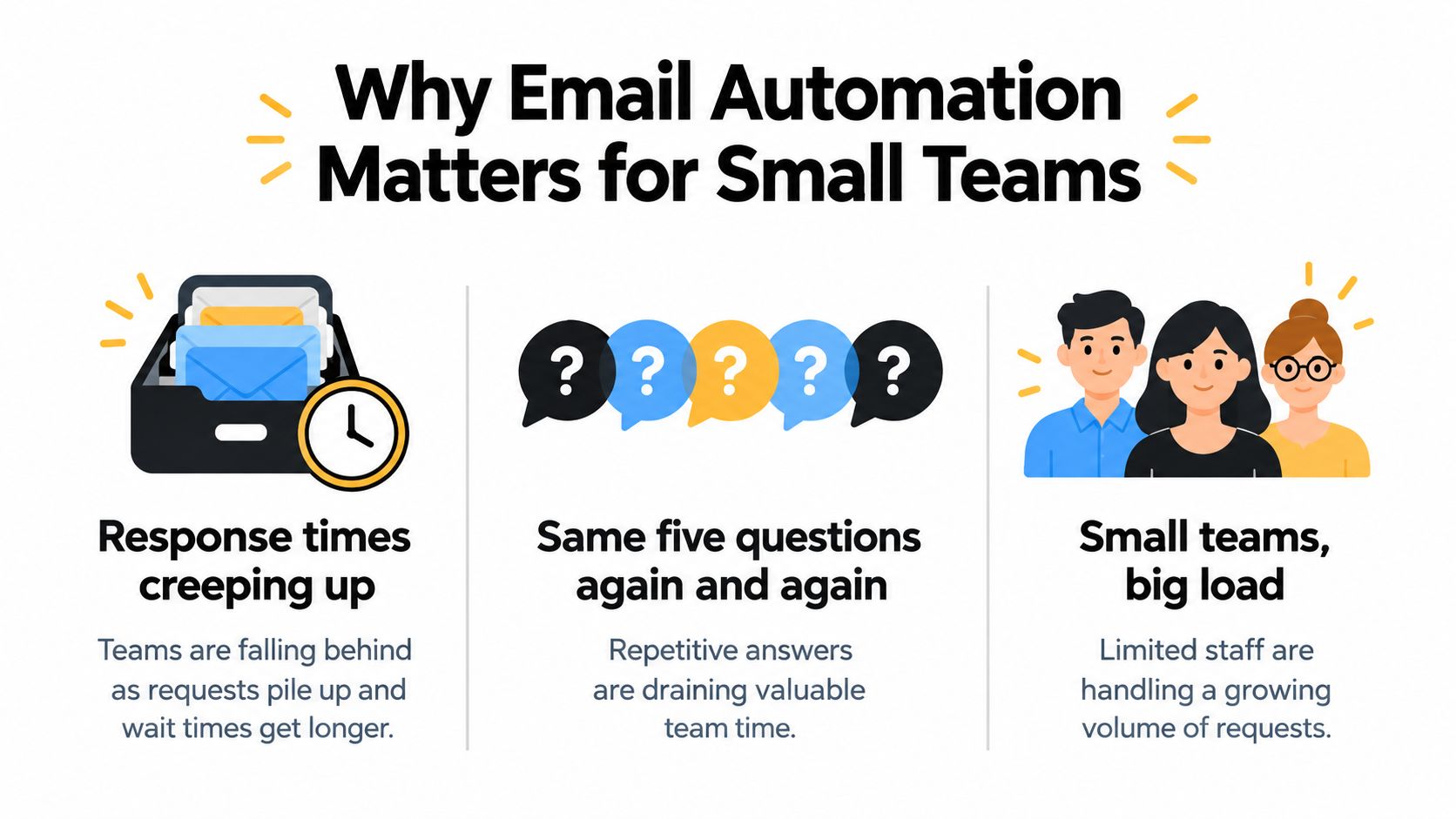
A small support team can handle routine work well until routine work crowds out everything else. An agent answering a shipping question isn't investigating a disputed charge. A colleague searching for the current cancellation policy isn't helping a customer who can't access an account.
The operational case for automation is protecting attention, not increasing the number of messages sent.
Email remains a substantial workload: business and consumer traffic exceeded 361 billion messages per day in 2024, according to The Radicati Group's email statistics executive summary. For a small business, the relevant question isn't global volume itself, but whether incoming requests receive consistent handling when staff are busy or unavailable.
Speed matters, but acknowledgment isn't resolution
In a survey of more than 1,200 consumers, responding within one hour met the expectations of 89% of customers, as reported in Toister Solutions' analysis of email response expectations. An automated acknowledgment can establish that a message arrived, but it shouldn't be counted as a substantive answer.
Useful automation handles a defined piece of work. It might request a missing order reference, supply approved setup instructions, or identify the correct queue before an agent opens the conversation.
Practical rule: An automated reply should either answer the question, collect necessary information, or explain an honest next step.
The distinction matters for staffing decisions. Automating a vague holding message doesn't remove the investigation that follows. Automating an accurate answer to a routine eligibility question can remove repetitive drafting while preserving agent attention for exceptions.
For teams comparing approaches, Cyndra on automating inboxes provides an additional resource on inbox automation. A broader explanation of customer service automation helps place email alongside routing, self-service, and agent assistance.
The sustainable approach is selective. Small teams don't need every incoming message handled automatically. They need dependable coverage for predictable requests and a visible queue for everything that still requires judgment.
Preparing Your Inbox Before You Automate Anything
Automation needs an inbox structure that agents can understand without guessing. If billing messages disappear into personal mailboxes or nobody knows which policy is current, adding generated replies introduces another place for mistakes.
The first task is to bring customer-facing aliases into a shared workspace while preserving the original recipient address. That address can help distinguish a sales inquiry from an existing customer's support request.

Build categories around actual work
Useful categories describe what the business must do next. Billing, shipping, account access, pre-sales, and complaints are reasonable starting points, but each business should validate its categories against real conversations.
An email can contain several needs. A customer asking about a delayed parcel and requesting a refund shouldn't lose the refund request just because the classifier recognizes shipping language.
| Inbox element | Required decision |
|---|---|
| Customer-facing aliases | Which team owns messages sent to each address? |
| Intent labels | What action follows each classification? |
| Mixed-intent messages | Which issue determines priority and ownership? |
| Unrecognized requests | Which monitored queue receives them? |
When connecting an existing mailbox, mailX's Find Incoming Mail Server Settings is a relevant setup resource. Connection details should remain an administrator's responsibility rather than becoming part of customer-facing reply instructions.
Inventory the knowledge before importing it
A public page isn't automatically an approved answer source. Marketing copy may describe a general service while a contract or support policy defines the actual exception.
- Website content: Include current product descriptions and public service information.
- Help center articles: Identify the approved instructions for common customer tasks.
- Uploaded files: Check ownership, effective status, and whether customers may receive the information.
- Operational policies: Record who can authorize exceptions and which requests require review.
Each source needs a named owner and a way to retire obsolete content. Conflicting documents should be resolved before either becomes available to automation.
Historical replies can reveal useful questions, but they shouldn't automatically become policy. An agent's past goodwill exception isn't permission to offer the same concession to every customer.
Building Reliable Templates and Rules for Repeat Questions
An order-status request, a password-reset question, and a shipping estimate may all repeat frequently, but they shouldn't share the same automation pattern. The right template depends on whether the answer is static, customer-specific, or dependent on an operational action.
Templates work best when the business already knows the permitted answer. AI isn't necessary to restate a published procedure.
| Request | Suitable response pattern | Sending restriction |
|---|---|---|
| Order status | Insert verified status from the order record | Hold if the record is unavailable |
| Account access | Provide the approved recovery procedure | Never claim identity has been verified |
| Shipping estimate | Explain the applicable published delivery window | Don't invent a dispatch date |
| Policy exception | Prepare a factual acknowledgment | Require an authorized decision |
Separate reusable wording from live facts
A reliable template contains stable language and clearly defined variables. Customer name, order reference, and current status should come from approved fields, not guesses based on the email subject.
Missing information needs an explicit branch. If an order can't be identified, the template should request the minimum necessary reference rather than filling the gap with a plausible update.
A template is a permitted answer under defined conditions, not permission to ignore the rest of the conversation.
Rules should also distinguish categorization from sending. A shipping keyword can justify a tag without justifying an automatic delivery promise.
- Acknowledgment rules: Prevent repeated acknowledgments within an active conversation.
- Sender exclusions: Keep automated notifications and no-reply messages out of response workflows.
- Required fields: Block sending when essential variables are empty or contradictory.
- Exception language: Hold messages that combine a routine question with a dispute or special request.
For formatted messages, Mailadept's HTML email template resource can support template checks. Visual presentation still needs a separate content review, because a polished message can contain the wrong policy.
Template maintenance should follow operational changes. A changed return process, revised shipping policy, or new recovery procedure should trigger review of every related saved reply. A named owner and a review reminder are more useful than a large library nobody maintains.
Using AI to Draft Replies Without Losing Control
AI drafting is useful when the answer requires combining approved information with the details of a conversation. It shouldn't turn a writing task into permission to make decisions.
A controlled drafting workflow separates reply-worthiness detection, intent classification, knowledge retrieval, generation, and validation. That separation matters: Google Smart Reply achieved 68.0% accuracy at identifying whether messages merited a human response in the EnronSR email-response benchmark. Deciding whether to answer deserves its own evaluation.

Ground the draft in approved evidence
The drafting assistant should read the relevant thread, identify the unresolved question, and retrieve material from the approved knowledge inventory. Its instructions should define scope as clearly as tone.
A useful instruction set includes:
- Evidence boundary: Use approved material and verified customer records only.
- Missing-answer behavior: Flag absent or contradictory information instead of improvising.
- Action boundary: Never claim a refund, cancellation, or account change occurred without confirmation.
- Writing standard: Address the actual question, avoid unnecessary repetition, and state the next step.
A retrieval result isn't automatically sufficient evidence. A general refund article may explain eligibility without establishing that a particular purchase qualifies.
The broader guidance on AI drafting for customer support is relevant when deciding how much context and instruction an assistant needs. The key operational distinction is between generating language and authorizing what that language promises.
Make review a defined sending gate
The agent should accept, edit, or reject a draft after checking its claims against the conversation and retrieved material. Approval shouldn't mean merely checking whether the prose sounds natural.
Tone controls can make an answer warmer or more concise, but they mustn't change eligibility, certainty, or commitments. A friendlier rewrite of an uncertain delivery estimate must remain uncertain.
Translation needs the same discipline. The workspace should retain the original message alongside the translated version, with additional review for sensitive or legally consequential requests.
Privacy belongs in the workflow too. Teams should distinguish support replies from proactive outreach, limit access to customer information, document retention rules, and provide a clear route to correction or human assistance. A disclosure label alone doesn't explain how customer data is being used.
Routing Email Into Shared Inboxes and Chat Workspaces
Consider a customer who emails about an invoice after discussing it through live chat. If the email enters an unrelated queue, the next agent may ask for information already supplied or repeat an answer the customer rejected.
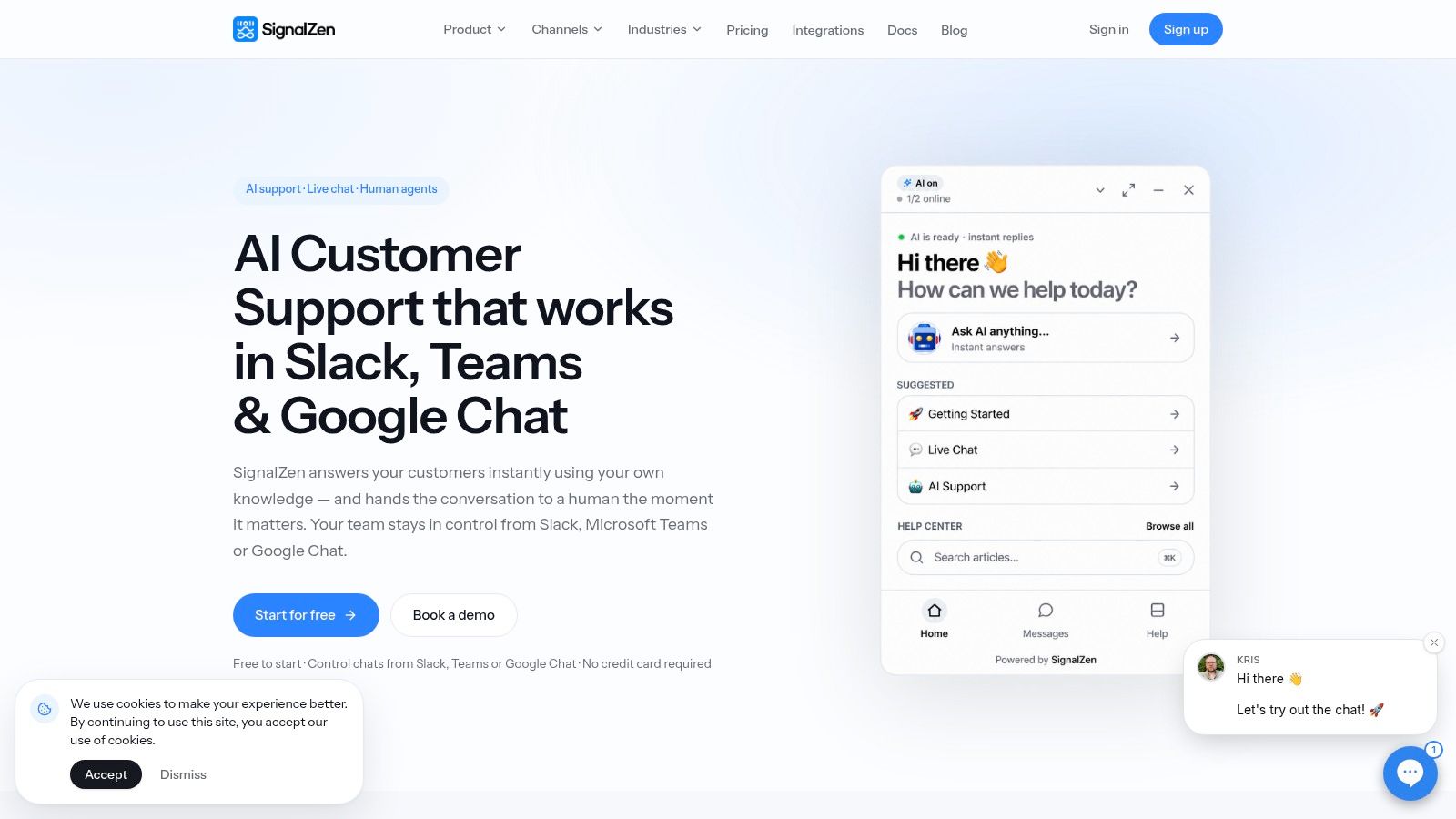
The routing design should preserve the conversation as work moves between channels. Staff can handle email from Slack, Microsoft Teams, or Google Chat through a connected support platform, but the collaboration channel shouldn't become the only record of ownership.
Follow the message through the workspace
A practical routing model separates message arrival from assignment and resolution.
| Stage | Workspace behavior |
|---|---|
| Arrival | Attach the message to the correct customer conversation |
| Classification | Apply topic, language, and risk labels |
| Assignment | Select an accountable owner using team availability and permissions |
| Agent notification | Surface the task in the appropriate collaboration workspace |
| Customer response | Send through the connected customer-facing channel |
| Closure | Record the outcome and unresolved follow-up work |
Assignment rules should use capabilities, not just department names. A billing inquiry might need someone authorized to inspect payment records rather than everyone in a general finance channel.
Regional or language routing can help distribute work, but every rule needs a fallback. An unavailable specialist shouldn't leave a conversation assigned to an unattended queue.
Keep summaries useful and ownership explicit
An AI summary should identify the customer's objective, relevant facts, actions already attempted, and the question still awaiting a decision. Agents also need access to the original thread because a summary can omit nuance.
A notification isn't an assignment. Posting a message to a busy channel doesn't establish who must respond.
- Named ownership: Each open conversation has an accountable agent or monitored team.
- Transfer acknowledgment: The receiving owner accepts responsibility before the previous owner disengages.
- Shared status definitions: Email and chat use consistent meanings for waiting, assigned, and resolved.
- Visible follow-up: Internal tasks remain attached to the customer conversation.
Permissions also deserve attention. Customer details suitable for a restricted support queue may not belong in a broadly accessible company channel.
Reporting should follow the underlying conversation, not the number of notifications produced. Otherwise, teams risk counting an internal discussion as customer progress while the actual email remains unanswered.
When Automation Should Stop and a Human Takes Over
A higher automation rate isn't automatically a better customer experience. An instant answer that misunderstands the issue can leave the customer doing more work than a slower but competent human reply.
In U.S. holiday-shopping research, 55% of consumers had to escalate an AI-handled issue to a human, while 45% said AI failed to understand their problem, according to the Liveops holiday AI customer service report. Those findings support treating handoff as a core workflow rather than an emergency escape route.
Define observable stop conditions
A generic instruction to escalate complex queries leaves too much interpretation to the system. Teams need conditions that can be identified and audited.
- Insufficient evidence: No approved source answers the request, or available records disagree.
- Repeated misunderstanding: The customer rephrases an unresolved question or rejects the previous answer.
- Restricted decisions: Refunds, cancellations, billing disputes, security concerns, and legal matters require authorized review.
- Emotional escalation: Distress, anger, abuse allegations, or explicit requests for a person stop automatic answering.
- Sensitive information: Payment details or personal information require protected handling.
Confidence thresholds should be calibrated by intent and consequence. A confidence score isn't a substitute for a policy restriction.
Stop condition: Once a case requires human judgment, automation should stop attempting resolution and support the handoff instead.
Transfer responsibility, not just the message
The receiving agent needs the full history, attempted answers, customer intent, unresolved questions, and reason for escalation. The customer should receive a clear explanation of what happens next without a promise the team can't meet.
A documented process for escalating an issue should identify both the receiving owner and the fallback when that owner is unavailable.
Automatic replies should remain paused while the agent handles the case. Otherwise, a customer can receive contradictory messages from the automation and the person investigating the problem.
Selective automation protects the boundary between supplying information and making consequential decisions. That boundary matters more than maximizing the share of messages sent without review.
Measuring Success and Picking Your Next Automation
The useful question isn't how many replies the system generated. It's whether customers received accurate answers and reached the right outcome without avoidable repetition.
A municipal email-automation study reported approximately 94% classification and categorization accuracy, while evaluating response quality through human supervision, as described in the study of municipal email automation. Classification accuracy and safe resolution aren't interchangeable.
Measure outcomes before expanding scope
| Measure | Operational question |
|---|---|
| First-contact resolution | Did the reply resolve the request? |
| Escalation precision | Were flagged cases appropriate for human review? |
| Missed escalations | Which risky messages slipped through? |
| Factual-error rate | Did sent replies contain incorrect claims? |
| First substantive response time | When did meaningful help arrive? |
| Recontact and reopening | Did the customer return with the same unresolved issue? |
A staged rollout should begin with drafts only, progress to supervised sending, and permit autosending only for evaluated, low-risk intents. Advancement should depend on observed quality, not a calendar deadline.
Choose the next improvement from actual failures
- Missing knowledge: Repair the approved answer before changing the prompt.
- Heavy agent editing: Compare revisions for recurring problems with completeness or tone.
- Wrong assignments: Fix ownership rules before increasing automatic sending.
- Repeated customer follow-up: Investigate whether replies address the underlying request.
The highest-impact next step is often a review of unresolved conversations rather than another template. Those conversations show where the business lacks an answer, an authorized decision-maker, or a reliable transfer of responsibility.
SignalZen brings email and chat into a shared support workflow, with AI assistance grounded in company content and human handoff that preserves conversation history. Visit the platform to explore how approved knowledge, agent drafting, and support inside Slack, Microsoft Teams, or Google Chat could fit an existing email operation.



Better support without a bigger support team.
Start with AI. Add your team when the conversation needs a person.