

Monday, 8:40 a.m. Three people, one shared mailbox, and a chat widget that started collecting questions over the weekend. Somebody pasted ticket statuses into a spreadsheet on Friday and hasn't touched it since. Two teammates answer the same refund question ten minutes apart, and the founder is handling a customer thread on their phone.
That's the moment most small teams start shopping for customer support software for small business, and it's also the moment they buy the wrong thing. The problem isn't a missing feature. It's that conversations live in four places and nobody owns any of them. The PledgeBox guide to inbox overload covers the triage side of that mess well.
Customers notice the gap. In a 2025 Zendesk survey of more than 1,000 U.S. consumers who'd received service from a small business in the previous two years, 86% said they'd choose a vendor based on a smooth customer-service experience, and 53% emphasized speed of response in the small-business context.
So the shortlist comes down to four questions. Which channels does the tool cover on the plan you can afford? Where does your team read and reply, in a new inbox or the one they already live in? What happens to the bill when you add a fourth agent or a busy month? And how does the AI hand off when it's out of its depth?
Every tool below has a real limitation, including the ones that cost more than a small operation should pay.
Table of Contents
- 1. SignalZen
- 2. Help Scout
- 3. Zoho Desk
- 4. Freshdesk
- 5. Tidio
- 6. Zendesk
- 7. Crisp
- 8. Gorgias
- 9. Intercom
- 10. HubSpot Service Hub
- How the ten tools compare on pricing model, free options, and best fit
- Matching the Tool to Your Channels and Your Budget
1. SignalZen
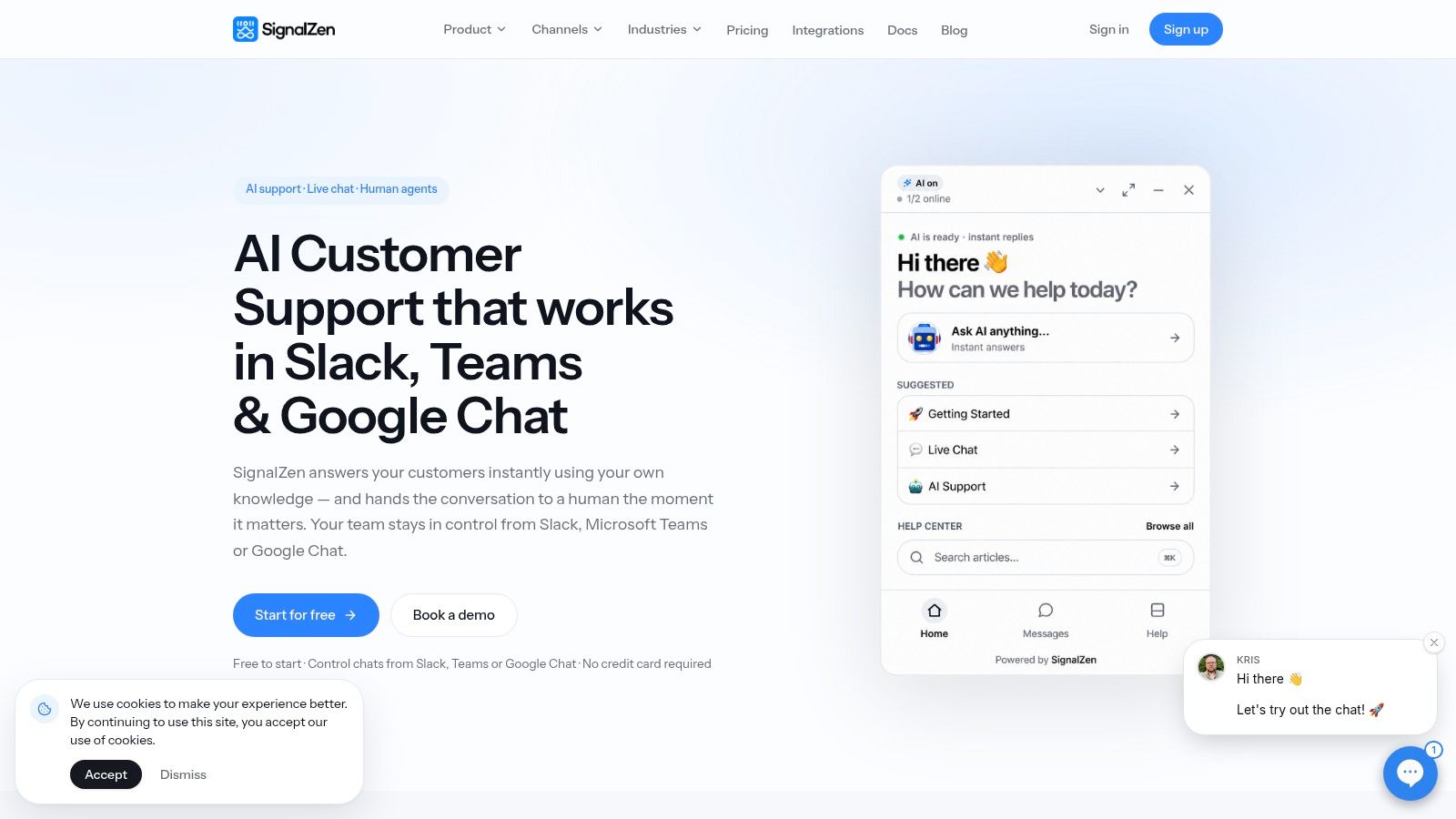
Start with where the work happens. SignalZen turns any Microsoft Teams channel into a shared support inbox, and it does the same in Slack and Google Chat, so website chats and support email arrive where the team already spends its day. There's no second inbox to babysit and no per-tab context switching.
The AI answers from first-party material only: the business's website, uploaded files, help center articles, and written instructions. That constraint matters more than model choice. An assistant grounded in your own refund policy gives a different answer than one improvising from general web knowledge.
Where the handoff earns its keep
Handoff is the part most small teams get wrong, and customers feel it. A Twilio consumer report found 78% of consumers consider the ability to switch from AI to a human important, while only 15% reported experiencing a smooth handoff. The same research put satisfaction at 88% for interactions handled mostly or completely by humans, against 60% when interactions were driven by AI.
Practical rule: write the escalation triggers before you write the AI instructions. Payment disputes, privacy requests, account changes, visible frustration, and two failed attempts should route to a person automatically.
Here the agent takes over with full chat history plus an AI-generated summary, so the customer doesn't re-explain the problem. AI Copilot drafts the reply and adjusts tone in one click, and two-way translation lets a single-language team handle multilingual threads.
Cost and limits
Plans include unlimited chats and bandwidth, which removes the volume anxiety that conversation-metered tools create. Every plan carries all integrations, premium support, full GDPR support, and a Help Center website.
The trade-offs are honest ones. Answer quality is only as good as the source material, so stale documentation produces stale answers. And the collaboration-tool workflow only pays off if the team works in Slack, Teams, or Google Chat.
2. Help Scout
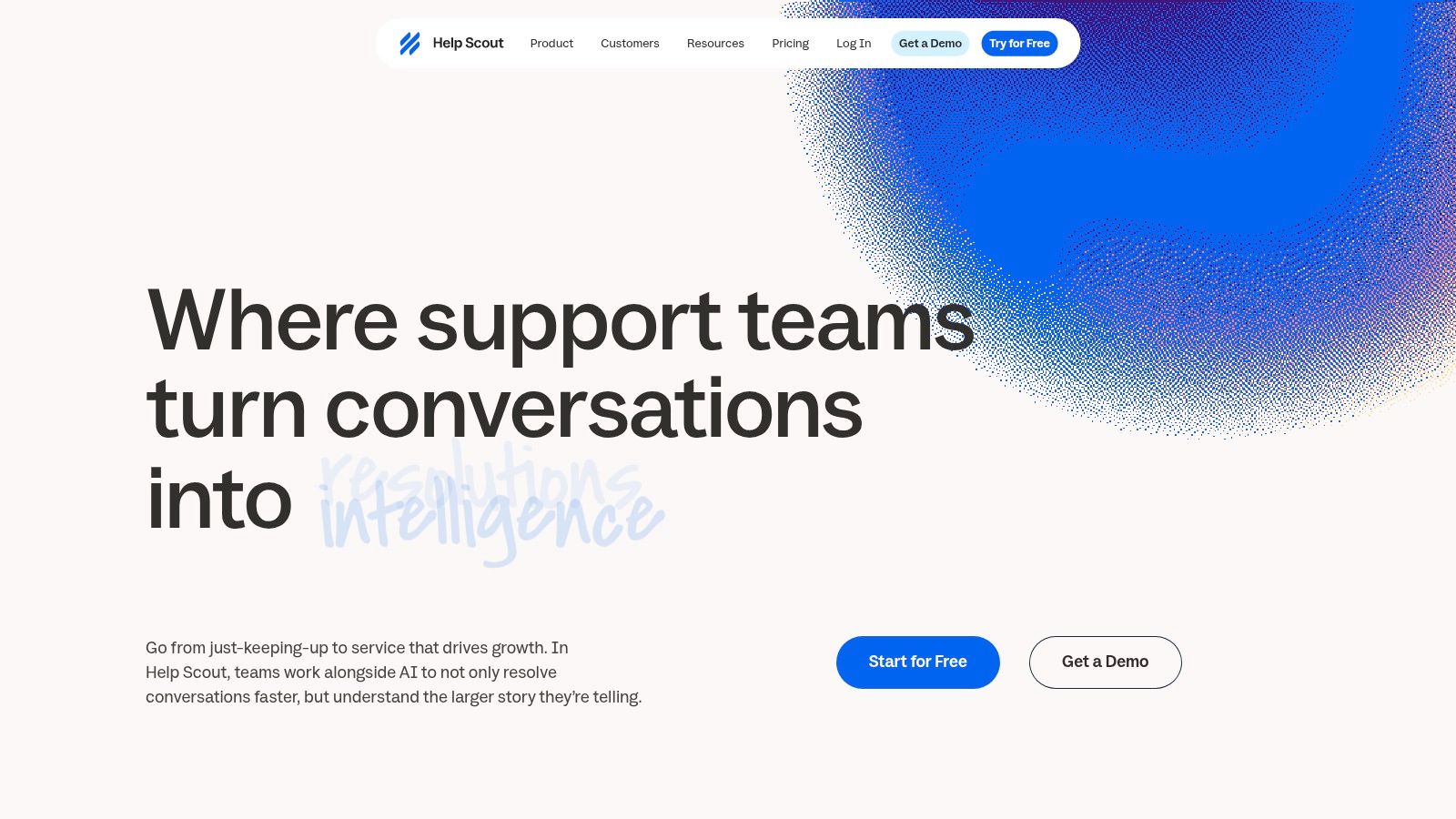
Help Scout is the shortest jump from ordinary email. The shared inbox looks like a mailbox, assignment and saved replies behave the way people expect, and nobody needs a training session to answer their first ticket. For a team whose support is 90% email, that familiarity is worth more than a deeper feature set.
Email is also where speed collapses. A first-response benchmark compilation covering 1,000 companies reports an average email first response of about 12 hours and 10 minutes, with only 36% of companies replying within four hours. A tidy inbox doesn't fix that on its own. Coverage hours and automation do.
What the Help Scout platform covers well:
- Free entry point: the free plan supports up to five users and 100 email contacts per month, enough to test the workflow with real customers.
- Channels on paid tiers: live chat and SMS, plus WhatsApp, Instagram, and Messenger, so messaging doesn't need a second subscription.
- Self-service: knowledge bases, with multiple knowledge bases from Standard upward, useful for agencies separating client documentation.
Where it pinches: that monthly contact cap arrives fast for a busy store, paid plans bill per user, and teams wanting complex routing or heavily configurable ticket states will hit the ceiling. The rundown of Help Scout alternatives is a sensible next read if the inbox model already feels too thin.
3. Zoho Desk
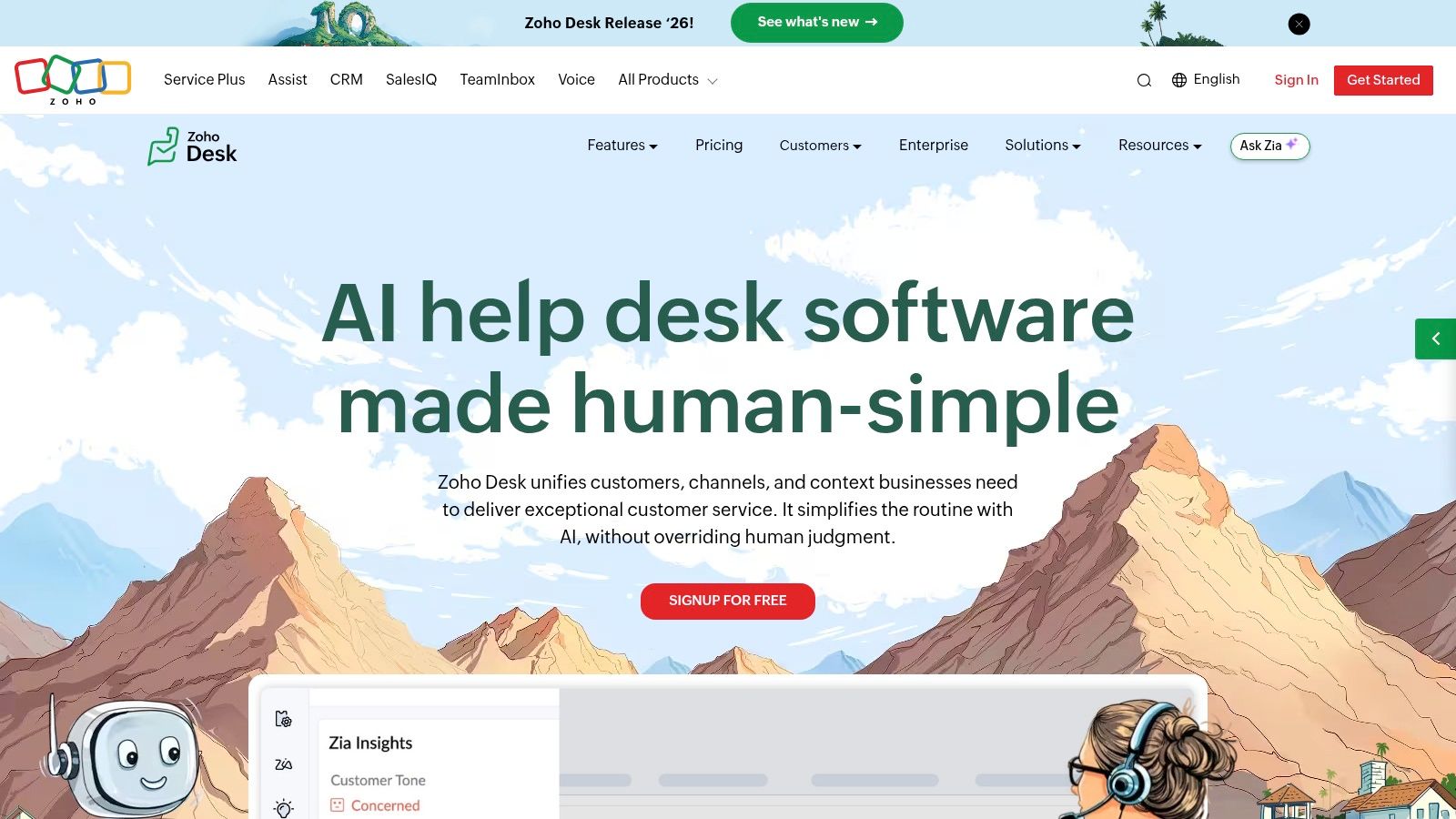
Zoho Desk makes sense in two situations: the business already runs Zoho CRM or Zoho Books, or it wants structured ticketing at the lowest published seat price in this list. The free edition includes three user licenses, which is enough for a founder plus two helpers.
The evaluation work is in the tier map, not the setup. Live chat and some instant-messaging features aren't on the lowest paid tier, so a team buying entry-level pricing for website conversations can end up buying twice. Read the feature grid against your channel list line by line before committing.
Budget the configuration time, not just the subscription. Workflows, escalation rules, and department structures are where a ticketing tool either saves hours or generates admin work nobody owns.
Strengths of Zoho Desk include the ticket lifecycle, web forms and social channels feeding one queue, a knowledge base with customer ratings, and escalation rules that prevent tickets from aging unnoticed. It's a genuine help desk rather than a chat widget with an inbox attached.
The weaknesses are predictable for a suite product. AI availability and setup depend on plan and configuration, the surrounding ecosystem takes time to understand, and per-agent pricing means the fourth and fifth responders each add a line to the bill. For an email-heavy team with occasional helpers, that math still works. For a chat-first team, check the chat entitlement first.
4. Freshdesk
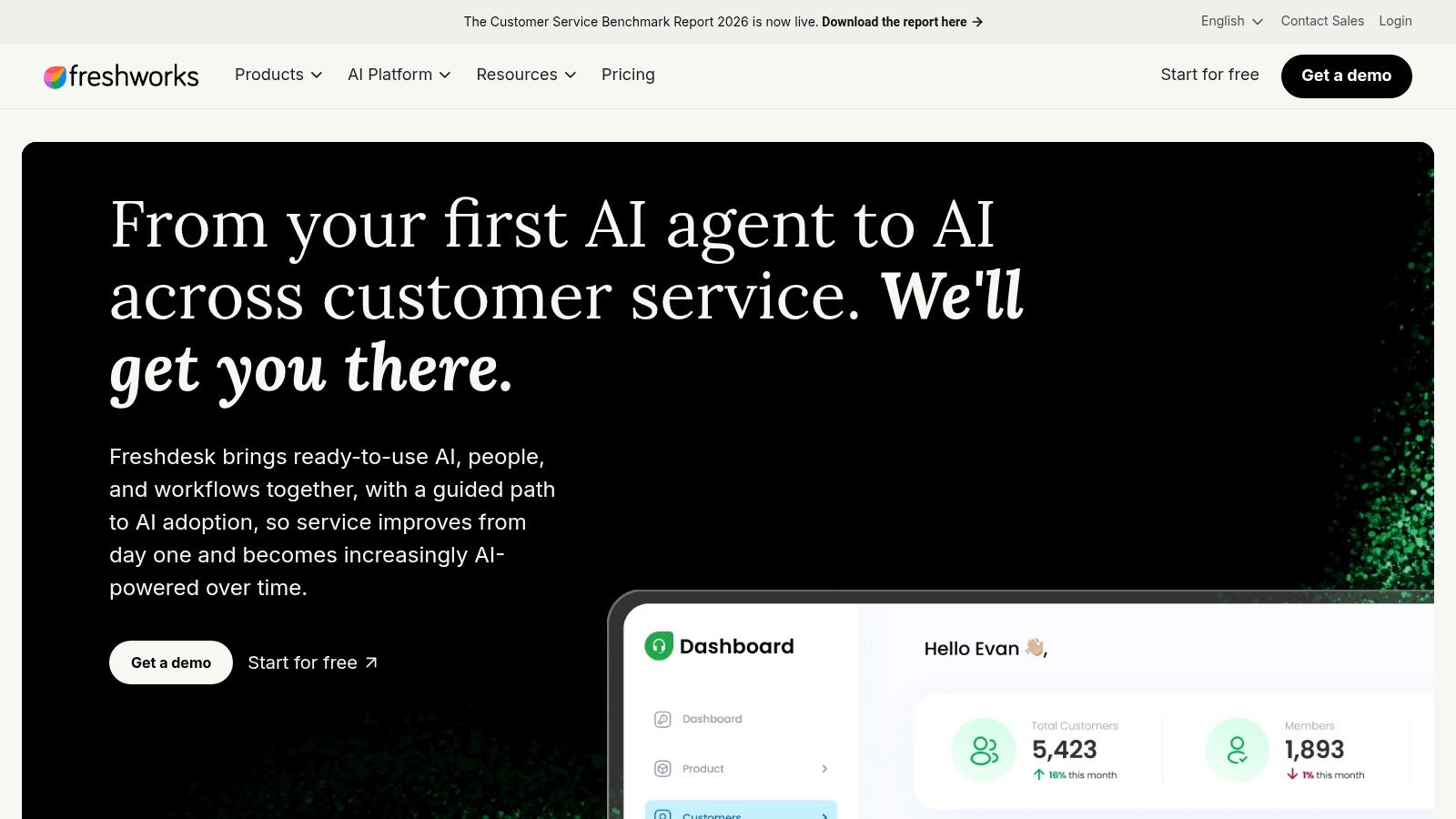
Freshdesk is the conventional choice, and that's a compliment. Tickets have owners, statuses, and a portal where customers check progress, which suits teams that need accountability more than conversational polish. Threads and tasks let a colleague weigh in without forwarding email chains.
AI adoption is no longer exotic at this size. Verizon's 2025 State of Small Business Survey of 600 U.S. small and medium-sized businesses found 38% actively using AI across multiple business functions, including customer service, and nearly one-quarter using AI to power digital personal assistants.
The cost structure on Freshdesk has two meters, and the second one is easy to miss:
- Seats: pricing is per agent, so total spend tracks headcount rather than workload.
- AI sessions: Freddy AI Agent sessions are included in published Growth and higher plans, with additional sessions purchased separately.
- Tier gates: advanced routing, deeper reporting, and AI copilot capabilities sit on higher tiers or add-ons.
Session-based billing charges when the AI engages, whether or not it resolves anything, so a month full of messy conversations costs more than a month of clean FAQ traffic. Model the bill on your worst month, not your average one. Teams that only need email ticketing and a portal will find the lower tiers adequate. Teams buying it for automation should price the automation explicitly.
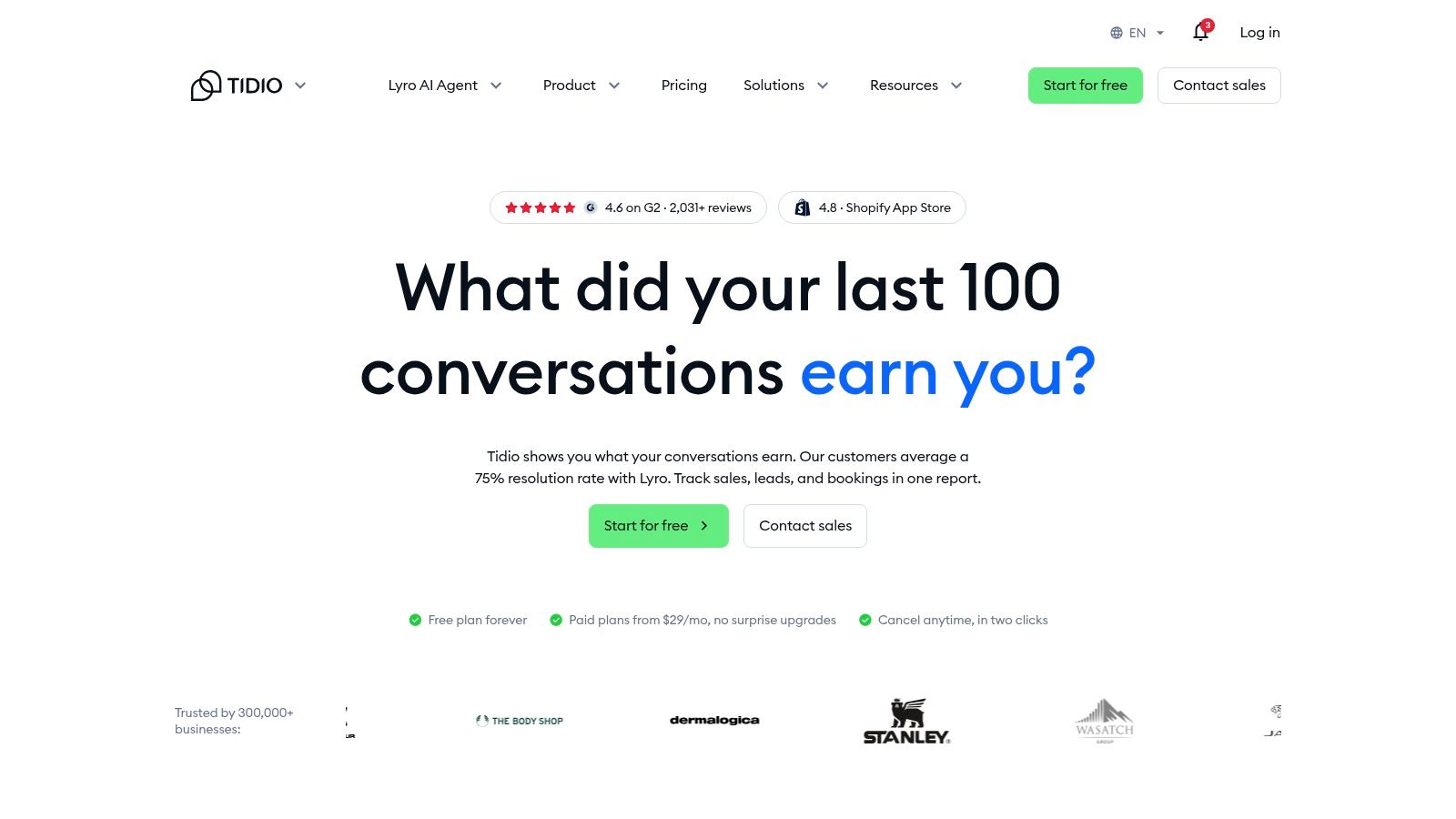
5. Tidio
Say a small store gets the same four questions all day: shipping time, return window, sizing, and where's my order. Tidio is built for exactly that pattern, with website live chat, ticketing, and its Lyro AI Agent handling incoming conversations before a person picks them up.
Containment is the metric to watch, and it needs a companion metric. An industry benchmark analysis of conversational AI puts a realistic containment rate for a narrowly scoped assistant handling FAQs, order status, and basic account questions at 40 to 60%, with at least 70% of contained conversations reaching first-contact resolution.
A high automation percentage with unhappy customers isn't a win. Track bot-handled satisfaction separately from human-handled satisfaction, and treat a wide gap as a routing problem.
On Tidio, the free plan and no-credit-card trial make it cheap to test, and automated flows for visitor engagement and lead capture give it a pre-sales role beyond support. Conversation-based pricing with volume tiers suits small teams that don't want seat fees.
Two things to plan for. Conversation allowances need monitoring, because AI and human replies draw on the same volume, and higher traffic pushes you up a tier. Inbox AI (summaries, translation, writing help) and Help Center capabilities are separate add-ons, so the sticker price isn't the whole price. Check the account upgrade page for current rates rather than older published figures.
6. Zendesk
Zendesk is the tool small teams buy when they expect to become bigger teams. Email ticketing, routing, automations, and analytics form the base, and Suite plans add messaging, live chat, voice, and a knowledge base in one place. If phone support and social channels are on the roadmap, having them in one system beats stitching three tools together later.
The pricing gap is the thing to understand before the trial starts. Entry-level ticketing is priced for small operations. Suite pricing is substantially higher, and it bills per agent, so a five-person team on Suite is a different budget category from a three-person team on basic support.
Cost drivers on Zendesk's service platform stack in three layers:
- Plan tier: advanced routing and reporting sit above the entry plans.
- Seats: every responder is a paid agent.
- AI resolutions: AI agents come with published Support and Suite plans with resolution allowances, and usage beyond the allowance adds cost.
That third layer is where forecasts break. A month with heavy automated traffic can cost more in resolution fees than in seats. The plan and add-on range also makes like-for-like comparison hard, which is why the comparison of Zendesk alternatives is worth reading before signing an annual term. Buy it for multichannel structure, not for the cheapest possible inbox.
7. Crisp
Crisp prices per workspace, not per seat, and for a small team with several people answering chat that single detail changes the whole calculation. Adding a fourth or fifth responder doesn't add a subscription line. The free plan includes two seats and a website chat widget, which is enough to run real conversations before paying anything.
The product is chat-first. Shared inbox, website widget, mobile apps, and chat SDKs are the core, with email and channels such as WhatsApp and Instagram arriving on applicable tiers. Teams supporting a mobile app alongside a website get more from it than teams whose support is mostly long-form email.
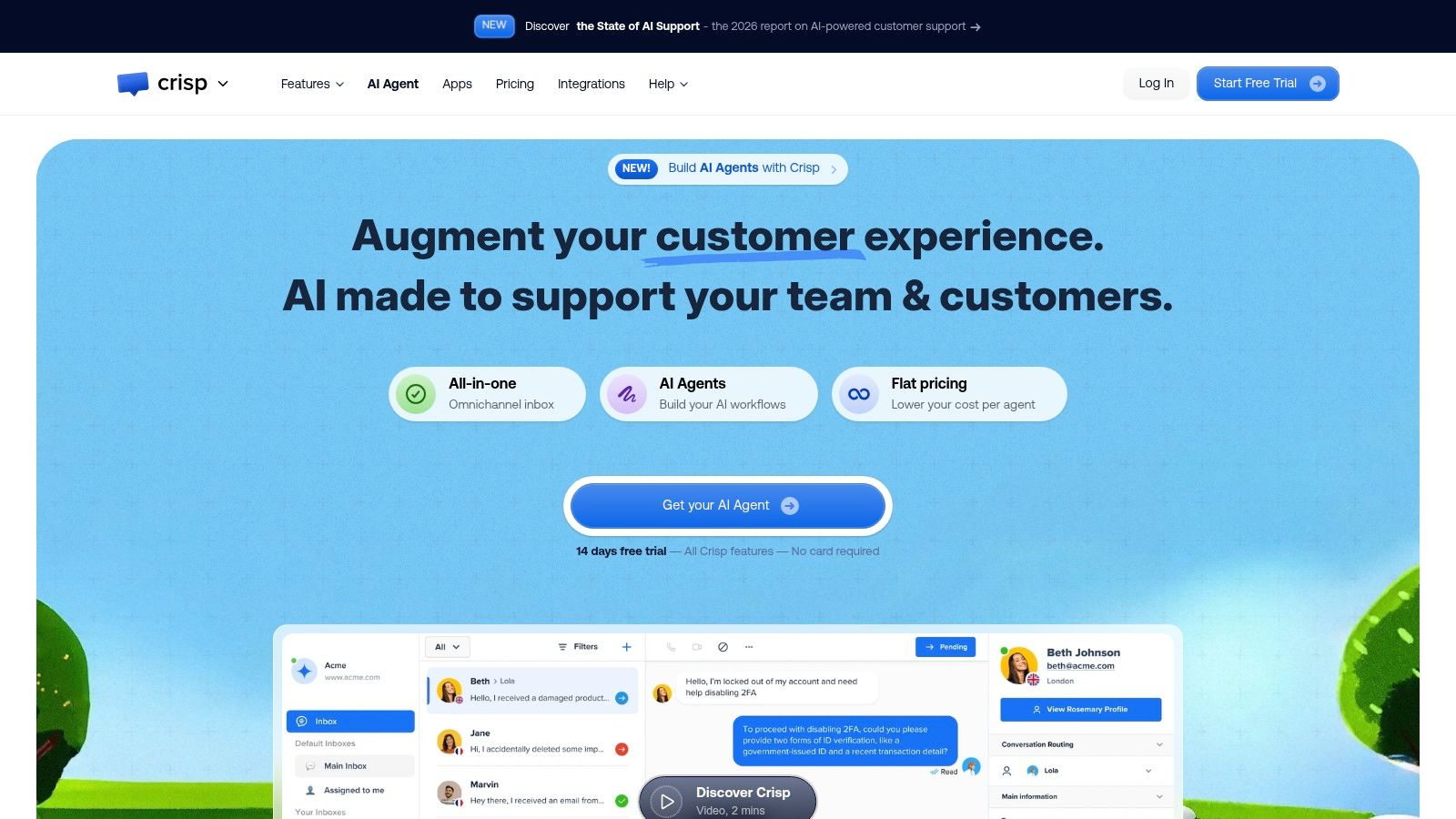
Flat workspace pricing is easier to forecast than seat pricing, but the meter usually moves somewhere else. On Crisp, that somewhere is AI credits and automated-conversation allowances.
The free tier has a limited feature set and no AI credits, so testing automation means paying. AI automation, knowledge base, analytics, and routing sit on higher plans, and heavy automated usage can push a workspace up a tier even with a stable headcount.
Who it suits: chat-led teams of three to ten people who want predictable seat costs and a widget that feels native to the site. Who it doesn't: operations needing formal ticket states, SLA structures, or deep approval workflows, where a ticketing-first desk fits better.
8. Gorgias
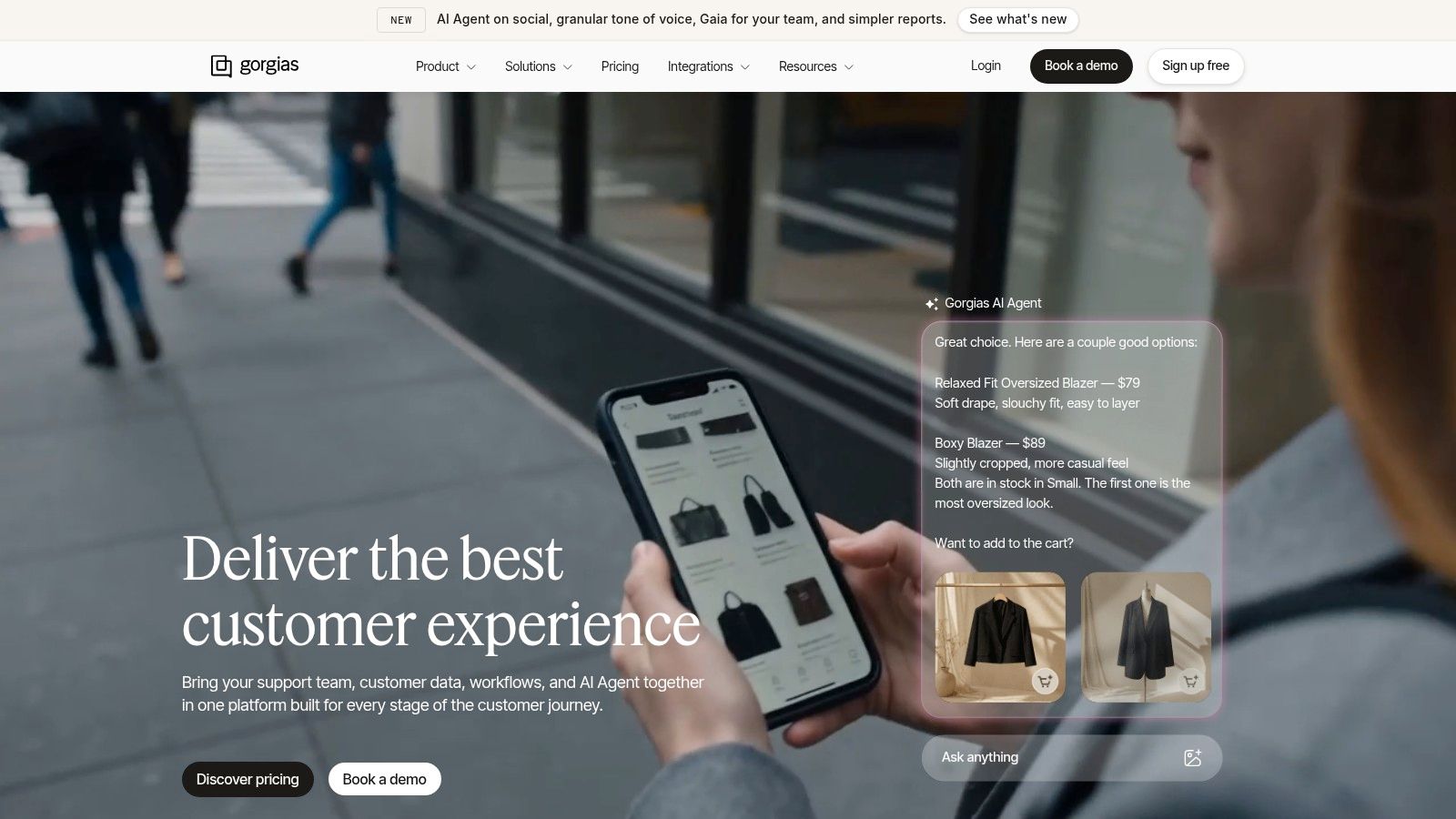
Gorgias is the specialist. It's built for online stores, and the value shows up in the ticket itself: order details, customer history, and store context sit next to the conversation, so an agent handling "can I change the shipping address" isn't tabbing between the help desk and the commerce admin.
Subscription pricing is ticket-based rather than agent-based, which suits stores where seasonal helpers come and go. Adding a person doesn't raise the plan price. Ticket volume does, and that's the trade.
Three practical notes for anyone pricing Gorgias:
- Volume risk: a launch, a promotion, or a shipping delay spikes ticket count, and monthly spend moves with it.
- Separate AI meter: the AI Agent is charged by usage, apart from the help desk subscription, so automation has its own line item.
- Optional channels: Voice and SMS are available as additions rather than assumed inclusions.
The specialization cuts both ways. A subscription box company or a Shopify retailer gets workflows that a general-purpose desk would need custom fields to imitate. A consultancy, an agency, or a B2B software firm gets a commerce-shaped object it doesn't need, and would be better served by a general inbox or a chat-first platform. Match the tool to the business model before comparing feature lists.
9. Intercom
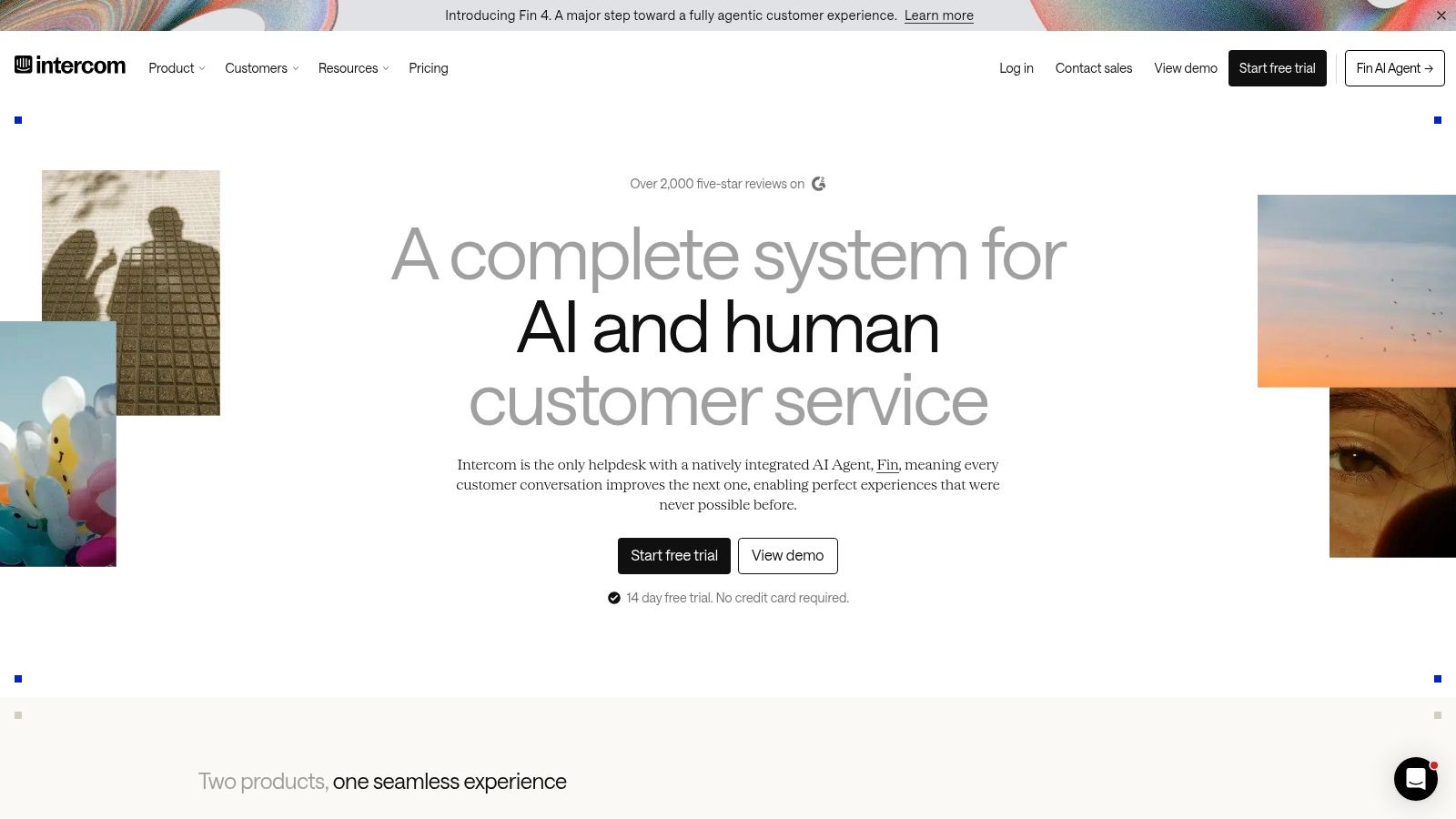
Intercom earns its place when support lives inside the product. In-app messaging, proactive messages, a shared inbox, and ticketing suit SaaS and digital businesses where a user hits a wall mid-workflow and needs help without leaving the app. A public help center comes on Essential, with more advanced help-center capabilities higher up.
Fin, its AI Agent, is billed per outcome. That's a clean model conceptually, since you pay when something gets resolved, but it means the monthly total combines seat fees with a usage charge that scales with resolution volume. Budget both, and check what counts as an outcome before assuming a handoff is free.
Per-outcome AI pricing rewards a well-documented product and punishes a messy one. Clean up the help center first, then turn the agent loose.
According to the vendor, free live chat and support email are included across plans on Intercom, which lowers the cost of starting. The squeeze comes later: higher tiers add the workflows, inboxes, and routing that growing teams want, and those tiers get expensive for a small operation.
For a five-person SaaS team with in-app support needs, it's a strong fit. For a three-person business answering email and website chat, the seat-plus-usage structure buys capability that mostly sits idle. The set of Intercom alternatives covers lighter options for that case.
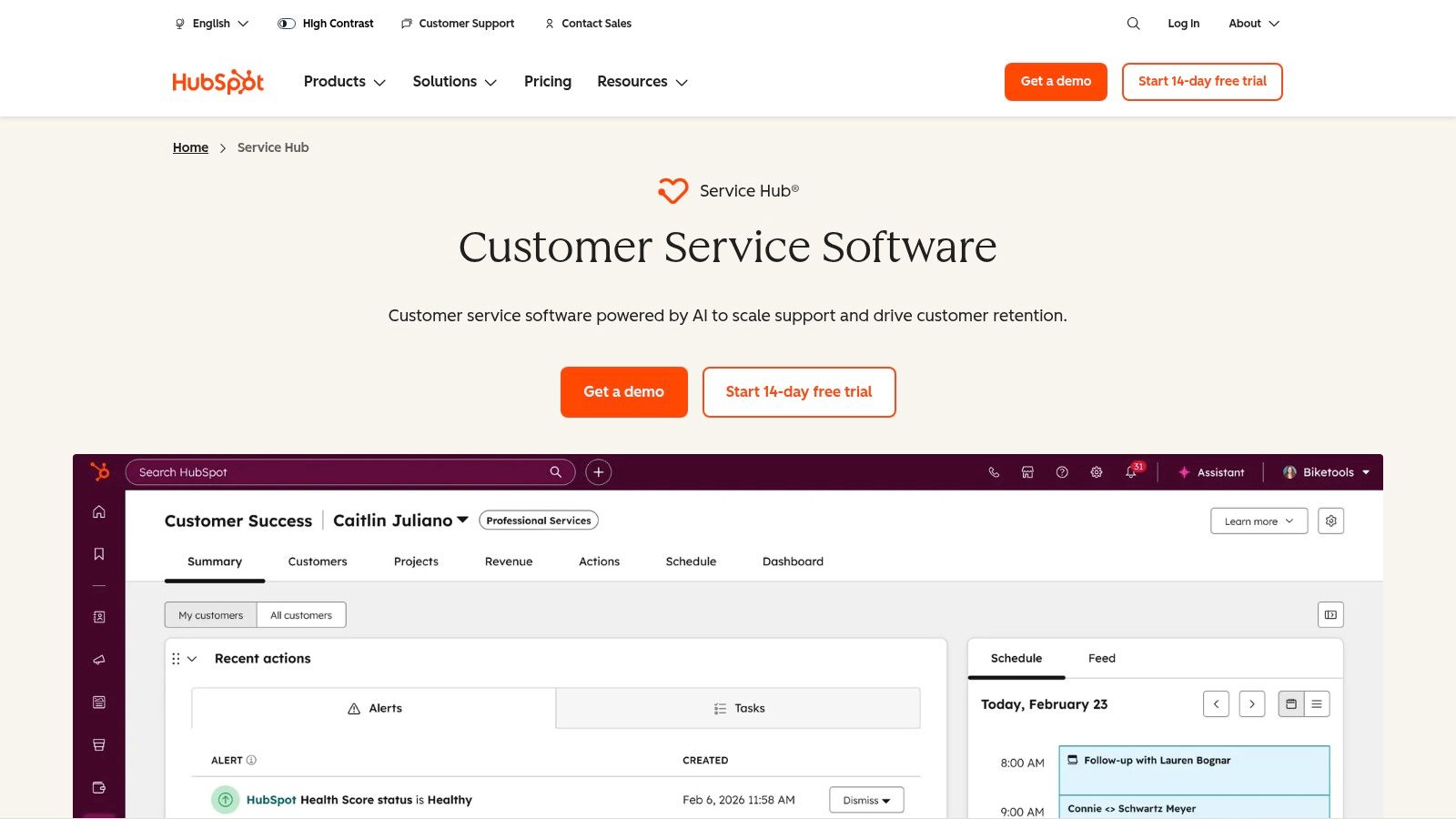
10. HubSpot Service Hub
HubSpot Service Hub is the right answer to a specific question: the business already keeps its customer records, deals, and marketing in HubSpot, and support conversations should sit on the same record. When a salesperson can see the open ticket before a renewal call, that consolidation is worth real money.
Trust is the harder part of putting AI on top of a CRM. A 2025 AI survey report published by Cameo Network identifies trust, training, and proof of value as central adoption needs for small businesses, and cites consumer research in which 51% of consumers were uncomfortable sharing personal or financial information with AI agents and 66% felt uneasy about an AI agent accessing their complete business history.
Decide what the agent may read before enabling it. Account balances, payment details, and contract terms belong behind a human, not in an automated reply.
On HubSpot Service Hub, the free tier covers contact management, ticketing, and team email for up to two users. Starter adds simple ticket automation and live chat at a low entry price. Professional brings the help desk workspace, knowledge base, and customer agent.
Two cost realities: Professional and Enterprise carry required onboarding fees on top of considerably higher subscription prices, and Customer Agent consumes HubSpot Credits, so AI usage belongs in the forecast rather than treated as a bonus.
How the ten tools compare on pricing model, free options, and best fit
| Item | Pricing model | Free option | Best for |
|---|---|---|---|
| SignalZen (recommended) | Pro: $99 per month, billed monthly, for small teams. Business: $199 per month, for enterprises, with unlimited operators and unlimited subdomains. | No free plan stated. Every plan includes all integrations, premium support, full GDPR support, MCP server access, Saved Replies, Webhooks, and a Help Center website. | Small and medium businesses that want AI answers from their own website, files, help center, and instructions, with a team stepping in when a conversation needs a person |
| Help Scout | Per user | Yes; up to 5 users and 100 email contacts per month | Small businesses wanting a familiar shared inbox |
| Zoho Desk | Tiered plans | Yes; 3 user licenses | Small businesses seeking structured ticketing, especially Zoho users |
| Freshdesk | Per agent | Free plan available | Small teams needing ticket ownership and a path to more automation |
| Tidio | Conversation-based tiers | Yes; free plan and no-credit-card trial | Small and e-commerce businesses automating website support |
| Zendesk | Tiered plans; Suite costs more than entry-level ticketing | Free plan available | Businesses needing formal routing and multichannel support |
| Crisp | Flat pricing per workspace | Yes; 2 seats and a website chat widget | Chat-first small teams seeking predictable pricing as they add agents |
| Gorgias | Ticket-based; AI Agent charged separately by usage | Free plan available | E-commerce businesses handling order and product questions |
| Intercom | Seat fees plus usage-based AI charges | Free live chat and support email included across plans | SaaS and digital businesses needing in-app support and AI resolution |
| HubSpot Service Hub | Tiered plans | Yes; basic tools for up to 2 users | Businesses already using HubSpot for customer, sales, or marketing data |
The pricing model matters more than the headline monthly fee. A small team with two people answering chat and email has a very different cost profile from a shop with seasonal ticket spikes or a SaaS team using AI in the product itself.
SignalZen is the cleanest fit for teams that want support to live where they already work. AI Support answers from the business's website, files, help center, and instructions, then the team can take over in Slack, Microsoft Teams, Google Chat, the Console, or the mobile apps. Email from a customer support mailbox can arrive in the same inbox as website chats, and any Teams channel can become a shared support inbox. The trade-off is that the pricing is simple but not usage-shaped in the same way as conversation- or ticket-based tools. At $99 per month on Pro, it suits small teams that want predictable software spend. At $199 per month on Business, it is aimed at enterprises that need unlimited operators and unlimited subdomains.
Help Scout remains a strong choice when the main job is calm, shared email support. Its per-user model is easy to understand, and the free tier covers up to 5 users and 100 email contacts per month. The trade-off is that adding responders increases cost even if ticket volume stays flat. If your support load is mostly email and you want a familiar inbox, it fits. If you want AI to answer from your own help center and website before a human joins, it needs more thought.
Zoho Desk fits teams that want structured ticketing inside the wider Zoho environment. The free tier includes 3 user licenses, which is useful for a very small team. Tiered pricing gives room to grow into more workflow controls. The trade-off is that structure has an administrative cost. Categories, queues, and rules help once volume is real, but they can feel heavy for a founder-led team answering a handful of emails and chats.
Freshdesk uses a per-agent model and offers a free plan. It suits small teams that need clear ticket ownership, escalation paths, and a route into more automation as volume grows. The cost driver is headcount. If everyone who touches support needs an agent seat, a broader support rotation can become expensive quickly. It works best when support is a defined function rather than a task passed around the company.
Tidio is priced around conversation tiers, with a free plan and a no-credit-card trial. That makes it practical for small ecommerce teams with website chat and uneven traffic. Conversation-based pricing tracks work more closely than seats, which helps when few people answer many chats. The trade-off appears during spikes. A busy promotion or viral week can push usage into a higher tier just when support volume is hardest to manage.
Zendesk has tiered plans, and Suite costs more than entry-level ticketing. It also has a free plan. This is a better fit for businesses that need formal routing, multichannel support, and reporting discipline. The trade-off is complexity and cost. Smaller teams often pay for workflow depth they will not use, especially when their real channel is a single support mailbox plus website chat.
Crisp prices per workspace and includes a free option with 2 seats and a website chat widget. That is useful for chat-first teams that expect to add more helpers without turning every responder into a new line item. The trade-off is fit. If your support work is mostly phone, complex ticketing, or ecommerce order flows, flat chat pricing may be less useful than a tool built around those jobs.
Gorgias uses ticket-based pricing, and AI Agent is charged separately by usage. It has a free plan. It suits ecommerce businesses handling order and product questions, especially where support volume follows sales volume. The cost driver is tickets, so the model matches workload well. The trade-off is AI spend. Usage-based AI needs a cap or a review habit, or it becomes a quiet monthly variable.
Intercom combines seat fees with usage-based AI charges. It includes free live chat and support email across plans. It fits SaaS and digital businesses that need in-app support and AI resolution inside the product experience. The trade-off is that the bill can move on two axes: people and AI usage. I would treat AI consumption as a forecast line, not a bonus feature, because resolutions and active usage can grow faster than the team.
HubSpot Service Hub uses tiered plans and includes basic tools for up to 2 users on its free option. It is the practical choice for businesses already keeping customer, sales, or marketing data in HubSpot. The trade-off is platform gravity. The support data is easy to connect to the rest of the customer record, but advanced support and AI capabilities sit higher in the plan structure, so the low entry price may not reflect the full cost of the workflow you want.
Matching the Tool to Your Channels and Your Budget
Work the decision in this order, because reversing it is how small teams end up paying for capability they can't use.
List the channels first. Write down where customers write: website chat, a support mailbox, WhatsApp, Instagram, in-app messages, or phone. Then check which plan includes each one. Several tools in this list keep live chat or messaging above the entry tier, and a cheap plan that misses your main channel isn't cheap.
Count volume and responders separately. Estimate monthly conversations from the last two months of real traffic, then count everyone who replies, including the founder who answers escalations and the freelancer who covers holidays. Those two numbers drive different meters.
- Per-seat tools (Help Scout, Zoho Desk, Freshdesk, Zendesk, Intercom, HubSpot) get more expensive as the team grows, even at flat volume.
- Workspace or flat-rate tools (Crisp, and SignalZen with unlimited chats and bandwidth) are easier to forecast on headcount, but watch AI credits and automation allowances instead.
- Volume-priced tools (Tidio by conversation, Gorgias by ticket) track workload rather than people, which suits seasonal traffic and punishes a viral month.
Price the AI as its own line. Per-resolution, per-session, per-outcome, and credit-based models all grow with different counts. Ask what happens at the limit: does the AI pause, does the bill rise automatically, or does the whole team lose the ability to reply? That answer matters more during a launch week than any feature comparison.
Trial with real questions. Take twenty actual customer messages, including two ambiguous ones and one angry one, and run them through the trial. Check whether the answer came from your documentation, whether the handoff carried the history, and whether the customer had to repeat anything. Verify current paid-plan prices on each vendor's site, since published figures drift.
For a small business that wants answers grounded in its own website and help center while support stays inside Slack, Microsoft Teams, or Google Chat, SignalZen belongs on the shortlist: the Pro plan is $99 per month for small teams and the Business plan is $199 per month with unlimited operators and unlimited subdomains.
SignalZen answers routine customer questions from your website, files, and help center, then hands the conversation to your team in Slack, Microsoft Teams, or Google Chat with full history and an AI summary attached, so nobody starts from scratch. Chat and email land in the same queue, every plan includes unlimited chats and bandwidth, and the Help Center publishes on your own domain. If your support is currently split between a shared mailbox and a widget nobody watches, visit SignalZen and run a week of real conversations through it before you commit to anything else.

Better support without a bigger support team.
Start with AI. Add your team when the conversation needs a person.