

A small online store's support team doesn't usually leave its shared inbox because the inbox is broken. It starts looking when someone has to copy a chat transcript into email, check an AI answer elsewhere, and message a colleague to find out who owns the customer's problem.
Help Scout alternatives should solve that operating problem, not replace a familiar inbox with a longer feature list. A small team needs a clear place to work, an AI handoff that preserves context, and a bill that remains understandable when customers send more messages.
Speed matters, but expectations depend on the channel. A Zendesk consumer survey summarized by This & That found that 51% expected a response in under five minutes by phone, compared with 28% for live chat. Teams that also handle calls should consider how phone coverage connects to written support; the BubblyPhone guide to business calling provides useful context for that separate decision.
The strongest shortlist depends on the work agents do. Some businesses need conversational support inside collaboration tools; others need formal ticket routing, shared email ownership, or order information beside every conversation. These alternatives are compared on those practical differences, with particular attention to where agents work, how humans take over, and what makes costs rise.
Table of Contents
- 1. SignalZen
- 2. Intercom
- 3. Zendesk
- 4. Freshdesk
- 5. Zoho Desk
- 6. Front
- 7. Crisp
- 8. Tidio
- 9. HubSpot Service Hub
- 10. Gorgias
- Help Scout alternatives at a glance
- Choosing the Right Help Scout Alternative for Your Team
1. SignalZen
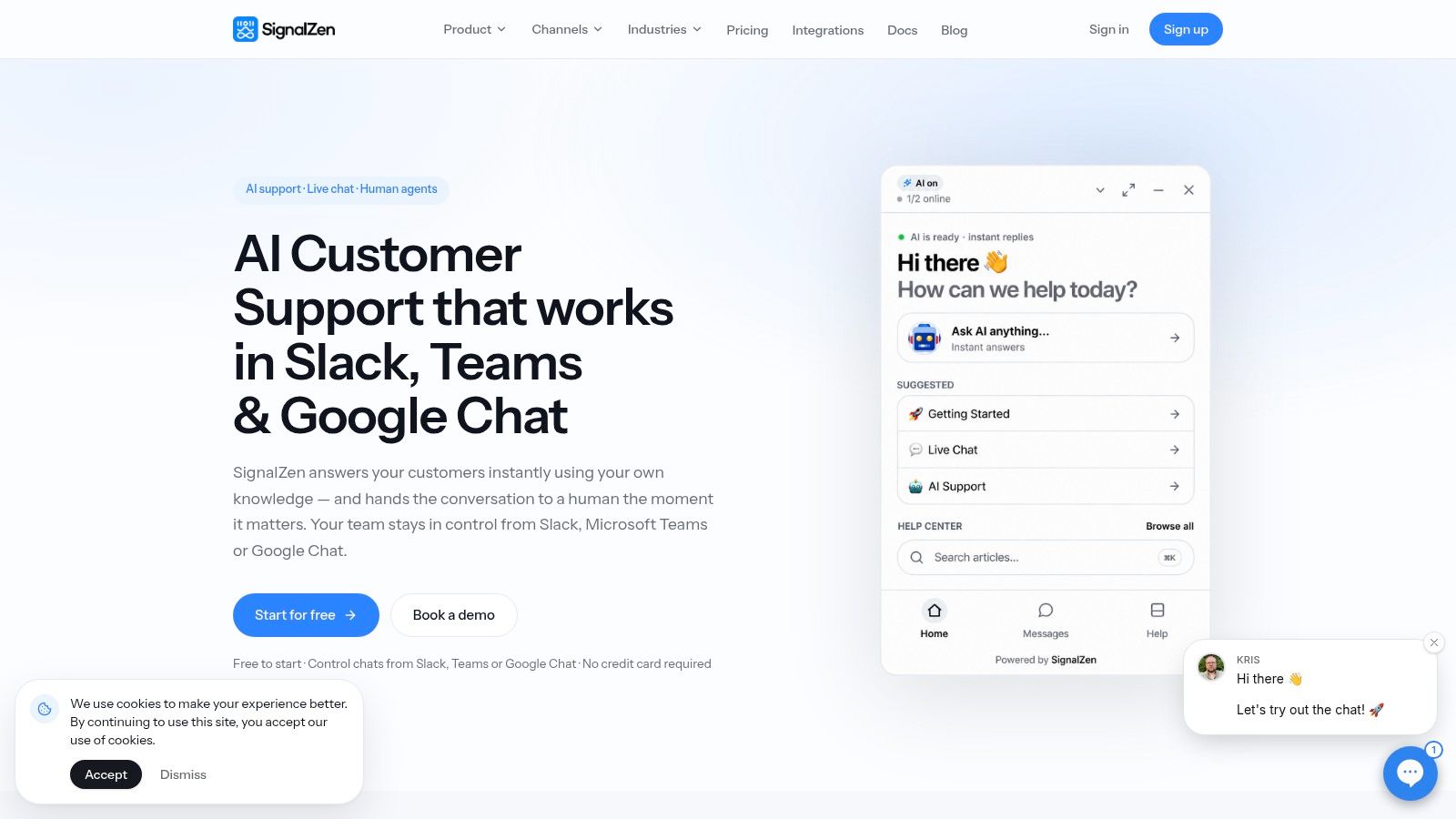
Best for small teams that want support inside their existing collaboration tools. Agents can handle chat and email from Slack, Microsoft Teams, or Google Chat rather than adopting another daily inbox.
The AI answers from company-controlled material, including website content, uploaded files, help-center articles, and instructions. When an agent takes over, conversation history and AI-generated summaries preserve what happened and what remains unresolved. That makes the handoff useful for an order exception or account question that shouldn't require the customer to repeat everything.
The customer-facing widget supports suggested questions, file and screenshot sharing, customization, and offline contact forms. A publishable knowledge base gives customers a self-service option, while mobile apps and a mobile SDK extend the support workflow beyond the desktop website.
Where the workflow helps and where it needs discipline
AI Copilot drafts replies from conversation context and adjusts tone. Two-way translation can help a single-language team handle multilingual conversations, although agents should still review sensitive wording involving refunds, account access, or contractual commitments.
- Operating advantage: Chat and email share a workflow, reducing the need to reconstruct context across separate queues.
- Cost structure: Plans include unlimited chats and bandwidth, with no per-conversation charge. Every plan starts with a 30-day free trial, without a credit card or commitment.
- Concrete limitation: Exact paid-plan prices aren't established here, so unlimited chat shouldn't be confused with a complete cost comparison.
The other constraint is documentation quality. If return policies conflict or setup instructions are incomplete, grounding AI in those sources won't fix the underlying problem. The trial should include missing-answer scenarios, human takeover, and checks that collaboration-channel notifications don't leave conversations unowned.
2. Intercom
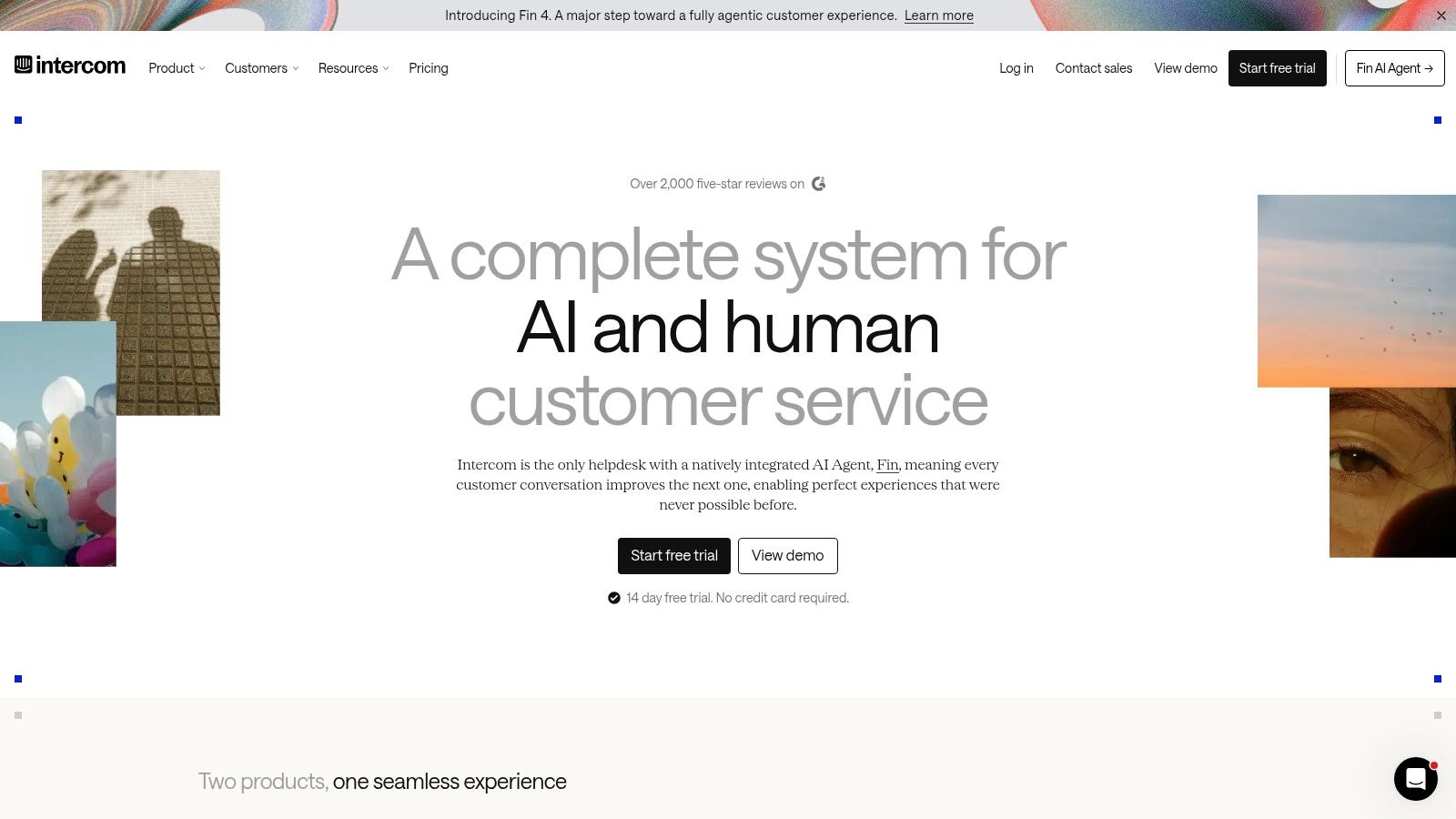
A SaaS customer asking for help inside an application creates a different workflow from someone emailing a returns address. Intercom fits businesses that want messaging, automation, and human support closely connected.
Its shared inbox, ticketing, website messenger, help center, and Fin AI Agent provide a broad conversational-support setup. Proactive in-product messaging is particularly relevant when a business wants to explain a feature or guide customers before they contact support.
The trade-off is a separate AI meter
Agents primarily work in Intercom's service environment. Fin can also operate alongside some existing help desks, but compatibility and the exact handoff path should be demonstrated before a team assumes it can keep its current operating setup.
Budget rule: Agent access and AI outcomes are separate purchasing decisions. A seat quote alone doesn't describe the cost of an AI-led workflow.
Advanced workflows, multiple team inboxes, and multilingual help-center capabilities depend on the selected plan. A small email-led team may therefore pay for messaging infrastructure it rarely uses, or discover that its preferred routing requires a higher tier.
A useful trial follows an unanswered product question through Fin, human escalation, assignment, and closure. The key question isn't whether the messenger looks polished. It's whether the receiving agent gets enough context to respond immediately, and whether the business understands which AI interactions become billable outcomes.
3. Zendesk
Choose structured ticket operations over inbox simplicity when routing, reporting, and administrative control have become genuine requirements. Zendesk is a candidate for businesses whose support process now involves distinct queues, escalation responsibilities, and several customer-contact channels.
Agents work in a dedicated service environment rather than treating support as an extension of team chat. That separation can help a growing operation maintain clear ownership, but it also means someone must maintain the configuration.
A small business should distinguish necessary process from process added because the software supports it. A queue for billing exceptions may solve a real problem; elaborate categories that agents can't apply consistently just create cleanup work.
The maintenance burden belongs in the comparison
- What works: Broad ticketing, channel options, reporting, and administrative controls can accommodate increasingly structured service operations.
- What creates friction: Routing rules, permissions, and reporting definitions require an owner who understands how changes affect agents.
- What affects cost: The selected suite, plan capabilities, AI options, and add-ons determine the meaningful total, not the entry subscription alone.
AI evaluation should follow the same discipline as ticket routing. The demonstration needs to show where an unresolved automated conversation lands, who receives it, and whether an agent can distinguish an AI suggestion from an answer already sent.
Zendesk makes more sense when the business needs operational control enough to maintain it. For a small team seeking only a clearer shared inbox, that administrative work may be the wrong exchange.
4. Freshdesk
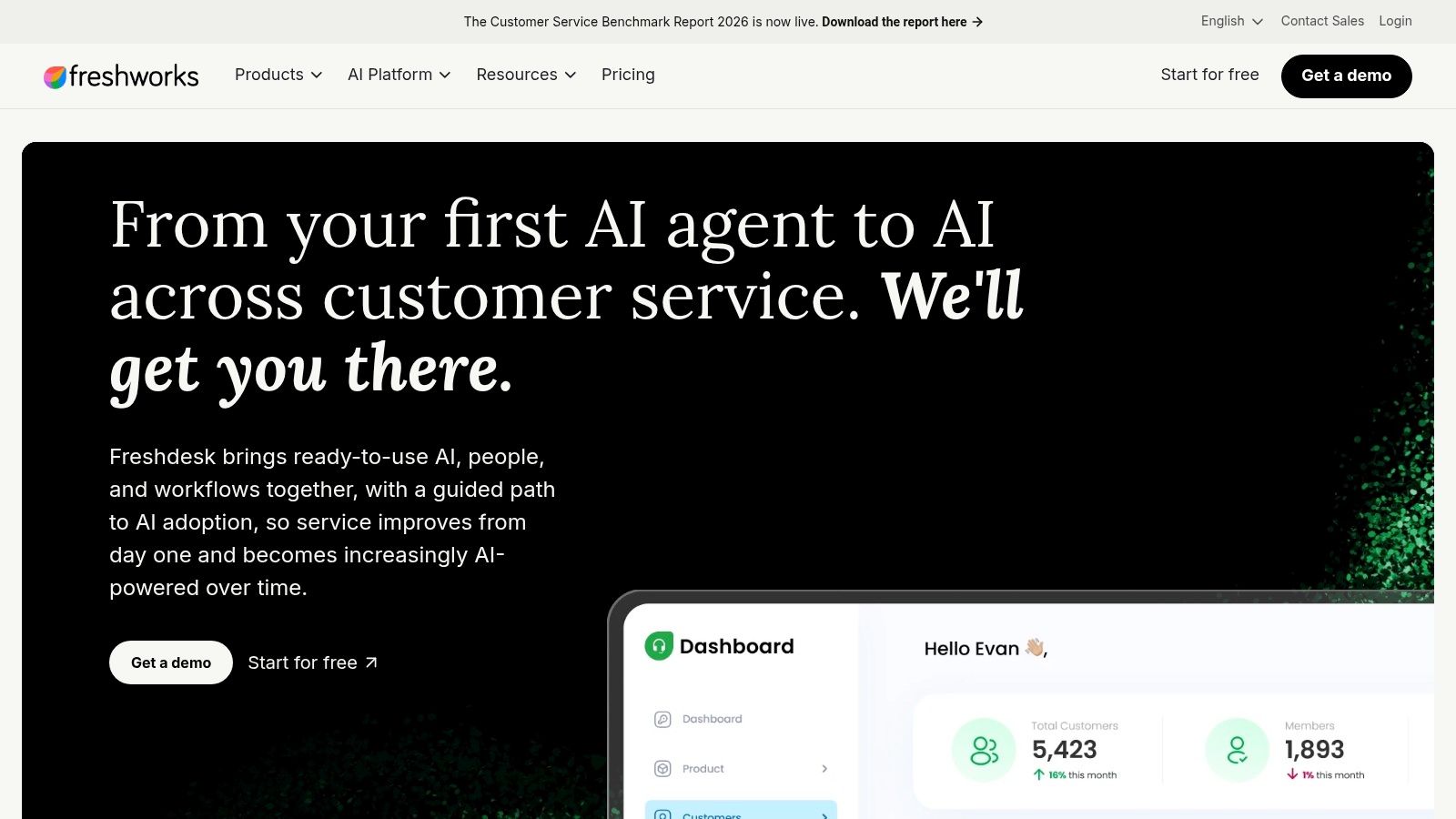
Freshdesk suits teams moving from shared email toward formal ticket ownership and self-service. Its ticketing, shared inbox, customer portal, and knowledge base provide a conventional help-desk operating model.
That model works when agents need to prioritize requests, assign responsibility, and track unresolved work. It's less natural when the team wants every interaction to feel like an ongoing chat with the same customer.
Freddy AI Agent sessions are included in listed plans, with additional sessions available for purchase. That allowance can support a controlled rollout, but the business still needs to understand what consumes a session and what happens when the allowance runs out.
Check the tier that matches actual operations
Multilingual help-desk capabilities, intelligent routing, and multiple service-level policies sit on Pro, while skill-based routing and audit logs sit on Enterprise. A comparison based on basic ticket handling won't represent a team that needs those controls.
- Useful trial scenario: Route a routine question through AI, then escalate a policy exception to the appropriate agent.
- Workflow friction: Agents accustomed to conversational email may need to learn ticket statuses and queue discipline.
- Budget exposure: Additional AI sessions and upgrades for routing or language requirements can change the subscription calculation.
Freshdesk is worth shortlisting when more structure is the goal. It's a weaker fit if the main complaint about the existing help desk is already too much time spent managing tickets rather than answering customers.
5. Zoho Desk
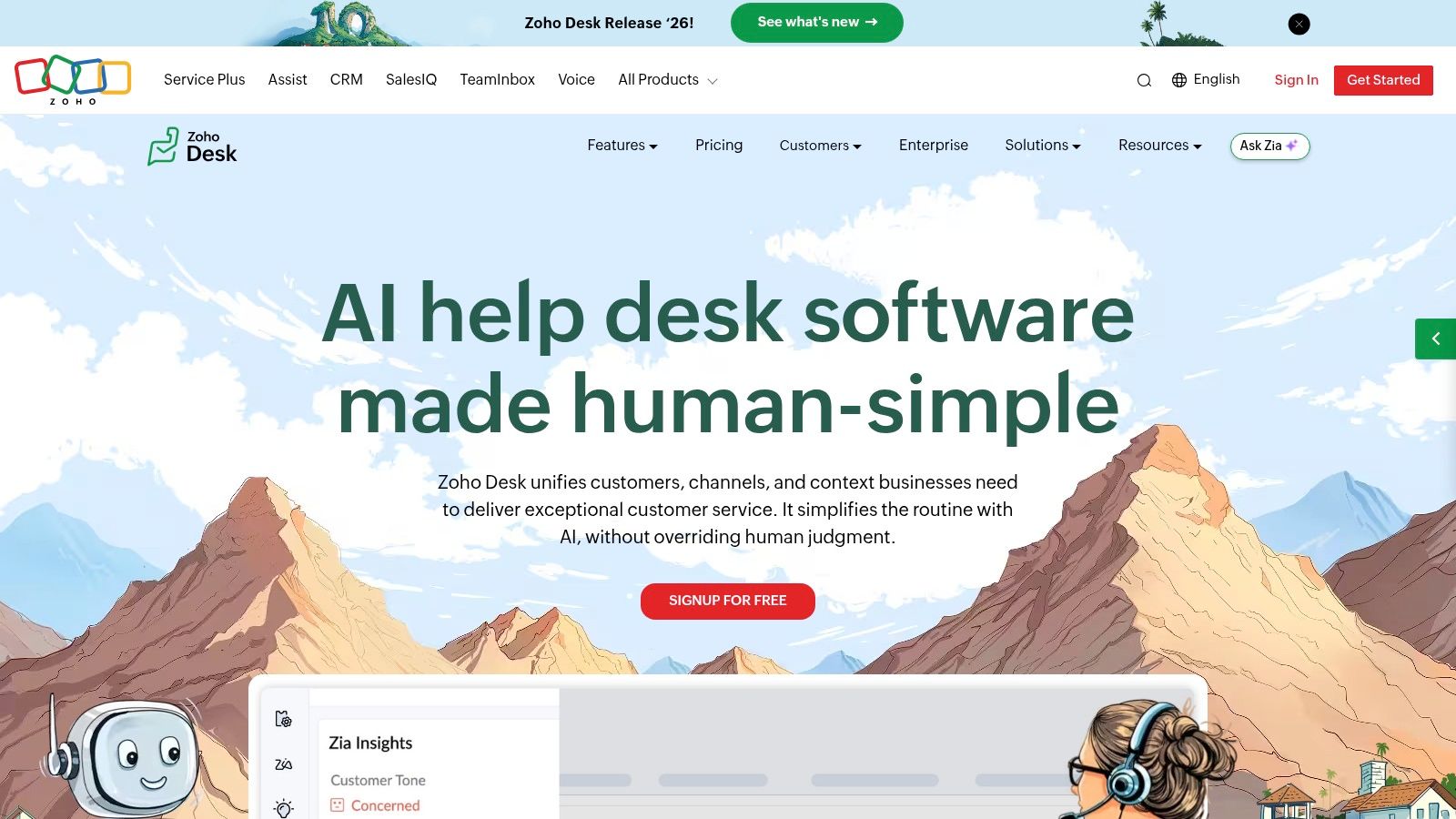
The strongest reason to consider Zoho Desk is often the software around it. A business already using Zoho CRM or other Zoho applications has a practical reason to evaluate support within that ecosystem.
The core workflow centers on tickets, email, web forms, assignment, and automation. Free and entry-level options make it accessible for a small operation, but the relevant comparison is the plan that includes the channels the team needs.
Affordable entry doesn't mean identical capabilities
Knowledge-base, live-chat, instant-messaging, and AI features vary across tiers. A team starting with email shouldn't assume it can add an automated chat workflow later without changing its plan or setup.
For a business already using Zoho, the trial should follow a customer record into a support interaction and back again. For a business outside the ecosystem, the same exercise should establish whether the integrations save enough work to justify adopting another platform.
A low entry cost helps only if agents can finish the customer's task without opening several disconnected applications.
The concrete friction is plan mapping. Teams need to match email handling, chat, AI, and escalation requirements to the same purchasable configuration rather than combining features from different tiers in their evaluation.
Zoho Desk belongs on a budget-conscious shortlist, especially for existing Zoho users. It shouldn't win solely because the starting option looks inexpensive while the required workflow remains untested.
6. Front
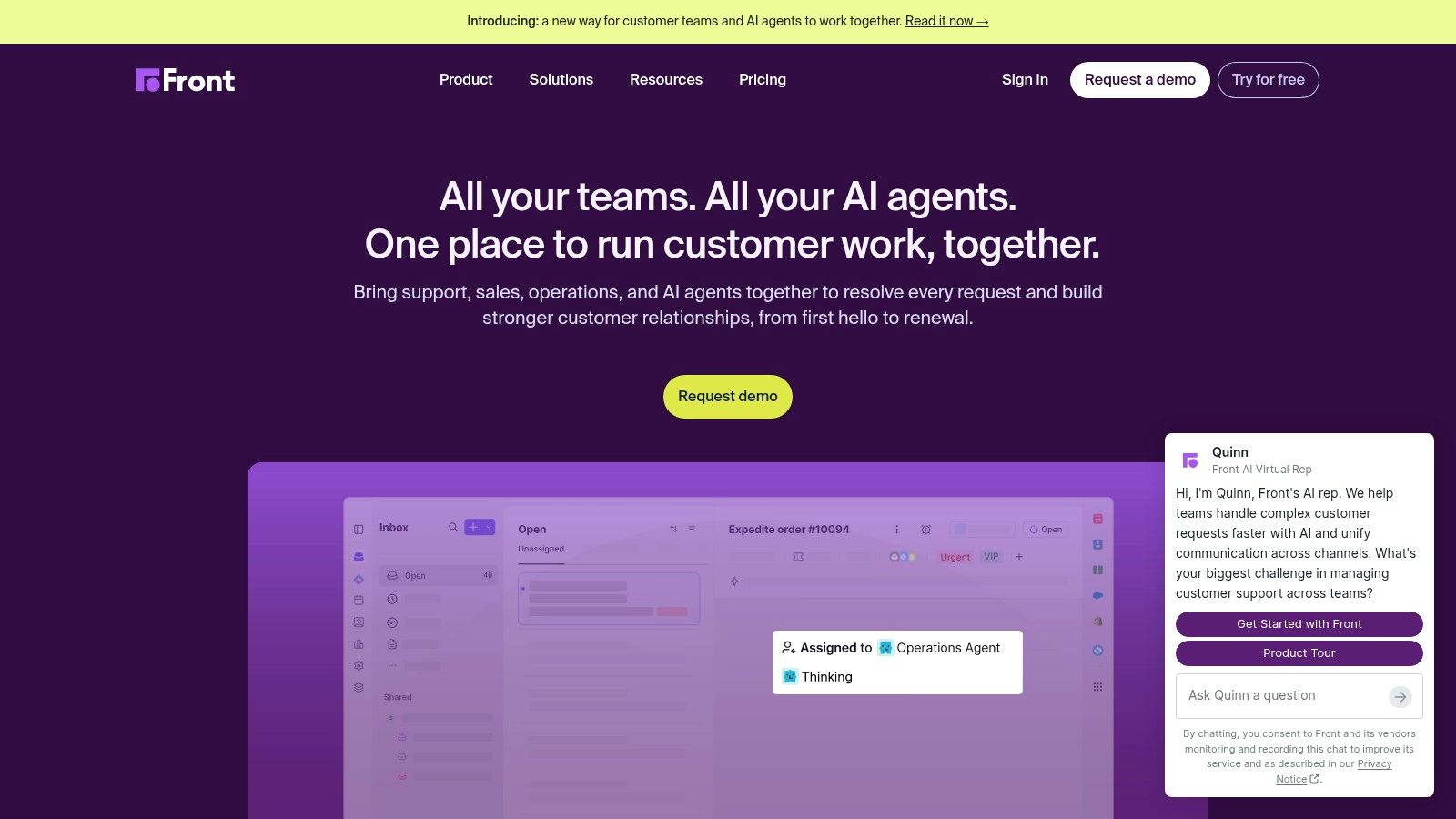
A customer's renewal question might require support, an account manager, and someone in billing. Front is compelling when collaboration around the message matters as much as closing a ticket.
Its shared inbox and ticketing environment suit businesses where customer relationships continue across departments. Instead of treating every conversation as an isolated service request, teams can coordinate ownership around the same exchange.
That flexibility still needs rules. If several colleagues can contribute but nobody owns the next reply, collaboration becomes another source of delay.
Watch channel access and AI packaging
Starter is restricted to a single channel type, while broader omnichannel support requires a higher plan. AI features may be add-ons or included in Enterprise, depending on the capability, so a shared-inbox subscription shouldn't be treated as an all-inclusive automation package.
- Strong fit: Agencies and relationship-led businesses that need internal coordination around external messages.
- Operating friction: Unclear ownership can leave a conversation waiting while several colleagues assume someone else will answer.
- Trial priority: Test assignment, internal discussion, AI assistance, and the final customer reply as a connected workflow.
For teams planning to automate email responses, the important boundary is between acknowledging receipt and making a substantive commitment. Automation should not promise a refund or deadline that still requires approval.
Front is a strong candidate when email remains central and collaboration is the missing piece. Traditional ticket operations may need a different emphasis.
7. Crisp
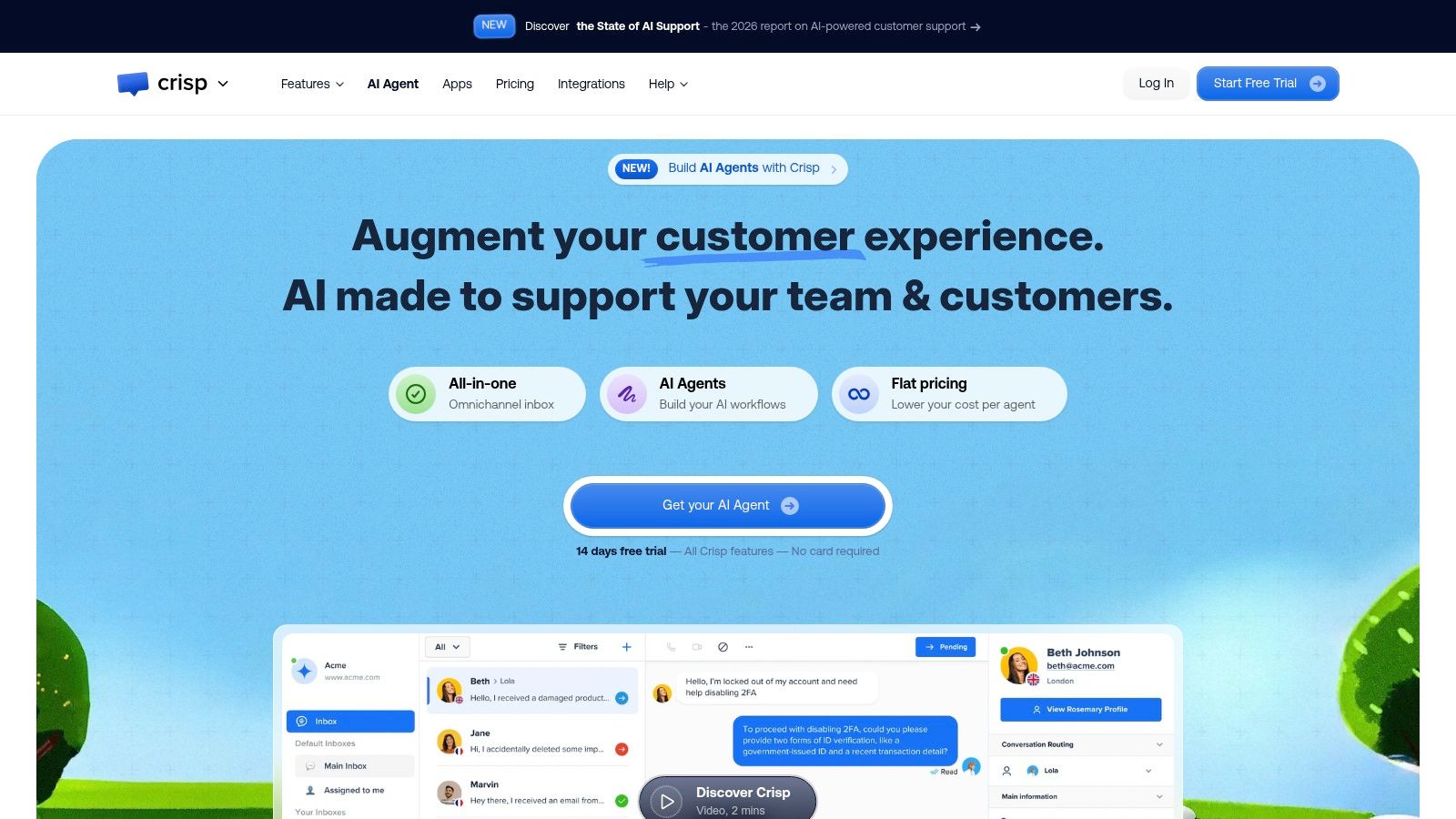
Workspace-based pricing makes Crisp interesting for small teams that want more colleagues involved without treating every additional participant as a separate seat decision. Its website widget, shared inbox, and mobile apps support a messaging-centered workflow.
Paid plans add email and other messaging channels. AI chatbots, workflow automation, a help center, analytics, and ecommerce integrations can broaden that setup, depending on the selected plan.
The distinction is between predictable team access and predictable automation spend. Workspace packaging can simplify the former without removing limits from the latter.
Separate workspace capacity from AI capacity
AI credits and automated-conversation allowances vary by plan. Ticketing and more extensive automation also sit on higher tiers, so the team should evaluate the workspace that supports its real process rather than the simplest chat configuration.
- Where it works: Website-led support that benefits from several customer channels in a common inbox.
- Where it can obstruct work: A business with complex escalation or reporting requirements may need more structure than the chosen plan provides.
- What to model: Team access, AI consumption, automation allowances, and any upgrade triggered by ticketing requirements.
A useful test starts with a website question, continues by email, and ends with a different agent resolving the issue. That reveals whether context remains easy to follow across channels.
Crisp deserves consideration when subscription predictability is a priority. The purchasing decision still needs a separate check on automation capacity and the reporting agents will rely on.
8. Tidio
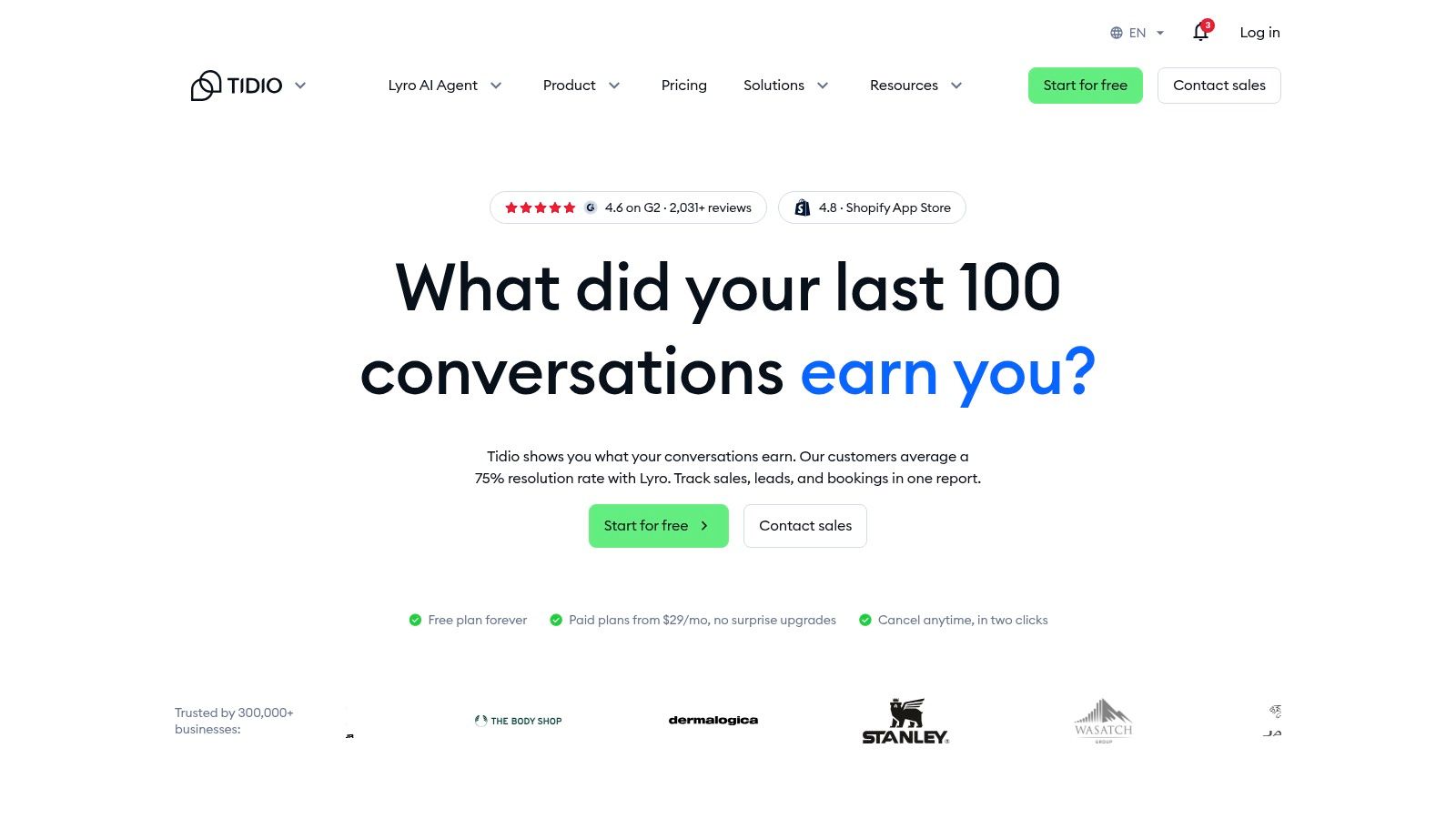
An online merchant may want routine product questions answered automatically while keeping order exceptions with staff. Tidio addresses that pattern through live chat, ticketing, Lyro AI support, and Flows automation.
Lyro supports chat and email with human handoff. The practical evaluation is whether the human receives the original question, the automated exchange, and enough information to act without restarting the conversation.
The distinction between chatbot and live chat workflows matters here. Automated answers suit documented questions; a damaged delivery or disputed charge needs a clear path to someone with authority.
Volume is part of the purchasing decision
Conversation volume contributes to plan limits. Larger requirements may mean a higher plan or a sales discussion, while removing extra branding carries a separate charge.
Handoff test: A customer who rejects an automated answer should reach a recognizable human-support path, not another cycle of suggested responses.
Higher tiers add capabilities such as Shopify actions and more advanced routing. Merchants should therefore test the actual order-related task they want to automate, not just whether the chatbot can explain a returns policy.
Tidio is relevant for smaller online businesses seeking a combined chat-and-AI setup. The operating constraint is capacity: a campaign or seasonal rush can change the required plan even when the support team hasn't grown.
9. HubSpot Service Hub
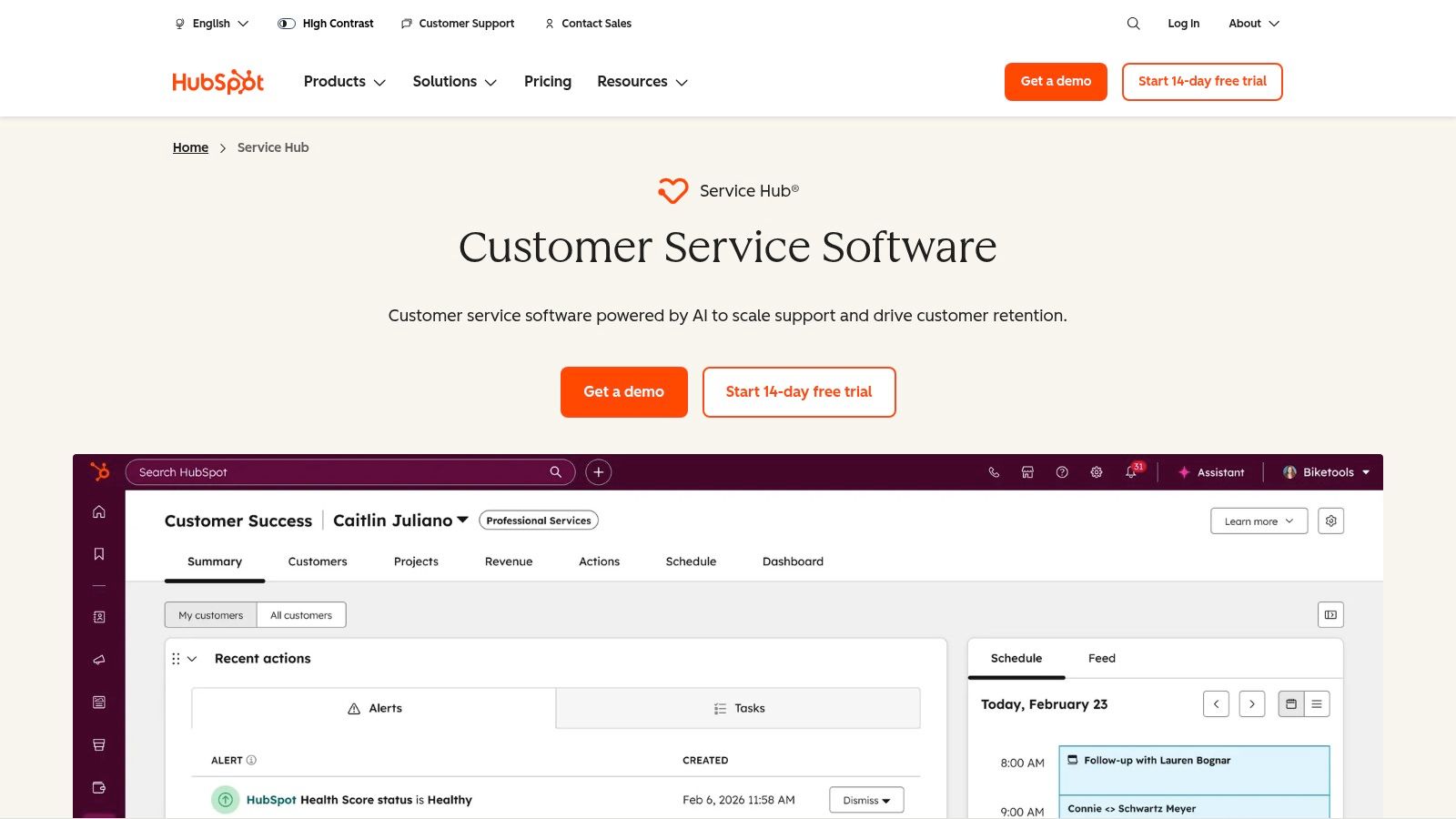
HubSpot Service Hub is most persuasive when support needs to work beside contact, company, and commercial history. Existing HubSpot users have a stronger reason to consider it than a business looking for a replacement inbox.
CRM adoption makes that connection relevant without proving that every business needs a CRM-led help desk. In a survey of U.S. business owners and professionals, Freshworks reported that 71% of small businesses with 500 or fewer employees used a CRM system in 2024.
The entry tools aren't the complete service workspace
Ticketing and team email provide an entry point, while Starter adds live chat and ticket automation. The help-desk workspace, knowledge base, and customer agent sit on Professional; advanced routing and customer-journey analytics sit on Enterprise.
- Workflow advantage: Support can coordinate with sales and customer-success staff around shared customer records.
- Operating friction: The team must maintain customer-record quality and agree which system owns important information.
- Cost exposure: Advanced tiers, required onboarding for Professional and Enterprise, and HubSpot Credits for AI-related usage affect the total.
The trial should include a customer with an existing sales relationship and an unresolved service issue. Agents need to find relevant history without navigating records that don't help resolve the question.
HubSpot is a strong ecosystem decision. It's harder to justify when the business doesn't need that shared customer context and mainly wants simpler support handling.
10. Gorgias

For a retailer, an agent's next action often depends on the order, not just the message. Gorgias is designed around ecommerce support, making it a relevant alternative when generic ticket handling leaves agents repeatedly searching store systems.
Its ecommerce integrations and AI capabilities focus the evaluation on commerce workflows. The question is whether agents can understand the customer's situation and complete the permitted action without manually rebuilding order context.
Test exceptions rather than polished FAQs
A merchant evaluating chatbots for ecommerce should separate informational answers from actions with financial consequences. Product guidance, delivery explanations, cancellations, and refunds don't carry the same operational risk.
Volume-oriented plans also require careful forecasting. Ticket allowances, overages, and AI terms matter because support demand can rise independently of staffing.
- Best fit: Retailers whose agents need customer-service and commerce workflows connected.
- Concrete limitation: Ecommerce specialization provides less value to a SaaS business handling account configuration or technical troubleshooting.
- Budget question: Which incoming interactions count toward usage, and what happens during a sales-driven surge?
Disputes need separate attention from ordinary support requests. Retailers considering how to connect Gorgias to dispute alerts should assign a clear owner and response process rather than assume an integration resolves the dispute itself.
Gorgias belongs on an ecommerce shortlist when order context is central to resolution. Its suitability still depends on permissions, exception handling, and the cost of higher support demand.
Help Scout alternatives at a glance
Feature counts hide the decision that matters for a small team. The differences sit in where agents answer, how AI hands work back to a person, and whether cost stays predictable as chat volume rises. A generous free tier that traps agents in a separate inbox is worse than a paid plan that lets them work inside Slack or Microsoft Teams.
| Item | Free option | Best for | Pricing clarity | Main limitation |
|---|---|---|---|---|
| SignalZen (recommended) | 30-day free trial; no credit card required | SMBs wanting AI support in chat and email, with human handoff | Monthly plans, cancel anytime; unlimited chats and bandwidth with no per-conversation charge | AI answer quality depends on the accuracy and completeness of its knowledge sources |
| Intercom | Free trial available | SaaS and online businesses focused on messaging and automated support | AI outcomes are charged separately from agent seats | Higher tiers and advanced capabilities can be costly |
| Zendesk | Free trial available | Growing teams needing structured, multi-channel ticketing and process controls | Costs vary by plan and add-ons | Can require more setup and administration than a small team needs |
| Freshdesk | Free plan available | Small and midsize teams moving to organized ticketing and self-service | Tiered plans; extra AI sessions can add cost | Advanced routing and multilingual support require higher tiers |
| Zoho Desk | Free edition for up to three users | Small teams and businesses using other Zoho products | Free and low-cost paid tiers; features vary by plan | Some chat and AI features are unavailable on the lowest paid plan |
| Front | 14-day free trial; no credit card required | Teams coordinating support and customer relationships in a shared inbox | AI features may cost extra, depending on the feature and plan | Starter is limited to one channel type |
| Crisp | Free plan for trying the product with a small team | Teams wanting multi-channel messaging and predictable workspace-based pricing | Workspace-based pricing; AI allowances vary by plan | Ticketing and more extensive automation are limited to higher tiers |
| Tidio | Free plan and seven-day trial for paid plans | Smaller online businesses handling common questions through chat and email | Limits partly depend on conversation volume; branding removal costs extra | Higher or custom-volume needs may require a higher plan or sales contact |
| HubSpot Service Hub | Free tools for up to two users | Teams using HubSpot CRM or linking support with sales and customer success | Advanced plans cost more; onboarding fees and HubSpot Credits may apply | Professional and Enterprise plans have required one-time onboarding fees |
| Gorgias | Free trial available | Ecommerce retailers connecting support with store and order context | Volume-oriented plans; ticket and AI terms vary with support demand | Costs can rise with support demand, so volume and AI terms need checking before a busy season |
The free column is a pilot budget, not a long-term price. Seat caps and trial windows show whether a tool fits a short test, not whether it survives a busy month. The paid tier, AI metering and the cost of removing branding decide that.
For a small team already in Slack, Microsoft Teams or Google Chat, SignalZen is the model to test first because support stays in the collaboration tool. Teams with formal ticket queues should test Zendesk or Freshdesk against the same handoff. Ecommerce teams should start with Gorgias and verify how order context reaches the agent before committing.
Choosing the Right Help Scout Alternative for Your Team
The right Help Scout alternative starts with the team's working environment. Agents already operating in Slack, Microsoft Teams, or Google Chat should evaluate tools that let them handle support there, rather than assuming another inbox is necessary. Retailers should weigh ecommerce integrations heavily, while teams with formal escalation responsibilities should prioritize routing and administrative control.
The reason for leaving also matters. Front fits collaboration around customer messages; Intercom emphasizes messaging and AI; Zendesk and Freshdesk suit more structured ticket operations. Zoho Desk and HubSpot become more compelling when their surrounding ecosystems already hold useful customer information.
Prove the handoff before trusting the automation
A two-week trial is a practical evaluation exercise, not a promise that implementation will be finished in that period. The team should use real, appropriately protected conversations covering routine questions, missing documentation, policy exceptions, and requests that require human judgment.
Reported benefits don't replace that test. In a survey of U.S. small-business owners, Talkdesk reported that 65% of respondents cited faster resolution from AI adoption. A purchasing team still needs to establish whether its own agents receive usable context and whether customers can reach a person when automation fails.
The acceptance criteria should include answer accuracy, clear ownership, readable history, and reliable escalation. A fast answer that creates correction work isn't a successful resolution.
Calculate the cost of changing the workflow
The budget should be modeled at double current chat volume as a stress test. Seat charges, AI outcomes, sessions, credits, channel upgrades, onboarding, and overages belong in that calculation. Unlimited chat removes a particular usage charge, but the complete subscription still needs to match the required features.
Migration deserves equal attention. The IrisAgent Help Scout alternatives comparison highlights switching considerations that extend beyond licensing, including migration costs and potential productivity disruption.
- Preserve context: Map customer identities, conversation history, attachments, tags, and knowledge-base destinations.
- Rebuild ownership: Test assignment rules, email forwarding, escalation paths, and unresolved conversations before cutover.
- Keep recovery possible: Retain access to the previous system and define when routing problems justify rolling back.
A replacement is worthwhile when agents spend less time reconstructing context, customers can reach the right person, and managers can explain the bill. A longer feature list isn't enough.
SignalZen combines AI answers from company knowledge with live chat, email, and human handoff inside Slack, Microsoft Teams, or Google Chat. Teams comparing Help Scout alternatives can visit SignalZen to start a free trial and test conversation history, AI summaries, and agent takeover against their actual support workflow.


Better support without a bigger support team.
Start with AI. Add your team when the conversation needs a person.