

It's 9:14 on a Tuesday night. A visitor on the pricing page asks whether the product ships to Canada, and the owner of a three-person shop answers from a phone with one thumb while the dinner plates are still on the table. Two more chats land before that reply goes out. The widget said "online", so the customer expected a person.
That gap between an available widget and an actual answer is the first support problem small teams hit. A 2020 study of live chat across 1,000 websites in the United States and Europe found customers waited an average of 2 minutes and 40 seconds, and 21% of chat requests received no answer at all, according to the customer service response time statistics collected by Stealth Agents. Offering chat is easy. Covering it is the job.
Then the shop hires a second agent, and the bill changes shape.
Per-seat tools double. Per-workspace tools don't. AI add-ons meter conversations nobody forecasted, and the free tier that felt generous during a quiet week starts dropping sessions in the middle of a promo. Traffic rarely arrives evenly either: a shop running paid social or automation tools for Instagram outreach sees chat demand spike in bursts after each campaign, usually at the exact moment the one person covering support is busiest. A tool that looked cheap on a calm Tuesday can cost twice the budget by the end of a launch week, once overage fees and a forced plan upgrade land on the same invoice.
Each tool below gets judged on six things that only show up after installation: setup time, automation quality, human handoff, integrations, scalability, and cost at two or three agents. Setup time matters because a small team has no implementation specialist. Handoff matters because the owner is the fallback agent, often from a phone. Cost at two or three agents matters because that is the headcount a growing shop reaches within a year, and pricing pages are written for the first seat, not the third. Prices and plan limits move often, so treat every figure here as a starting point and confirm it on the vendor's own pricing page before committing.
Table of Contents
- 1. SignalZen
- 2. Crisp
- 3. Tidio
- 4. Intercom
- 5. Freshchat
- 6. HubSpot Live Chat
- 7. tawk.to
- 8. LiveChat
- 9. Zoho SalesIQ
- 10. JivoChat
- How the ten tools compare on price, free access, and AI
- Choosing a Tool You Can Actually Test in One Week
1. SignalZen
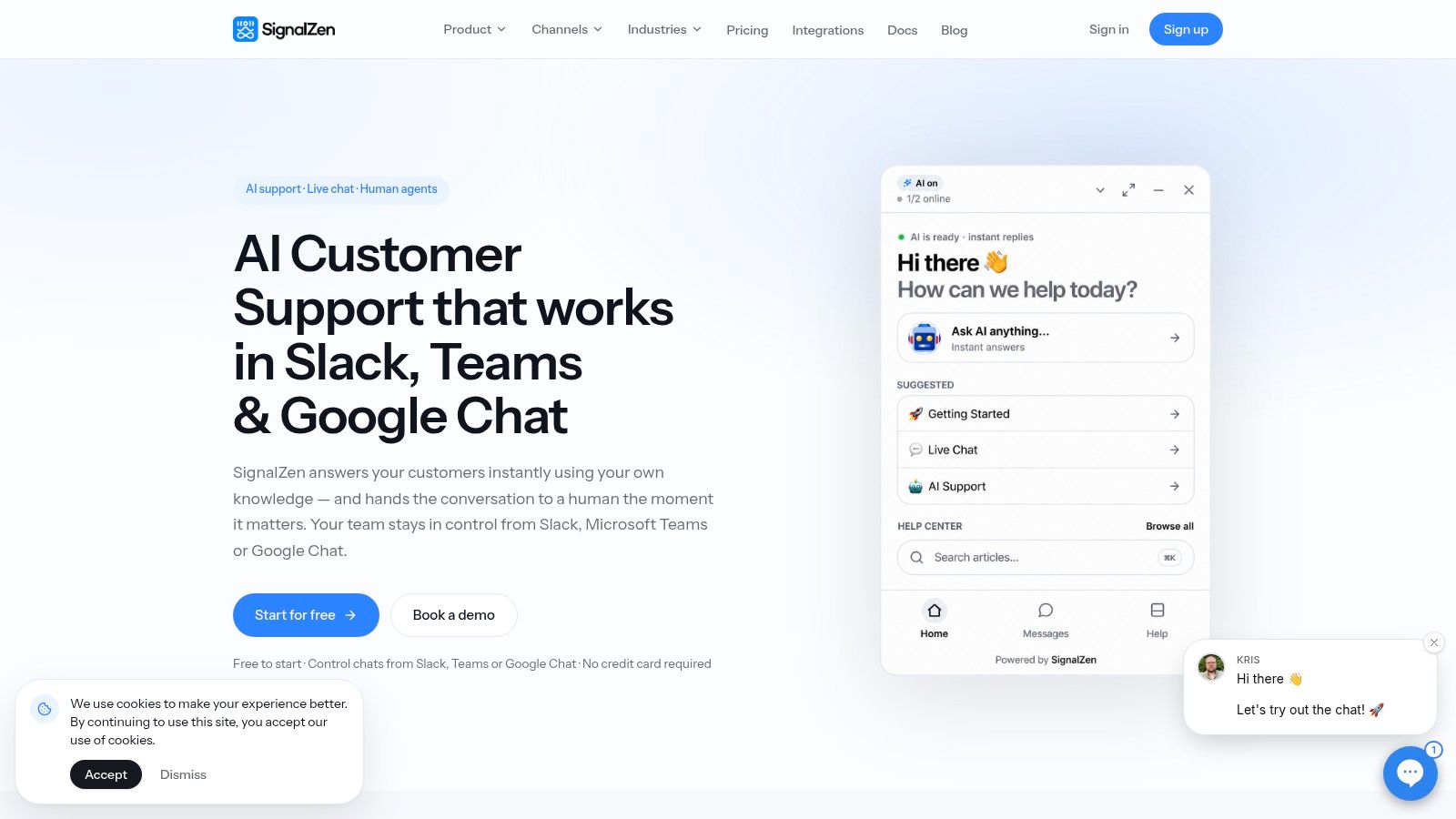
Setup is the shortest part. After signing up, the Integration page in the Console's left-side menu opens separate wizards for Slack, Microsoft Teams, Email, and the widget, and only the relevant ones need finishing. The Microsoft Teams connection takes under 5 minutes. Any Teams channel then becomes a shared support inbox, so replies to website visitors and support emails happen where the team already talks.
The widget installs on HTML/JavaScript, React, single page applications, WordPress, Drupal, and Joomla. It's React-based and loads without an iframe, with a first chunk of around 200KB, which matters on product pages where a heavy third-party frame drags down load time.
Where the handoff holds up
AI Support answers from the business's own website, files, help center, and instructions rather than generic web text. When a conversation needs a person, agents take over with full history and an AI-generated summary, and the customer doesn't re-explain the order number. That distinction is measurable: the Comm100 benchmark published in Stealth Agents' first response time research found chatbots handled 73.8% of chats but independently resolved only 45.8%, so containment and resolution are two different numbers.
Practical rule: track bot-handled chats and bot-resolved chats separately, then read CSAT only on the escalated ones.
The SignalZen live chat widget adds suggested questions, file and screenshot sharing, and offline contact forms, and closing a chat sends the visitor a rating request the business configures itself.
Limits worth knowing before launch
- Visitor metadata: customisation works only when chat is integrated by HTML/JavaScript or single page application, not through the CMS routes.
- Answer quality: the AI is only as good as the sources it scans, so stale help center articles produce stale replies.
- Pricing clarity: a free start needs no credit card and plans state unlimited chats and bandwidth, but paid-plan prices aren't published in the same detail, so budgeting takes a direct conversation.
2. Crisp
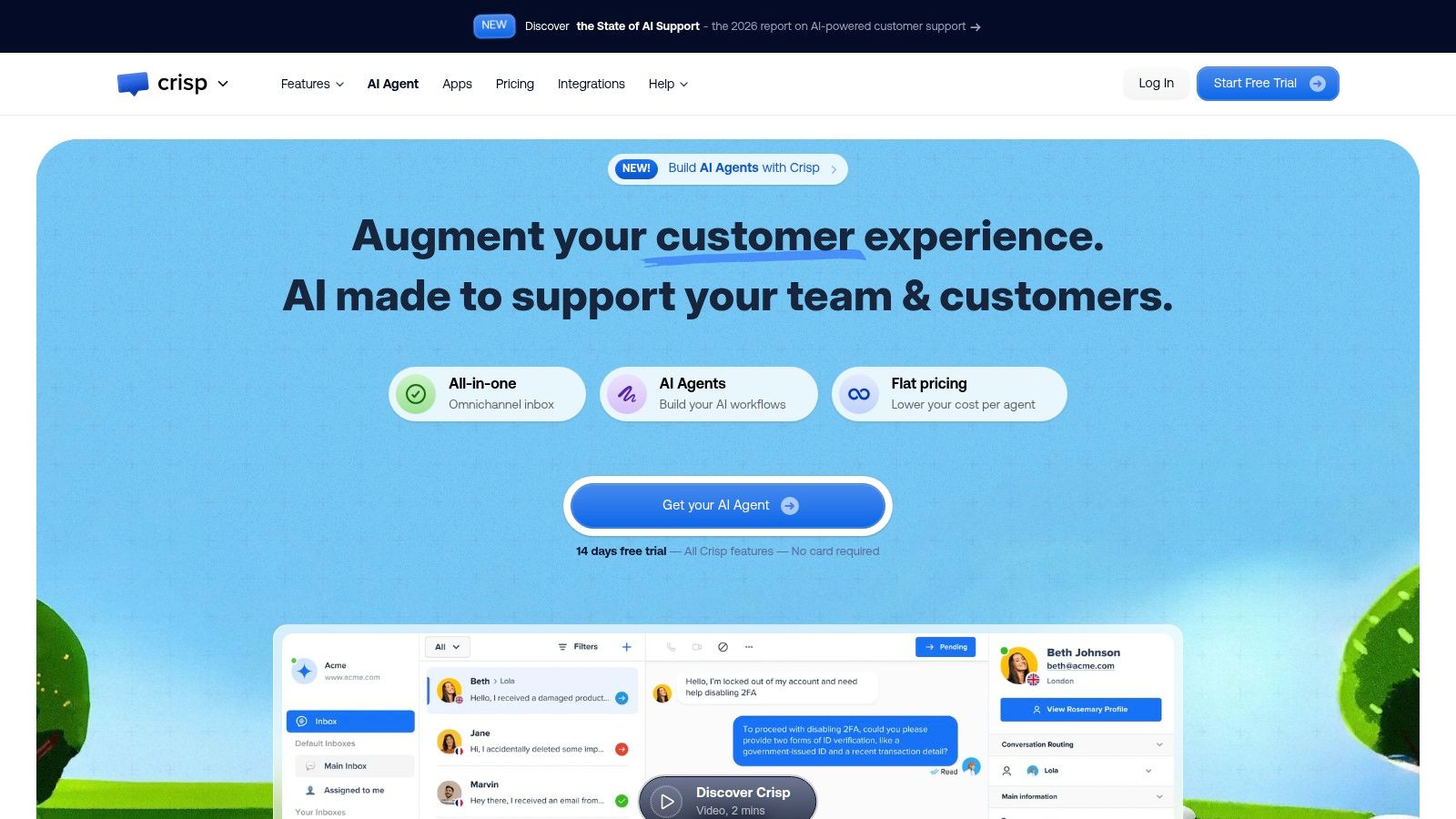
Crisp's appeal is arithmetic, not features. The Crisp pricing page lists a free plan and paid plans starting at $45 per month, billed per workspace rather than per agent. For a shop moving from one responder to three, that's the difference between a flat line and a tripled subscription.
The free tier gives a widget, a shared inbox, and two seats. That's enough to run a real week of support and find out whether customers use chat before paying anything.
What changes on the paid tiers
Shared email, omnichannel messaging, workflows, analytics, and a knowledge base sit above the entry level, and AI capacity is credit-based. Heavier automation use pushes a workspace toward a higher tier or add-ons, which reintroduces the variable cost that flat pricing was supposed to remove.
- Seats: the free plan stops at two, so agent number three forces an upgrade regardless of chat volume.
- AI credits: measure a normal month of conversations before assuming the included allowance covers it.
- Trial: paid features run on a 14-day trial, long enough to test one handoff cycle properly.
Crisp suits teams that want a predictable base bill and are willing to watch usage meters. It's less comfortable for anyone expecting unlimited automation at the entry price.
3. Tidio
Speed expectations are the reason Tidio's Lyro AI agent exists. Industry reporting aside, roughly 66% of customers expect an immediate response to an online inquiry, with "immediate" defined as within 10 minutes, per the live chat statistics roundup on G2. A three-person team can't hit that manually at 9 pm, so the bot has to carry the first reply.
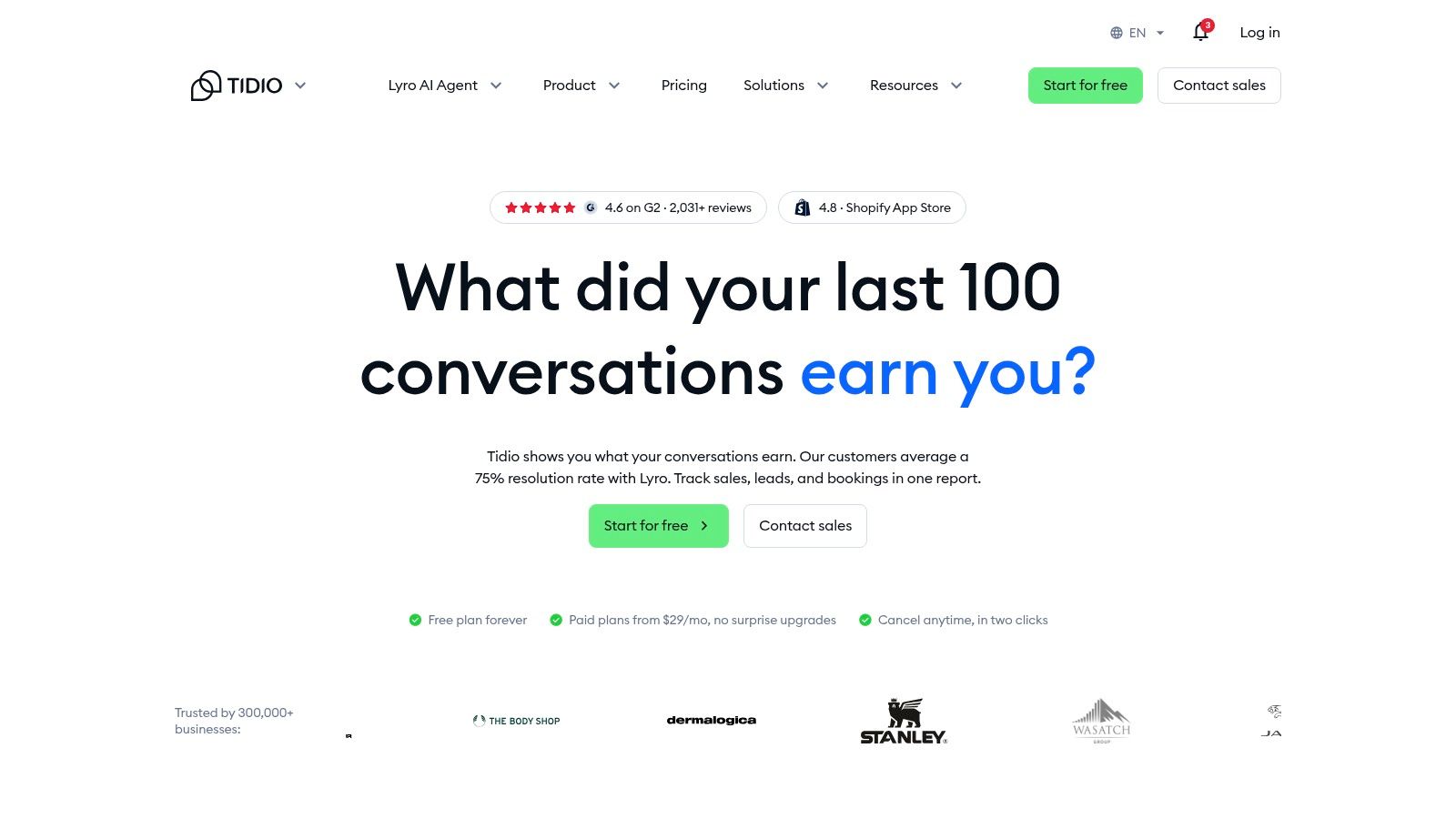
Tidio combines live chat, ticketing, automation, and Lyro in one product aimed at small and midsize businesses, with a noticeable lean toward online stores. The Tidio site lists a free plan and paid plans starting at $24.17 per month billed annually.
The allowance question
Free and paid usage both run against conversation or activity allowances, and AI features plus higher volumes add to the bill. That's the awkward part after launch: a successful campaign can exhaust a monthly allowance in a weekend, and the tool that felt cheap in month one gets repriced by demand.
Before choosing between bot-first and human-first coverage, it's worth reading a plain breakdown of chatbot versus live chat trade-offs. Tidio lets a business add AI gradually, which is the right sequence, but the gradual path only stays cheap if the allowances match real volume.
4. Intercom
Intercom is the most capable option here and the easiest one to overbuy. The Intercom pricing page lists the Essential plan from $29 per seat per month, with the Fin AI Agent from $0.99 per outcome. Two meters, running at once.
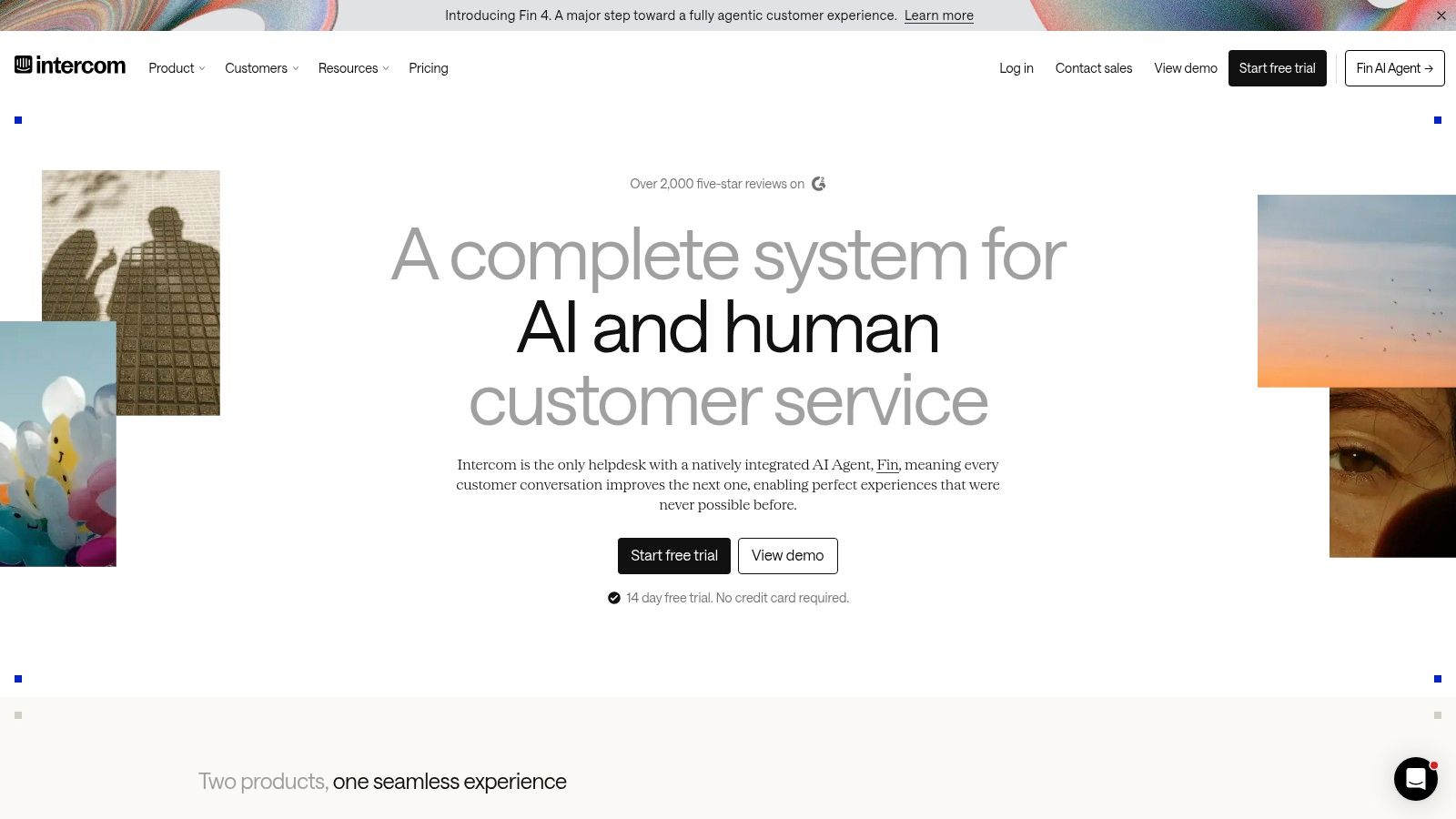
For a SaaS team supporting both a marketing site and an in-app experience, that combination buys a shared inbox, ticketing, help center content, reporting, and automation in one place. Plans include unlimited live chat, so the seat count and the AI outcomes are what move the invoice.
Where automation earns its keep, and where it doesn't
Outcome-based AI pricing is fair in principle and unpredictable in practice, because a badly written help article turns a resolved outcome into an escalation. Handoff quality decides whether the spend works. In Twilio's Inside the Conversational AI Revolution report, 78% of consumers say switching from AI to a human when needed is critical, yet only 15% report experiencing an effective AI-to-human handoff.
A bot that keeps a customer talking is not the same as a bot that solves the problem. Make the human route visible in the widget, not buried behind three failed answers.
Advanced workflows sit on higher tiers, and teams comparing the total cost usually look at Intercom alternatives before renewing. If the requirement is a chat widget and a shared inbox, Intercom delivers far more machinery than the job needs.
5. Freshchat
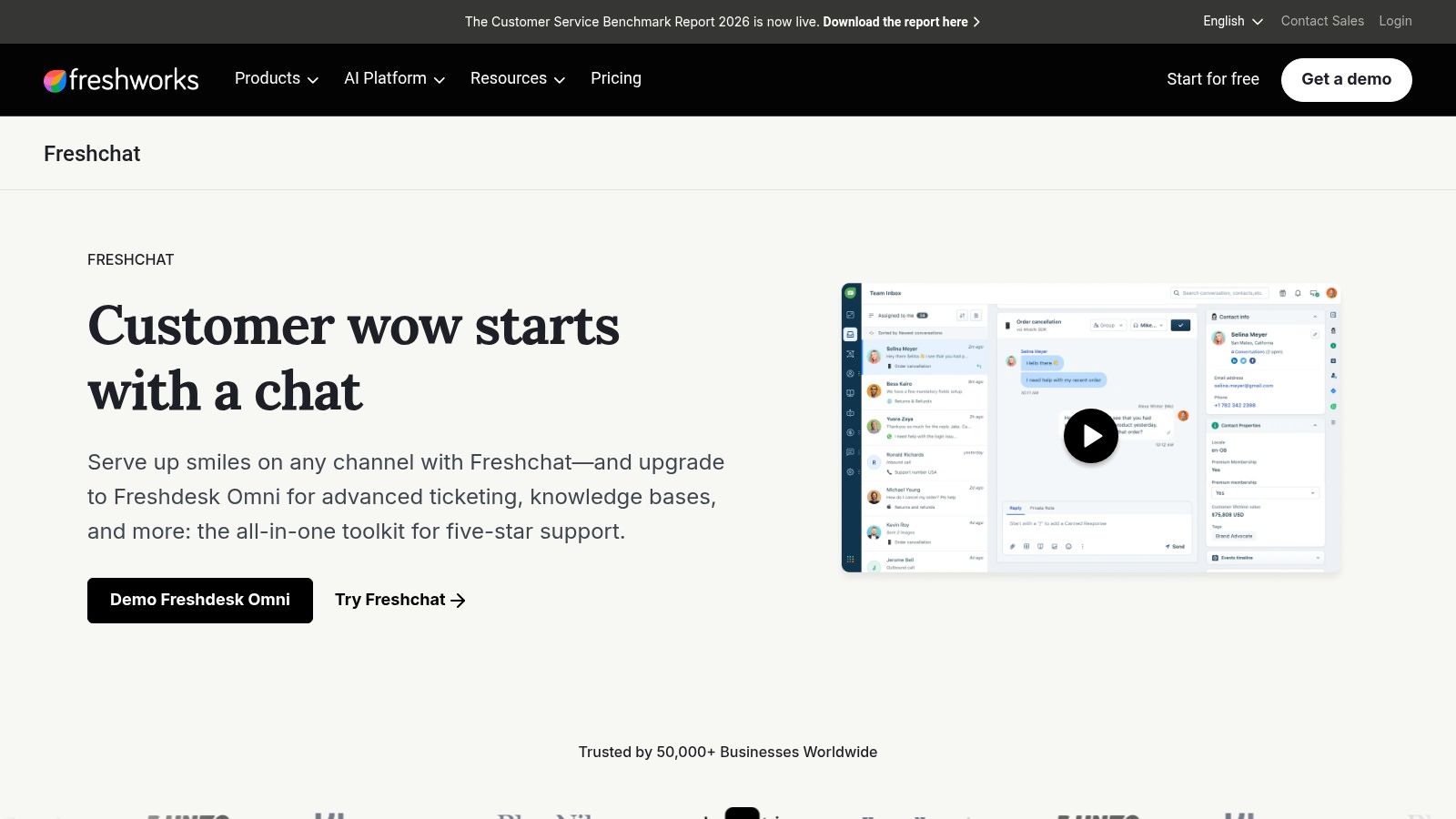
Freshchat's free plan is the outlier: it supports up to 10 agents, which covers most small teams without a subscription at all. The Freshworks live chat pricing page lists Growth from $19 per agent per month billed annually, with AI Agent sessions priced separately.
The free tier includes web and mobile chat plus a shared inbox and email connection. Paid tiers add social messaging, text messaging, reporting, and Freddy AI, and Pro brings multilingual conversations and intelligent routing.
The tier where things get practical
Routing is the feature small teams discover they need late. With one agent, every chat goes to the same person. With three, someone has to decide who owns billing questions and who owns shipping questions, and intelligent routing lives on Pro rather than Growth.
- Free plan: usable for a small team, but without the reporting that shows where chats stall.
- AI sessions: usage-based and separate from the agent plan, so model them as a second line item.
- Multilingual: available higher up the ladder, which matters for stores selling across borders.
Freshchat works best when the free tier is treated as a real trial with real customers, then upgraded once routing and reporting become necessary rather than aspirational.
6. HubSpot Live Chat
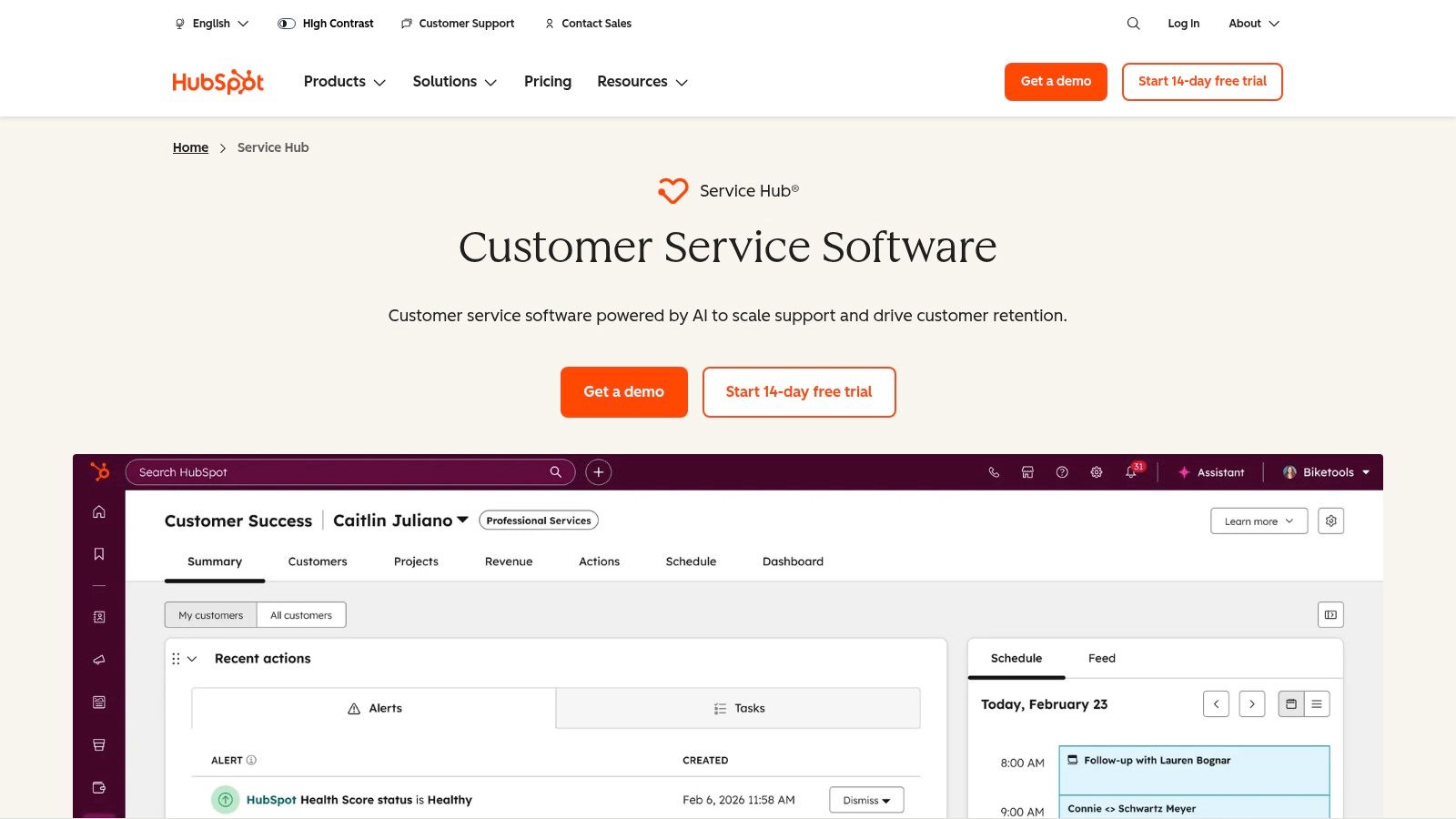
HubSpot's chat is only interesting if the CRM already holds the business's customer records. When it does, an agent opens a conversation and sees the contact, past deals, and prior tickets without asking who's writing. The HubSpot Service Hub page lists free tools and Service Hub Starter at $7 per month, with feature eligibility and billing terms depending on the plan.
Context is useful, and it's also a trust question
Pulling a full customer record into an AI-assisted conversation is convenient for the agent and uncomfortable for some customers. A global 2025 study covered in AFP's reporting on consumer attitudes to AI found 66% of consumers were uneasy about an AI agent accessing their full customer history.
The practical response is data minimisation, not a security badge. Decide which fields the automation needs to resolve a shipping question, keep financial details out of the knowledge base, and set retention rules for transcripts before the first chat arrives.
- Best fit: teams already running sales and marketing in HubSpot.
- Weak fit: anyone who wants a standalone widget without adopting a CRM.
- Cost drift: the jump from free tools to paid service capabilities is where the bill grows, not the chat itself.
7. tawk.to
tawk.to is the cheapest way to find out whether customers use chat at all. The tawk.to site states the core software is free with no caps on agents, chat volume, or websites, and lists optional extras including branding removal and professionally staffed chat agents at $1 per hour.
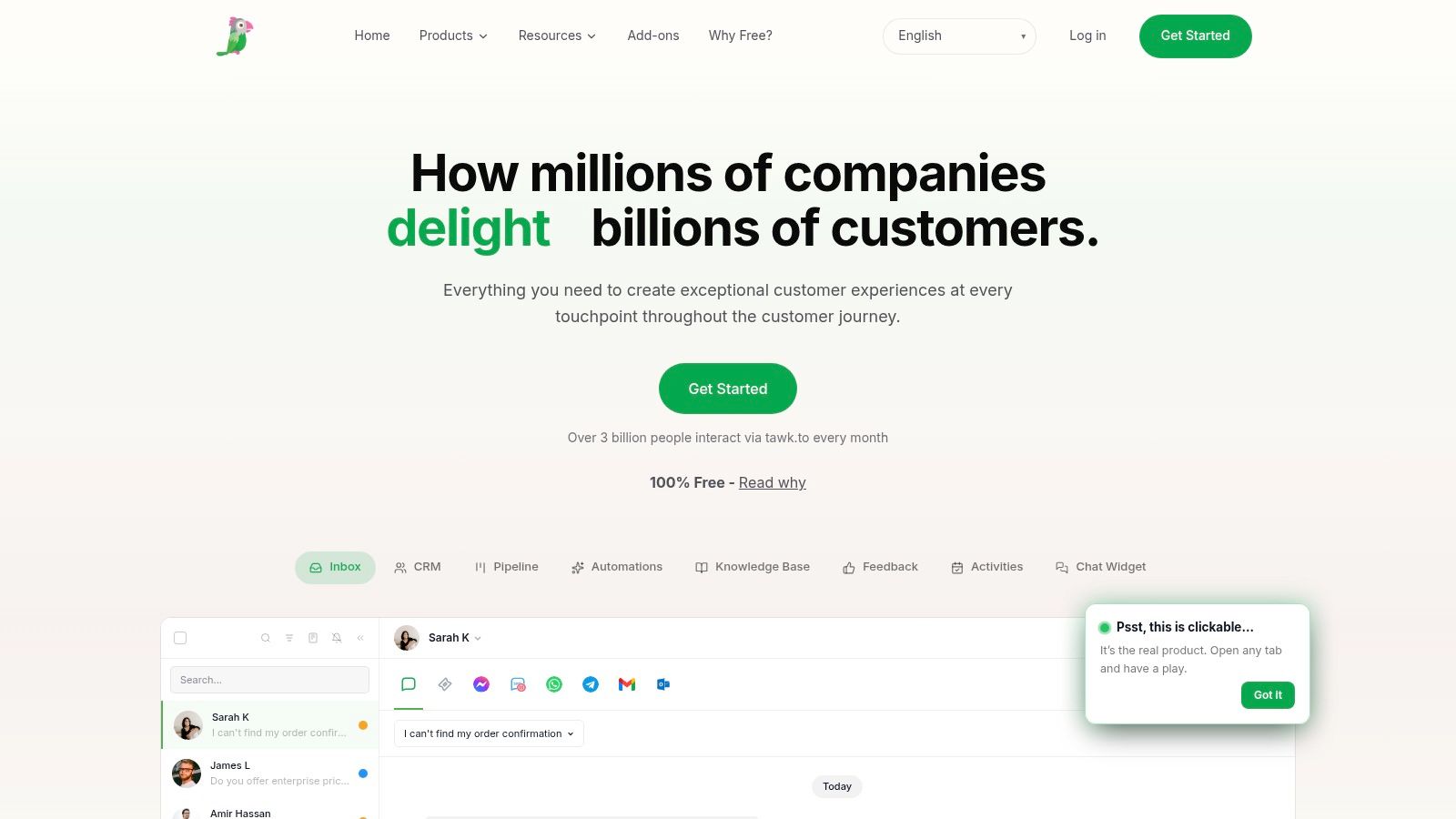
Desktop and mobile apps mean the owner can answer from a phone, which is exactly the 9 pm scenario. Nothing about the pricing punishes adding a second or third responder.
What the free model doesn't cover
It's a hosted service, not a self-hosted install, so the widget and transcript storage sit with the vendor. Branding removal costs extra, and the paid agent service is a staffing purchase rather than a software feature.
Free chat software solves the widget problem. It doesn't solve the coverage problem, and an unattended widget still produces unanswered requests.
Teams that later want a unified knowledge base, AI answers grounded in their own documentation, and multichannel workflows will need additional tools alongside it. As a first step for a business testing demand, though, the cost of being wrong is zero.
8. LiveChat
LiveChat is built for teams that treat chat as a working queue rather than a contact form. The LiveChat pricing page lists Essential from $19 per user per month and Growth at $79 per user per month with annual billing, plus a 14-day trial and no free plan.
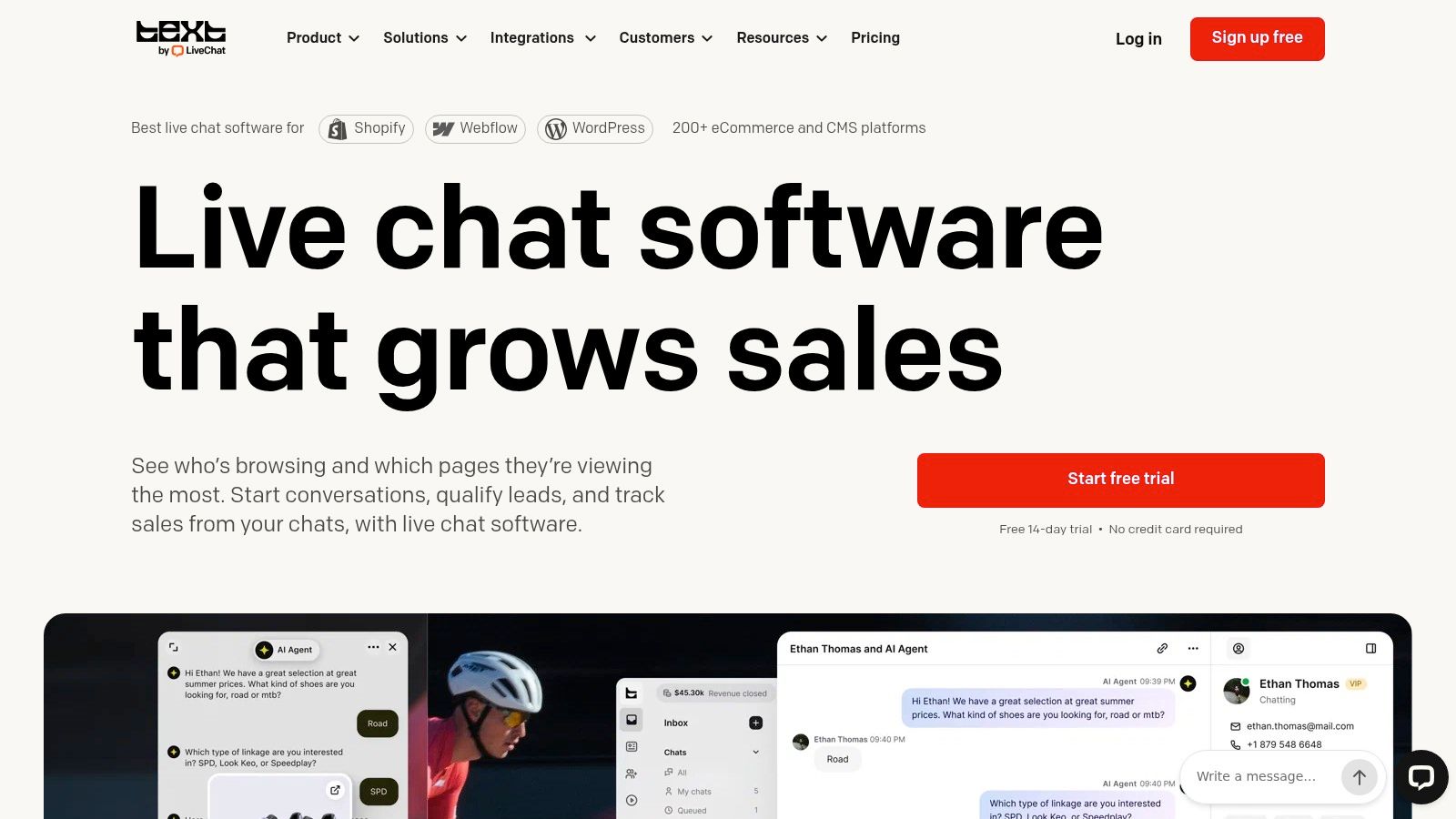
Per-agent pricing is easy to estimate and unforgiving as the team grows. Three agents on Growth is a different budget conversation than three agents on a workspace plan, and the jump between the two tiers is steep enough that most small teams sit on Essential and lose the reporting they wanted.
Where it gets awkward after launch
- AI coverage: AI capabilities are associated with the vendor's related Text product, so confirm what's included before assuming automated answers are part of the subscription.
- Tier gap: the features that make a three-agent queue manageable cluster in the higher plan.
- No free fallback: when the trial ends, the widget stops being a low-risk experiment.
LiveChat suits a business with steady chat volume, a named owner for the queue, and a reason to want agent tooling and integrations. It's overkill for a site that gets a handful of pre-sales questions a week.
9. Zoho SalesIQ
The free plan's limits are the whole story here. Zoho SalesIQ includes three operator licenses and up to 100 operator chat sessions per month on its free tier, and the Zoho SalesIQ pricing page lists Basic at $7 per operator per month billed annually.
Three operators is generous. A hundred sessions is roughly three conversations a day, which a single blog post or a weekend promotion can burn through.
What the product does well
Chat runs on websites and mobile apps through a mobile SDK, with visitor information, file sharing, canned responses, and agent mobile apps. For a business already using Zoho CRM or other Zoho products, the visitor data lands somewhere useful instead of in a disconnected inbox.
- Session cap: watch it weekly, not monthly, because hitting it mid-campaign means chats stop reaching anyone.
- Per-operator pricing: cheap at the Basic level, but add-ons stack on top.
- Advanced tracking and routing: tied to higher plans, so the free tier is a starting point rather than an operating model.
SalesIQ makes sense for a modest-volume operation inside the Zoho ecosystem. Outside that ecosystem, the session cap arrives faster than the integration benefits do.
10. JivoChat
JivoChat's free plan includes up to five agents and selected messaging-channel integrations, and the JivoChat pricing page lists Basic at $28 per agent per month with annual billing, alongside unlimited conversations and sites as plan features.
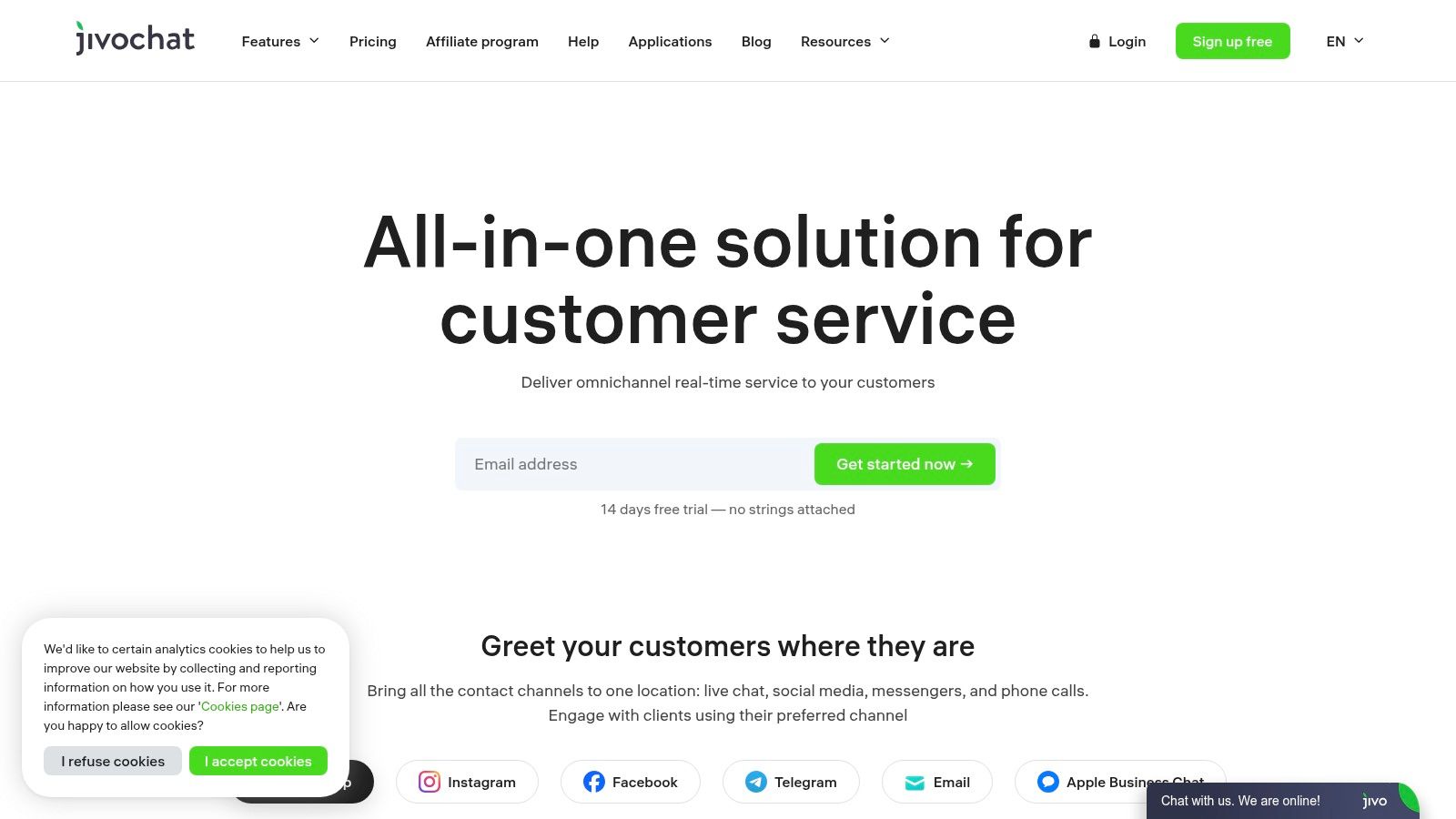
Five free seats plus offline forms and desktop and mobile apps covers a small team's basic needs, including the callback option for visitors who'd rather talk than type.
The features that trigger the upgrade
Proactive chat invitations and visitor monitoring sit on paid tiers, and those are the two features that turn chat from reactive support into a sales channel. Higher tiers add WhatsApp integration, chatbots, and routing.
- Free tier: five agents and selected channels, enough for reactive support.
- Paid tier: per-agent pricing, so the fifth agent costs the same as the first.
- Add-ons: WhatsApp, AI, video calling, and similar extras raise the total beyond the headline rate.
JivoChat fits businesses that want messaging channels and callback in one widget. The five free seats make it easy to start, and the per-agent model plus add-ons is what needs modelling before the team grows into it.
How the ten tools compare on price, free access, and AI
The starting price is only part of the bill. Per-agent charges grow with the team; AI credits, sessions, outcomes, and add-ons introduce separate usage costs.
| Item | Starting price | Free access | AI support | Best for |
|---|---|---|---|---|
| SignalZen (Recommended) | Free to start | Yes | Company-source answers; reply copilot | Support in Slack, Teams, or Google Chat |
| Crisp | $45/month | Two-seat free plan | Paid, credit-based AI | Shared inbox with workspace pricing |
| Tidio | $24.17/month, billed annually | Usage-limited free plan | Lyro agent and automation | Stores combining human and AI support |
| Intercom | $29/seat/month | Paid option shown | Fin, charged per outcome | Web and in-app support |
| Freshchat | $19/agent/month, billed annually | Free for up to 10 agents | Freddy; separately priced sessions | Structured web and mobile support |
| HubSpot Live Chat | $7/month for Service Hub Starter | Free chat available | Assess separately from live chat | Existing HubSpot CRM users |
| tawk.to | Free | Free website chat | Assess separately from live chat | Free website support |
| LiveChat | $19/user/month, billed annually | No free plan | Optional, separate Text product | Website and app conversations |
| Zoho SalesIQ | $7/operator/month, billed annually | Session-limited free plan | Assess separately from live chat | Small teams using Zoho |
| JivoChat | $28/agent/month, billed annually | Five-agent free plan | Paid AI add-on | Chat, callback, and messaging |
Free access and AI access are different decisions. A free chat plan can cover human replies while leaving automation outside that allowance. Likewise, a paid seat does not necessarily include AI usage. Compare the charging unit alongside the entry price: seats affect staffing costs, while credits, sessions, and outcomes make conversation volume part of the bill.
Choosing a Tool You Can Actually Test in One Week
Shortlist two or three tools that match the software the team already opens every day. A team living in Slack or Microsoft Teams gets more from a tool that answers there than from a separate inbox nobody checks after 6 pm. A team already in HubSpot or Zoho should test the native option first, because customer context is the hardest thing to bolt on later.
Install the widget on a staging page, not the live site. Load it on a phone over mobile data and watch how long the page takes to become usable. Then run a real after-hours conversation end to end: ask a question the knowledge base should answer, ask one it shouldn't, and force the escalation. Time each stage separately.
That separation matters more than most dashboards admit. The Comm100 Live Chat Benchmark Report 2023 recorded a 23-second average wait time and a 46-second average response time in 2023, following a 30-second average wait in 2022. Queue wait, first automated reply, first human reply, resolution time, and post-chat CSAT are five different measurements, and averaging them into one "response time" hides a broken handoff behind a fast bot.
Then price the future, not the present. Calculate the bill at the expected number of agents and the expected monthly conversations, including AI usage, add-ons, and the tier that enables routing. Run the same calculation for a month where volume doubles, because that's when the free plan stops working.
A workable first target is an immediate automated acknowledgment, human escalation within a minute when the issue needs judgment, and satisfaction tracked by response-time band. Confirm current prices and plan limits directly with each vendor before signing anything, since seat rates, AI meters, and free-tier caps change more often than the marketing pages do.
SignalZen answers routine customer questions from a business's own website, files, and help center, then hands the conversation to the team inside Slack, Microsoft Teams, or Google Chat with full history and an AI summary attached, so nobody repeats their order number at 9 pm. Chat and support email land in the same place, the widget installs with one snippet on WordPress, React, or plain HTML, and closing a conversation sends a rating request the business configures itself. Start free with no credit card at SignalZen, or book a live demo and run one after-hours conversation through the handoff before deciding.



Better support without a bigger support team.
Start with AI. Add your team when the conversation needs a person.