
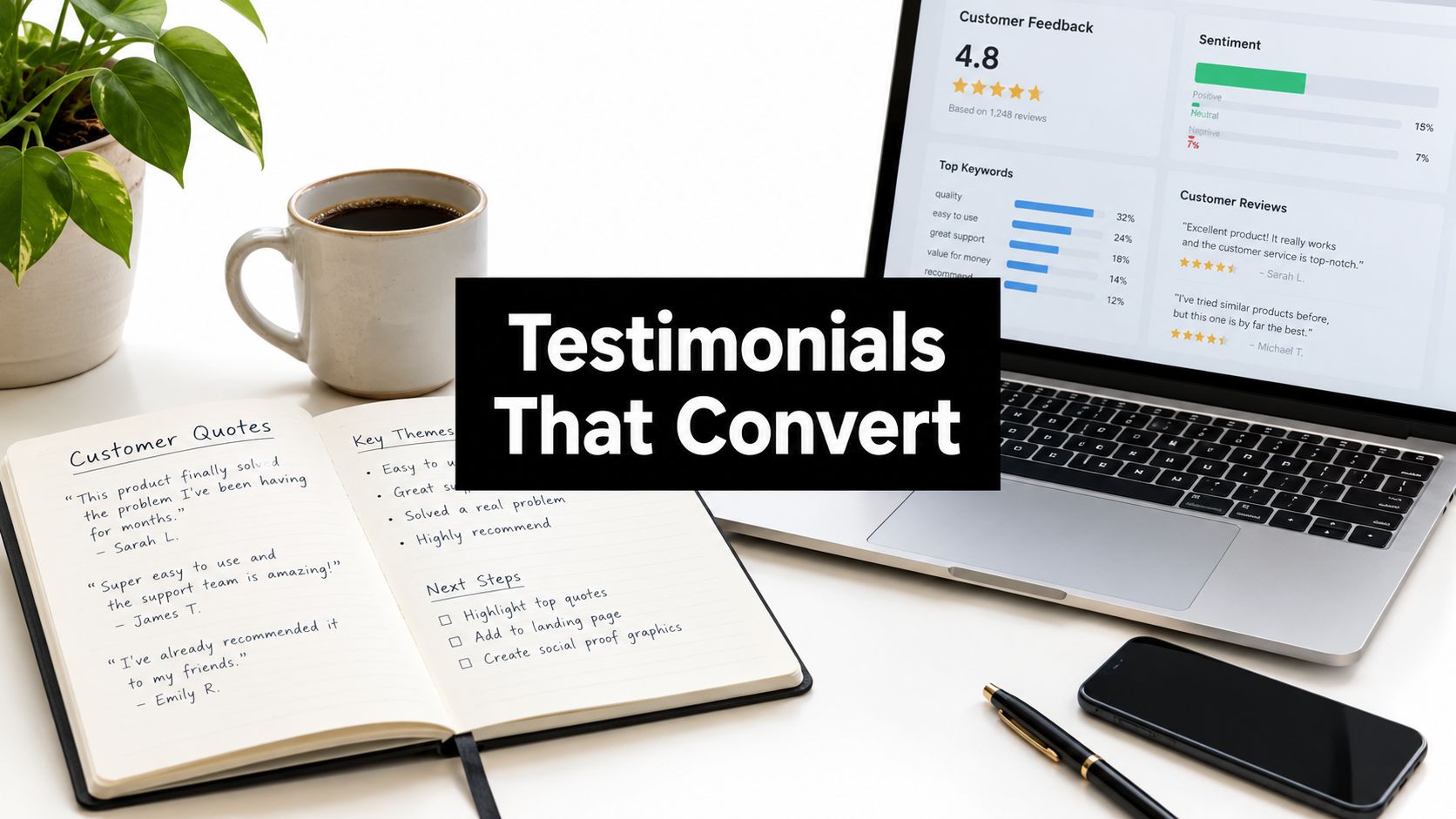
A prospect lands on a pricing page at midnight, compares three support tools, and starts hunting for proof that the product works. A generic quote won't move that person. A testimonial that shows the customer's role, the problem, and the result can. That's why customer testimonials examples need to behave like decision support, not decoration, especially when buyers already read reviews before first-time purchases and often question whether reviews are truthful or biased according to Pew Research Center's online reviews survey (Pew Research Center).
The best testimonial format depends on where the buyer is in the journey. A homepage visitor needs something fast to scan. A pricing-page visitor needs proof that reduces risk. A late-stage buyer needs a fuller story, maybe with numbers, context, and a human handoff detail that feels real. Support teams can collect those stories from live chat, Slack, Microsoft Teams, or follow-up emails, then redact the sensitive parts before publishing.
Table of Contents
- 1. Short Pull-Quote Testimonial
- 2. Written Case Study
- 3. Video Testimonial
- 4. Review-Platform Testimonial
- 5. Metrics-Driven Results Testimonial
- 6. Chat-Transcript or Screenshot Testimonial
- 7. Q&A Interview Testimonial
- 8. Multi-Stakeholder or Partner Testimonial
- 8 Customer Testimonial Types Compared
- Build a Testimonial System, Not a One-Off Page
1. Short Pull-Quote Testimonial
A short pull quote is the fastest way to put proof where attention is thin. It fits landing pages, pricing pages, sidebars, and even email signatures because the reader gets the point in seconds. The best ones sound like something a real customer said after a real win, not a sentence written by marketing.

What works in a pull quote
A useful quote leads with the outcome and names the speaker's role. A support manager at an e-commerce retailer can say that after-hours response time dropped from hours to seconds, while a head of customer experience at a SaaS company can point to multilingual coverage without hiring separate teams. Those details give visitors a reason to think, “That's my situation.”
Practical rule: Ask, “What changed after you started using SignalZen?” not “Do you like the product?” The first question surfaces a result. The second usually produces soft praise that nobody remembers.
A quote should also match the page it sits on. E-commerce buyers care about order questions and after-hours coverage. SaaS visitors care about Slack handoff, preserved context, and fewer interruptions. Agencies care about multi-client support from one workspace.
- Include a role and company type. A named support lead or CX manager makes the quote feel grounded.
- Lead with one outcome. Speed, coverage, translation, or handoff beats vague approval.
- Rotate by segment. E-commerce, SaaS, and agency quotes should appear where those visitors land.
Short quotes work because they feel low-friction. They should be the first proof a visitor sees, not the only proof.
2. Written Case Study
A written case study fits later in the buyer journey, after the reader already thinks the product may fit and wants the full story. It works well on a solution page, in a blog post, or in a sales follow-up after a demo. It gives a support team room to show the setup, the handoff, and the outcome without crushing everything into one sentence.
Start with the problem the customer faced. Then show what changed in the workflow. End with a result the customer can sign off on. That order matters because buyers want to see how the outcome happened, not just that it happened. If the story covers an e-commerce retailer, spell out which knowledge sources were connected, where the widget sat, and how order questions were handled after hours.
The details should stay close to the customer's real environment. A digital agency might describe support for multiple client websites from a single Microsoft Teams workspace. A home goods retailer might show how repetitive questions were routed into AI answers before human escalation. Specific setup choices make the result easier to trust.
Before publishing, use a practical filter, especially for support-heavy brands.
- State the baseline. Show what was slow, messy, or inconsistent before launch.
- Show the implementation. Name the knowledge sources, channels, and handoff path.
- Publish the measurement window. Readers need to know what period the result covers.
- Redact what's sensitive. Remove order numbers, email addresses, private customer details, and internal team names when they are not needed.
A good case study reads like an operations story, not a polished brand anthem. It should help a buyer see the same workflow inside their own team. Support leads can also use it as a clean way to capture lessons from hard customer conversations, especially after live chat or Slack-based escalation. For handling those interactions before turning them into a story, see how to deal with angry customers.
3. Video Testimonial
Video works best when the buyer needs tone, confidence, and a real workflow on screen. A written quote can say the support handoff is smooth. Video shows the customer's face while they explain how that handoff feels. That matters on product pages, comparison pages, and sales decks where trust needs more context.
Keep it real, not overproduced
A remote recording in a quiet room with decent lighting is usually enough. A phone and lapel mic can handle the job. The goal is a believable conversation with enough visual detail to show the product in use. Captions help because many people watch without sound.
The strongest video testimonials usually include one short moment where the customer demonstrates the workflow instead of describing it abstractly.
The script should stop at the questions. Once the customer starts answering, the delivery should stay natural. A support lead can walk through overnight AI coverage, then show what happens in Slack when the human team takes over. A team lead can explain how context stays intact during handoff, then point to the conversation history on screen. That kind of show, don't tell segment makes the clip useful on a homepage or a social post.
There is a trade-off. Video takes longer to collect and edit than text. It also asks more from the customer. So the payoff is highest on pages where the buyer needs reassurance or wants to see the product in motion. A 60-second clip is often enough for a support tool. A longer interview can sit on a case study page or blog post.
For teams that want to distribute clips across channels, tools built for video testimonials like Bragly can handle collection and hosting. The practical workflow is simple.
- Record one core interview. Cut it into shorter snippets for web, social, and sales.
- Capture one visible action. Show the chat widget, Slack handoff, or translation step.
- Use captions everywhere. Silent autoplay is standard on many placements.
4. Review-Platform Testimonial
A review on G2, Capterra, Trustpilot, or a marketplace listing carries a different weight than copy written by the vendor. Buyers use those reviews to compare setup, workflow, and support before they shortlist software. For support tools, the details matter. A review that mentions Slack handoff, setup speed, or after-hours help tells a buyer more than a generic compliment.
Why platform reviews feel more credible
The platform adds context. A verified review with a specific use case looks more believable than a polished line that could fit any product. Include a fair critique if the feedback is real. Buyers already distrust reviews that sound too polished, which is why platform reviews should stay honest and specific.
Ask for the review right after a resolved issue or a successful onboarding step. That timing keeps the experience fresh. Keep the request short. Point to the exact use case you want them to mention, such as faster response handling or a smoother Slack-based workflow. A customer who just saw the product work is far more likely to write something useful than someone who gets a cold request weeks later.
Respond to every review, including the critical ones. Silence makes the positive feedback look staged. For response templates, study examples of responding to 5 star reviews before you draft your first reply templates.
For publishing on your site, follow the review platform's rules. Keep the original wording intact enough to preserve context. Don't hide the review where nobody sees it, and don't block the main call to action with a wall of testimonials. Reviews work best near pricing, on comparison pages, or beside customer service copy.
For a closer look at how customer service brands use this kind of proof, see customer service in e-commerce.
5. Metrics-Driven Results Testimonial
A support leader scanning a testimonial page wants proof they can compare. Numbers do that better than praise alone. “Support got better” is too vague to defend in a buying meeting. “First-response time fell from 48 hours to under 4 hours within one quarter” gives a buyer a metric they can question, verify, and map to their own operation, as long as the measurement is defined clearly and the period is disclosed.
What numbers should show
The best metric depends on the buyer's concern. For a support team, that may be first-response time, mean resolution time, CSAT, first-contact resolution, retention, or churn. For an e-commerce team, the proof may be how many repetitive order questions AI handled or how much backlog disappeared during peak hours. The number needs to match the business problem, not just look impressive.
A metrics-led testimonial should start with a baseline and a matched post-change period. That helps control for seasonality and keeps inflated claims in check. It also leaves room for the limits that make the result believable. If AI-only conversations were included, say so. If the result covers chat but not email, say that too. Buyers do not need hype. They need boundaries they can trust.
A useful model is a hypothetical e-commerce AI-assistant deployment that reports faster peak-period response, improved conversion, high satisfaction, and lower support cost while handling more than 1,000 daily inquiries. Framed that way, the story links support operations to commercial impact instead of speed alone. It works because it connects service, experience, and cost in one clean claim.
- Define the metric before publishing. First response, resolution, and CSAT must mean the same thing to both sides.
- Show the time window. Readers need the before and after periods.
- Avoid lonely numbers. Pair speed with quality, volume, or business impact.
- Add one quote. The metric explains the change. The quote explains how it felt.
Metrics-driven testimonials fit pricing pages, sales decks, and comparison pages. They are less decorative, more persuasive, and easier for a buyer to defend inside the company.
6. Chat-Transcript or Screenshot Testimonial
A chat transcript feels real because it is real, or at least it should be. This format works especially well for support tools, where the product itself is the conversation. A screenshot of a customer asking for help, getting an AI answer, and thanking the brand the next morning can say more than a polished paragraph ever could.
Redaction matters more here than anywhere else
The best transcript is short, usually four to eight messages. That keeps the thread readable and focused on the moment of value. A customer asks about a delayed order at 11 p.m. The AI answers from the help center. The customer comes back in the morning and confirms the issue is resolved. That's enough. More messages usually add clutter.
This format also needs careful redaction before publishing. Names, emails, order numbers, account IDs, and anything personally identifying should be removed unless the customer explicitly approved it for publication. If the transcript includes translation or human handoff, keep the handoff summary visible because that's often the part buyers want to see.
Redaction rule: Remove anything the customer didn't expect to become public, then keep the exchange long enough to show the product doing the work.
A chat screenshot belongs on landing pages, help pages, and widget pages because it proves the experience end to end. It's also useful for multilingual support stories. A Spanish question can be translated, routed, and resolved without making the customer repeat the issue. For teams that manage customer communication across tools, communicating with customers is worth reviewing before building this format into a site.
The trade-off is privacy. The more realistic the transcript, the more careful the editing must be. That's why the screenshot should be treated as a proof asset, not just a visual.
7. Q&A Interview Testimonial
A Q&A testimonial fits when a buyer wants the customer's voice, but also needs a clear path through the story. It works better than a long quote when the rollout has moving parts, selection, training, handoff, and launch. It also repurposes well. One interview can turn into a blog post, a sales asset, and short excerpts for email or social.
The best questions are plain and direct. “What was slowing your team down before?” gets a sharper answer than “How did you feel about the experience?” “How did you train the AI on your content?” gets into setup. “What happens when a question needs a human?” addresses one of the first concerns buyers raise about AI support.
Send the questions in advance. The customer gets time to think, and the call stays focused. Keep the live interview to about 20 to 30 minutes, then edit the answers into short sections that work on their own. Prospects rarely read line by line, so each answer needs to make sense without the one before it.
A strong Q&A also handles objections without sounding defensive. If the customer explains how human handoff works, the buyer does not have to guess. If the customer describes how the knowledge base was organized, another buyer can compare that process with their own setup. That makes the format useful for SaaS, agency, and support-heavy e-commerce sites.
The structure should match the buyer journey, not a template.
- Before the switch. Use the customer's own words for the pain point.
- During setup. Show how content, chat, and handoff were arranged.
- After launch. Capture what changed in daily work.
- What still needs human help. Keep the story honest and balanced.
A Q&A reads as less scripted than a polished brand story, and it gives more context than a quote block. Live chat and Slack-based support teams can collect the raw material quickly, then redact names, emails, order numbers, account IDs, and anything else the customer did not expect to become public. That keeps the testimonial usable without exposing private details.
8. Multi-Stakeholder or Partner Testimonial
A multi-stakeholder testimonial is useful when one quote won't satisfy the buying committee. A support lead cares about speed. A frontline agent cares about context and workload. An executive cares about consistency and predictability. A digital agency and its client may care about different parts of the same rollout. One story can't speak equally to all of them, so this format gives each role a voice.
Match each voice to the benefit it can defend
The support lead should talk about efficiency gains and response consistency. The agent should talk about day-to-day usability in Slack, Teams, or Google Chat. The executive should speak to coverage, cost predictability, or reduced friction between teams. Each perspective should stay short so the page doesn't become a wall of quotes.
This format is especially strong for agency-focused or enterprise-adjacent materials because it mirrors how the purchase happened. There were multiple people in the room. They didn't all evaluate the product for the same reason. A testimonial that reflects that reality feels more credible than a single all-purpose endorsement.
The practical advantage is simple. A buyer can find the voice that matches their job. A manager reads the efficiency line. An agent reads the workflow line. A founder or director reads the consistency line. That reduces the chance that the testimonial gets ignored because it spoke to the wrong person.
A strong multi-stakeholder testimonial does not try to make every speaker say the same thing. It gives each role one believable reason to care.
This format also helps when a business works with partners. A digital agency can explain how it manages support for multiple client sites, while the client explains why the resulting experience feels consistent. That pairing is especially useful on partner pages, enterprise pages, and high-consideration service pages.
8 Customer Testimonial Types Compared
| Testimonial type | 🔄 Complexity | ⚡ Resources / Effort | 📊 Expected outcomes | Best use cases | ⭐ Key advantages / 💡 Tips |
|---|---|---|---|---|---|
| Short Pull-Quote Testimonial | Low, quick collection & approval | Low, single sentence, optional headshot | Lightweight social proof; fast scanning | Homepage, pricing, email signatures, ads | Versatile and low friction; use specific benefits and role identifiers (Quick to A/B test) ⭐⭐⭐ |
| Written Case Study (Problem‑Solution‑Results) | High, research, structure, approvals | High, interviews, writing, visuals | Deep credibility; addresses objections; strong for complex buys | Enterprise/mid‑market sales, SEO, sales enablement | Persuasive for considered purchases; quantify results and use clear headings ⭐⭐⭐⭐ |
| Video Testimonial | Medium–High, filming and editing | Medium–High, production, coordination, captions | High engagement and emotional credibility | Social, paid campaigns, product pages | Very memorable and reusable in cutdowns; script questions, not answers ⭐⭐⭐⭐ |
| Review‑Platform Testimonial (Stars & Verified Reviews) | Medium, ongoing solicitation & moderation | Medium, review programs, response process | High perceived objectivity; discovery in marketplaces | Comparison shopping, SMB trust, marketplace listings | Third‑party credibility boosts trust and SEO; respond to reviews promptly ⭐⭐⭐⭐ |
| Metrics‑Driven Results Testimonial | Medium, data validation & approval | Medium, analytics, design for stat cards | Highly persuasive to ROI/ops buyers; scannable impact | Executive decks, paid ads, ROI‑focused sales | Lead with headline stat + context; agree on definitions with customer ⭐⭐⭐⭐ |
| Chat‑Transcript / Screenshot Testimonial | Low–Medium, redact & edit for clarity | Low, capture & redaction, highlight key exchange | Demonstrates product in action; authentic rapid proof | Product pages, chat widget onboarding, demo content | Show trimmed exchange (4–8 messages); remove PII and call out value moment ⭐⭐⭐ |
| Q&A Interview Testimonial | Medium, question design & editing | Medium, interviewer time, editing | Authentic insights; naturally answers common objections | Blogs, podcasts, sales objection handling | Send questions in advance; edit into short excerpts for reuse ⭐⭐⭐ |
| Multi‑Stakeholder / Partner Testimonial | High, coordinate multiple voices & approvals | High, interviews, role‑based editing, production | Shows cross‑role adoption; supports buying committees | Enterprise buying committees, agencies, partner programs | Map each stakeholder to a specific benefit; keep role sections short and distinct ⭐⭐⭐⭐ |
Build a Testimonial System, Not a One-Off Page
Strong testimonials don't happen by accident. They get collected at the right moments, tagged by format, and reused where the buyer needs them most. The cleanest process is simple, ask for feedback at resolution and onboarding milestones, then sort the responses by customer type, buyer stage, and publication format. That gives the team a small library instead of a pile of random quotes.
The other rule is balance. Buyers are more skeptical than they used to be, and Pew's review data shows why testimonials need detail and credibility to work (Pew Research Center). A polished line without context usually feels thin. A short quote, a redacted transcript, and a case study with a baseline feel much more believable. When reviews need extra credibility, balanced language helps more than exaggerated praise.
Support teams can collect these assets directly from live chat and Slack-based handoff moments. That's where the strongest language usually appears, right after a problem is solved. Then the team should trim what's sensitive, keep the role and context, and publish the testimonial where it matches intent. Homepage for fast proof. Pricing page for risk reduction. Case study page for deeper evaluation. Review platform for third-party validation.
A practical next step is to choose two formats this week. Draft one redacted chat transcript and one pull quote from a recent customer. Tag both by buyer stage so they can be reused without hunting through old threads. For a support workflow that keeps chat, email, and human handoff in one place, SignalZen is one option worth reviewing if the team wants to turn real support conversations into publishable proof.
Better support without a bigger support team.
Start with AI. Add your team when the conversation needs a person.