
A customer opens a support site at 11 p.m. with one question: can I still get a refund after 30 days? If the answer appears in ten seconds, that person goes back to sleep and the ticket never exists. If it doesn't, a ticket opens, someone replies nine hours later, and the same question arrives again next week.
The difference is rarely article volume. It's the design decisions behind the articles: who each one is written for, how search behaves, how the page is structured, and where self-service stops and a person takes over. In 2024, 78% of surveyed service leaders said customers preferred to solve issues independently, according to HubSpot's State of Service report.
The seven knowledge base examples below are a working study set. Each one is judged on a single design decision, what that decision costs, and the tactic a small team can lift from it. None is universal. Every entry comes with a limitation, because copying any of them wholesale will not transfer the thing that makes it work.
Table of Contents
- 1. Slack Help Center
- 2. Shopify Help Center
- 3. Canva Help Center
- 4. Stripe Support and Documentation
- 5. Airbnb Help Center
- 6. Spotify Support
- 7. HubSpot Knowledge Base
- How the seven knowledge base examples compare on audience model, standout design choice, and main trade-off
- Turn These Patterns Into Your Own Help Center Plan
1. Slack Help Center
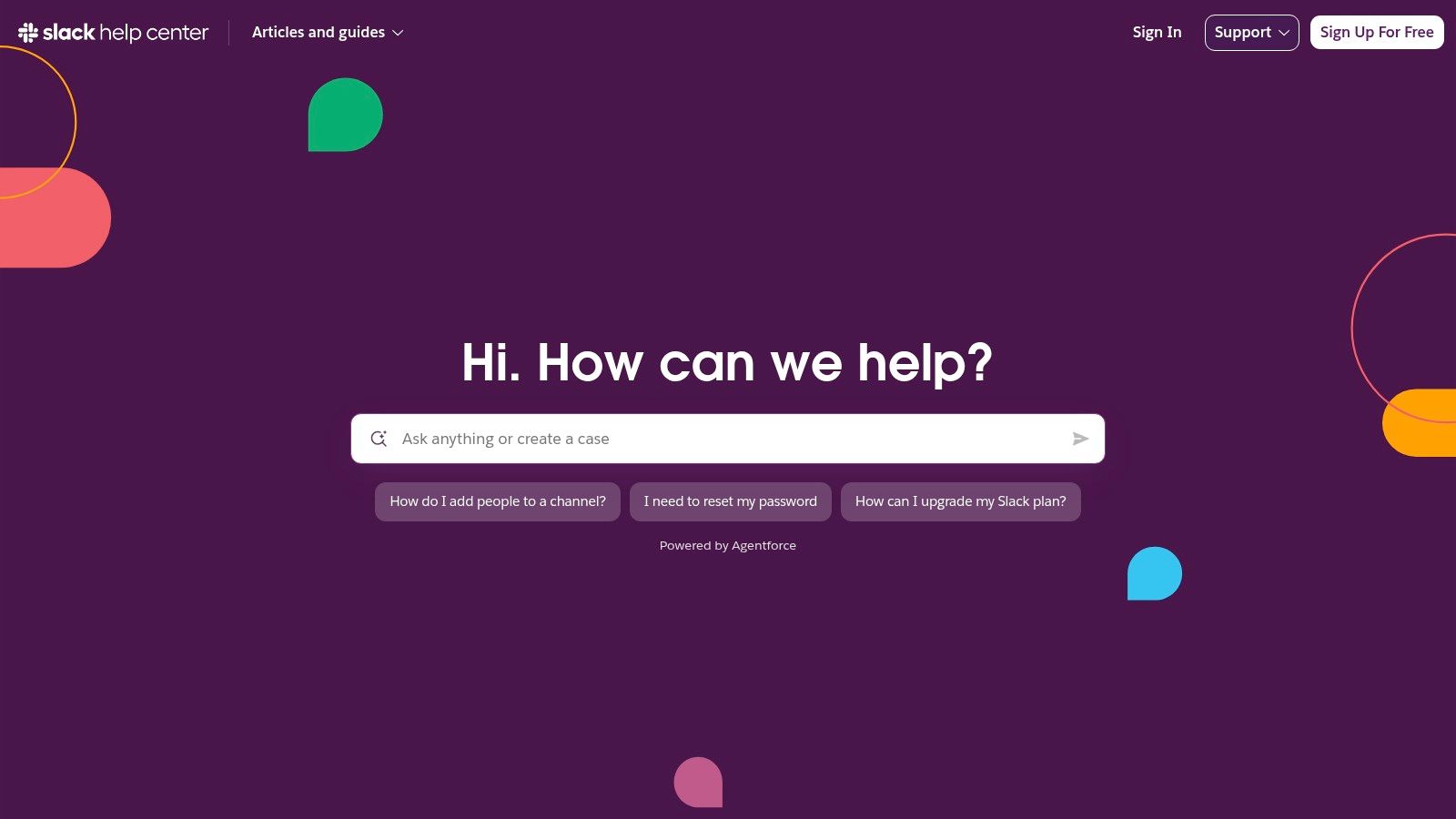
Slack's Help Center runs two audiences through one library. Members need help with messages, notifications, profiles and preferences. Workspace owners and admins need help with permissions, app approvals and administration. Around both sit getting-started guides, tutorials, videos, known-issue notices and a route to contact support.
The design decision is scoping by role. An admin article on retention settings lives in its own section, away from a member article on finding an old message, so neither reader filters out the other's material.
That idea predates help centers by decades. Cornell's course history of knowledge-based systems describes the classic systems as carrying a lot of knowledge with limited but rapid reasoning inside one constrained problem, and names XCON, which configured computer systems from customer orders. Narrow scope is what made those systems useful. The same constraint keeps an article useful.
Where the model falls short is vocabulary. A reader who doesn't know what a huddle or a canvas is gets no foothold from the category tree, and some support and case-tracking options sit behind a sign-in.
Practical rule: open every article with one line naming the role and the plan it applies to.
That line takes an afternoon to add across a library, and it stops a member from following admin-only steps.
2. Shopify Help Center
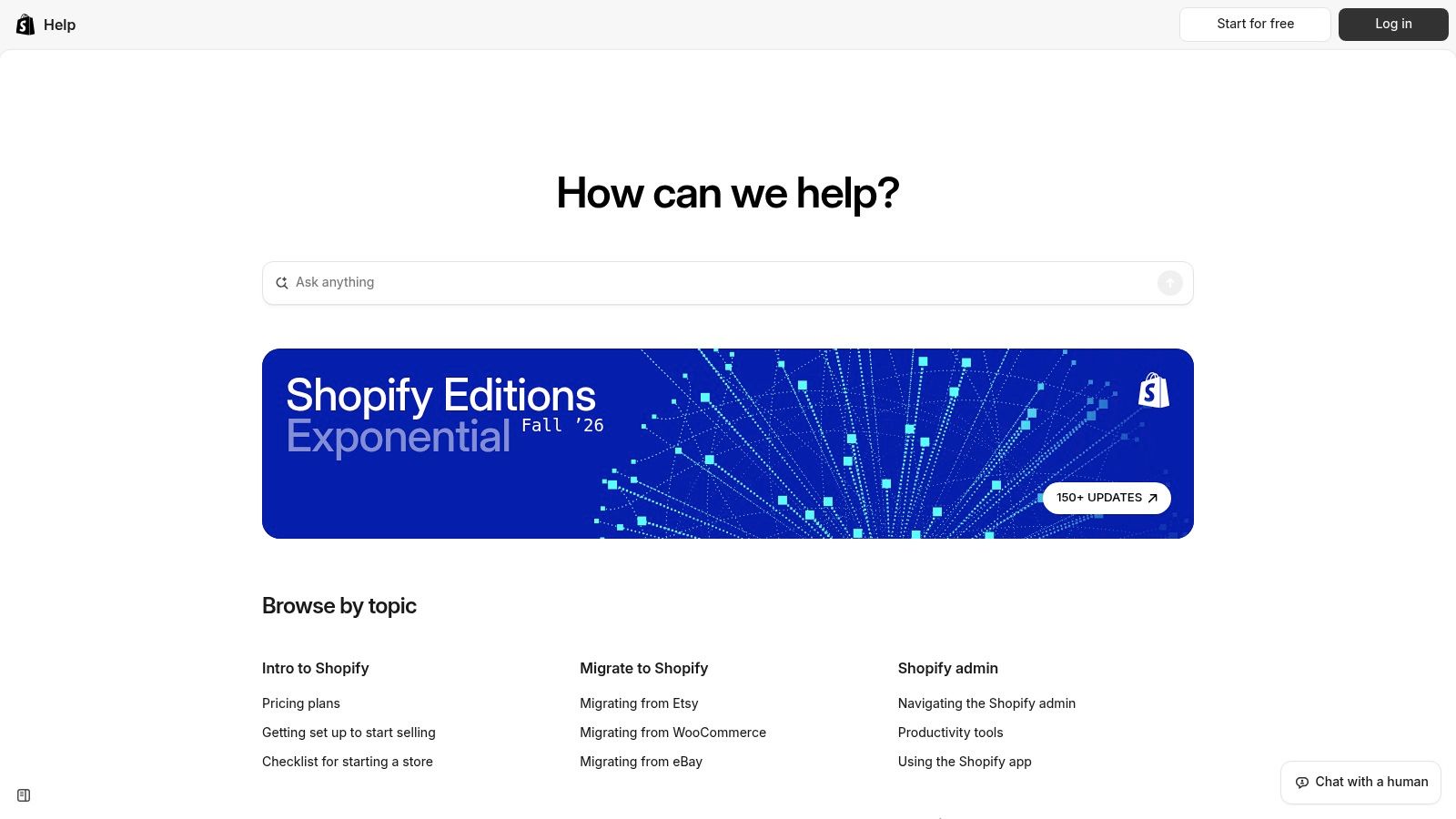
Shopify's Help Center is filed by what a merchant is trying to finish, not by which team inside Shopify owns the feature. Store setup and migration. Products. Orders and fulfillment. Payments. Shipping and taxes. Sales channels. Reports.
Copy the task labels, not the feature names
Nobody wakes up wanting to configure a sales channel. They want to know why a payout is late. Shopify names its categories after the second question, which is why the navigation still works on a product with hundreds of moving parts. The library also separates the mobile app from the admin experience and keeps migration and getting-started material near the top, so a new merchant isn't dropped into advanced configuration on day one.
The limits matter too. The volume is heavy for a first-time user, and many instructions shift with plan, configuration or region, so a merchant can follow steps that don't match their store.
The help center feature guide covers the software side of the same decision, because category structure and search settings decide whether task labels stay coherent once a library passes a few hundred articles.
The stakes are rising. In 2025, Gartner surveyed 265 customer-service and support leaders and found self-service portals and knowledge-management systems among the technologies expected to become increasingly important, with self-service and live chat projected to overtake traditional channels by 2027.
3. Canva Help Center
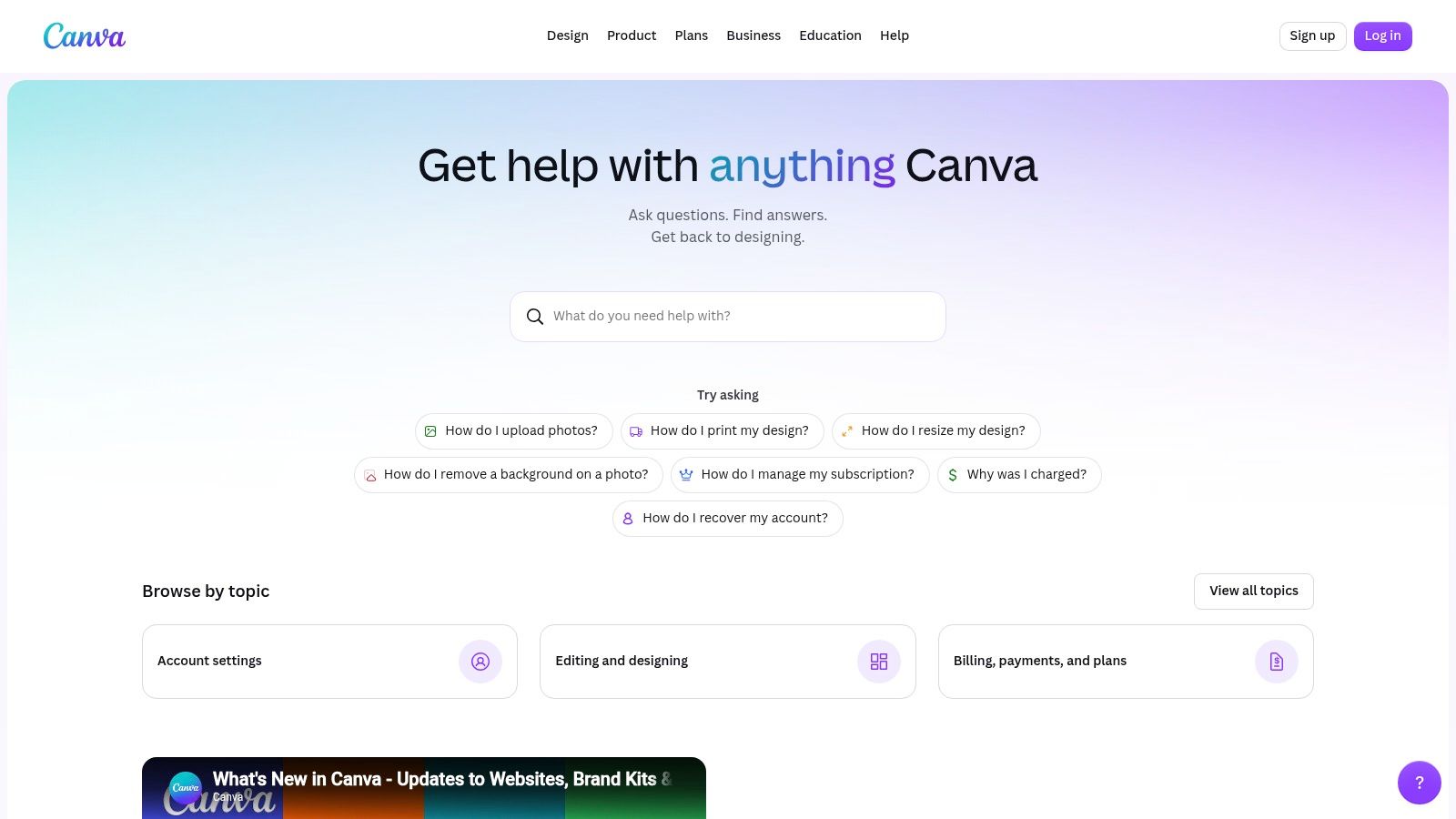
Canva's Help Center opens with example questions instead of a category grid. A visitor reads a handful of plain sentences, clicks the closest one, and lands on an article written in the same words.
The design decision is language matching. Categories such as brand controls or printing are accurate and forgettable. A question someone would type is a better entry point, and it doubles as a statement of what the library covers.
An article that matches the customer's phrasing beats an article that matches the product's schema.
The instinct is old. A university lecture history of knowledge-based systems traces it from John McCarthy's 1958 Advice Taker, through DENDRAL, built at Stanford from the mid-1960s to infer molecular structures from mass-spectrometry data, to LUNAR in 1973, which let geologists ask questions in English about Apollo lunar samples and was used for real work by people other than its creator. The plain-language interface was the advance, not the database underneath it.
Two gaps show up in practice. A product with this many features makes topic selection hard, and anything account-specific, from a billing dispute to a locked team, ends in a support conversation rather than an article.
The copyable move is cheap. Pull five real questions per category from chat transcripts, use those exact sentences as the on-page examples, and retire any example nobody has typed in six months.
4. Stripe Support and Documentation
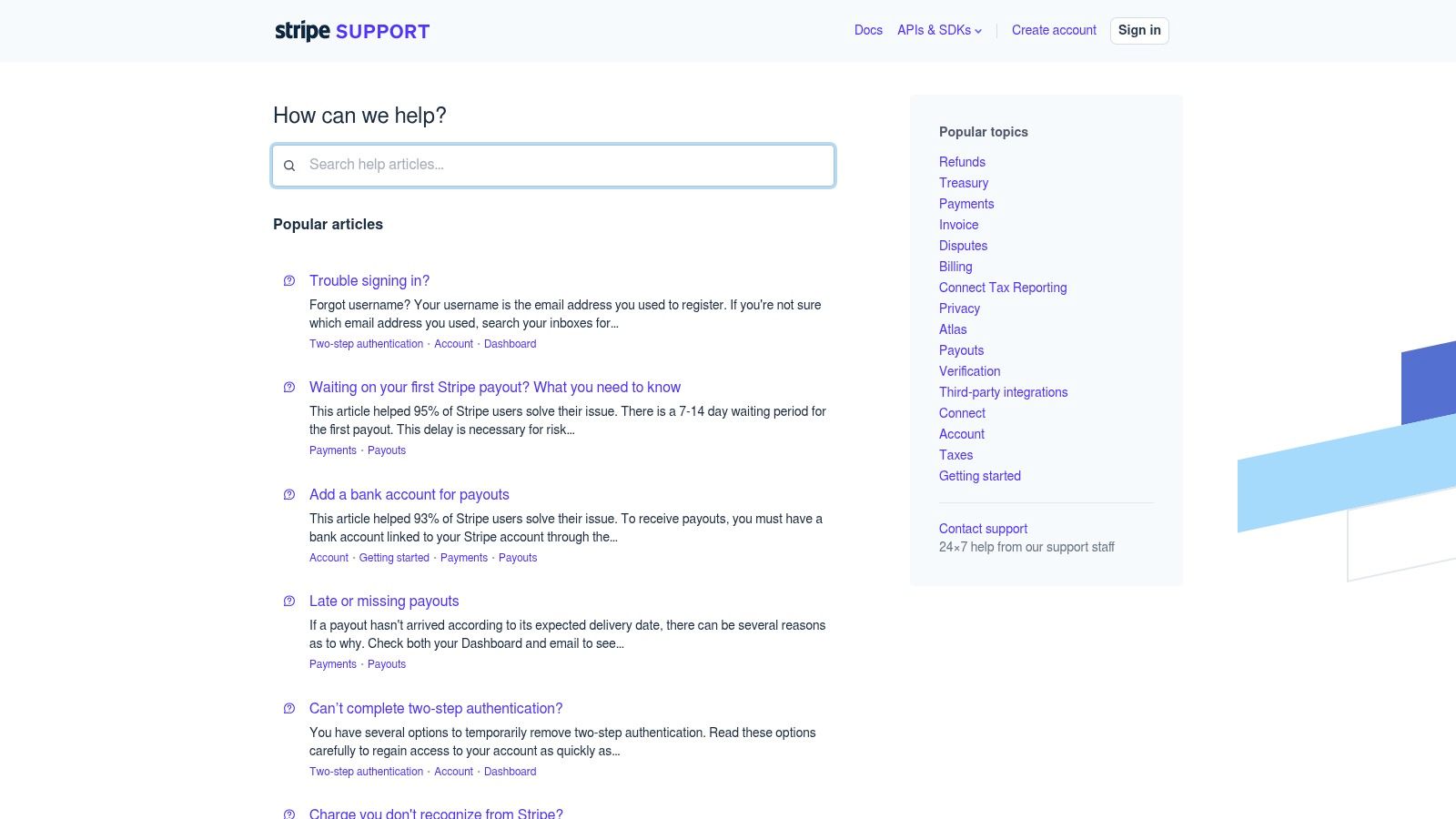
Stripe runs two libraries. Support handles account, security and payment questions. The developer documentation handles implementation. Two entry points, two audiences, two registers.
Two doors beat one long hallway
A developer wiring up a webhook has no use for an article on disputing a charge. A merchant chasing a failed payment has no use for an API reference. Keeping the libraries apart means each stays focused, and the reader picks by intent rather than by guessing at a search box.
The cost is the boundary. Some questions sit in the middle, and a nontechnical reader who lands in developer documentation bounces straight to a competitor. The fix is small: a one-line pointer at the top of each page that routes the other audience.
Splitting a library is a knowledge-application decision, and application is where the returns sit. A reported longitudinal study of 50 small information-technology service providers in the United Kingdom found that organizations using structured knowledge-management practices achieved a 35% improvement in service-delivery time and a 28% increase in customer-retention rates, tying the gains to knowledge creation, sharing and application rather than storage alone, as published in AmeliCA.
For a team writing the pages themselves, how to structure a knowledge base article is the companion read. The audience split decides where an article lives. The article structure decides whether it gets used.
5. Airbnb Help Center
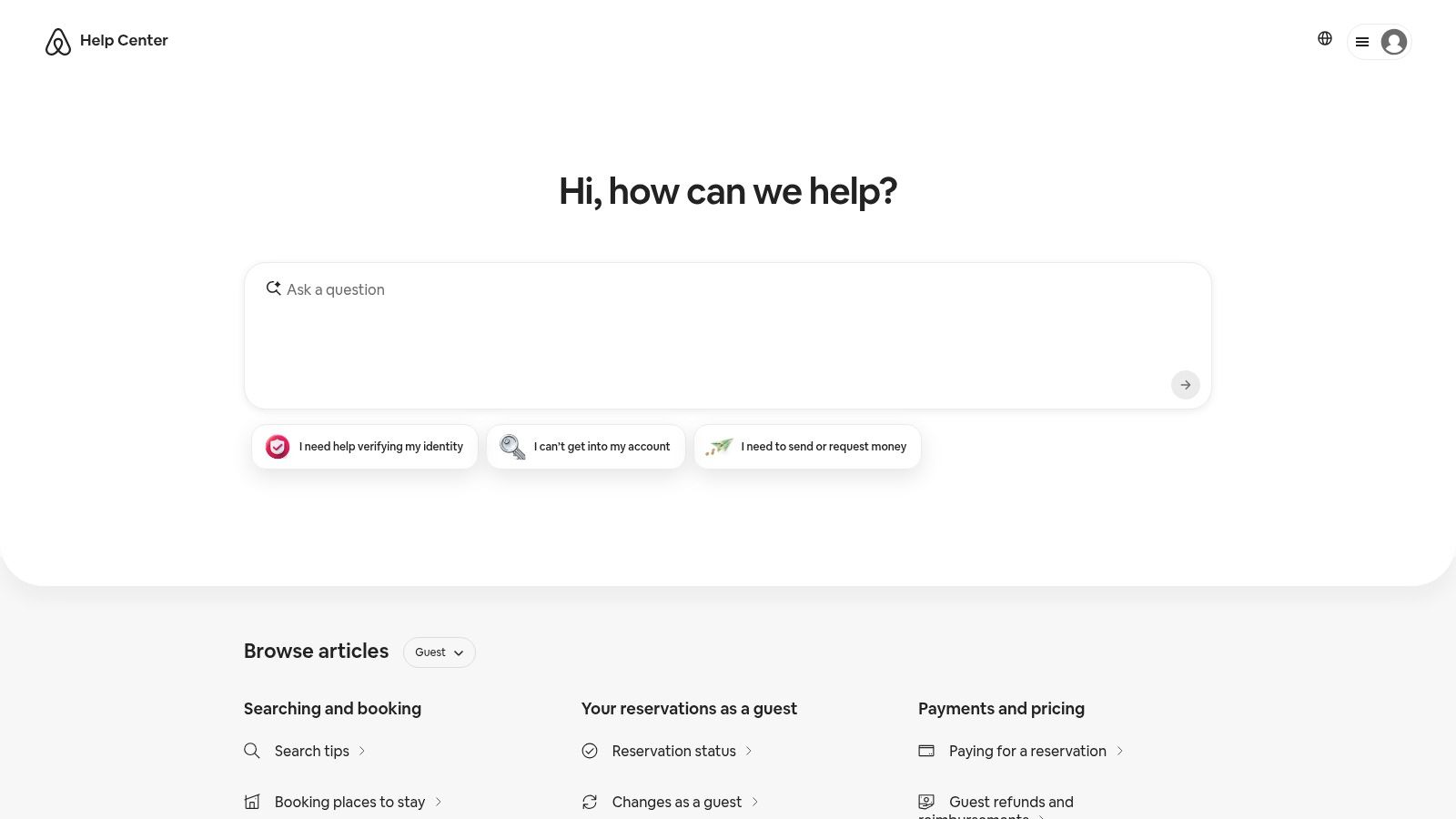
Airbnb's Help Center supports a marketplace with two customer groups that want opposite things from the same booking. Guests need cancellation rules, check-in details and refund paths. Hosts need calendar, payout and policy guidance. The library separates the two before it does anything else.
The second decision is organization by situation rather than by feature. A traveler doesn't search for a reservation object. They search for what happens if a host cancels the night before. Situation-shaped articles match that phrasing, and each one ends with a route to a person for cases that need the booking record.
That route is the part most libraries skip, and it's where the returns hide. Gartner figures reported by CXM World show only 14% of customer-service issues were fully resolved through self-service in 2024, while 73% of customers used self-service at some point in their journey. Many try. A minority finish. The handoff carries the rest.
The limits are visible. Answers and support options often need a sign-in or an active reservation, and a general article can't cover every situation a guest or host brings.
Design the handoff with the same care as the article, and pass the search terms and the article opened along with the conversation.
What a knowledge base is and isn't is a useful framing exercise before a team picks software, because the handoff rule belongs in the plan, not in the tool settings.
6. Spotify Support
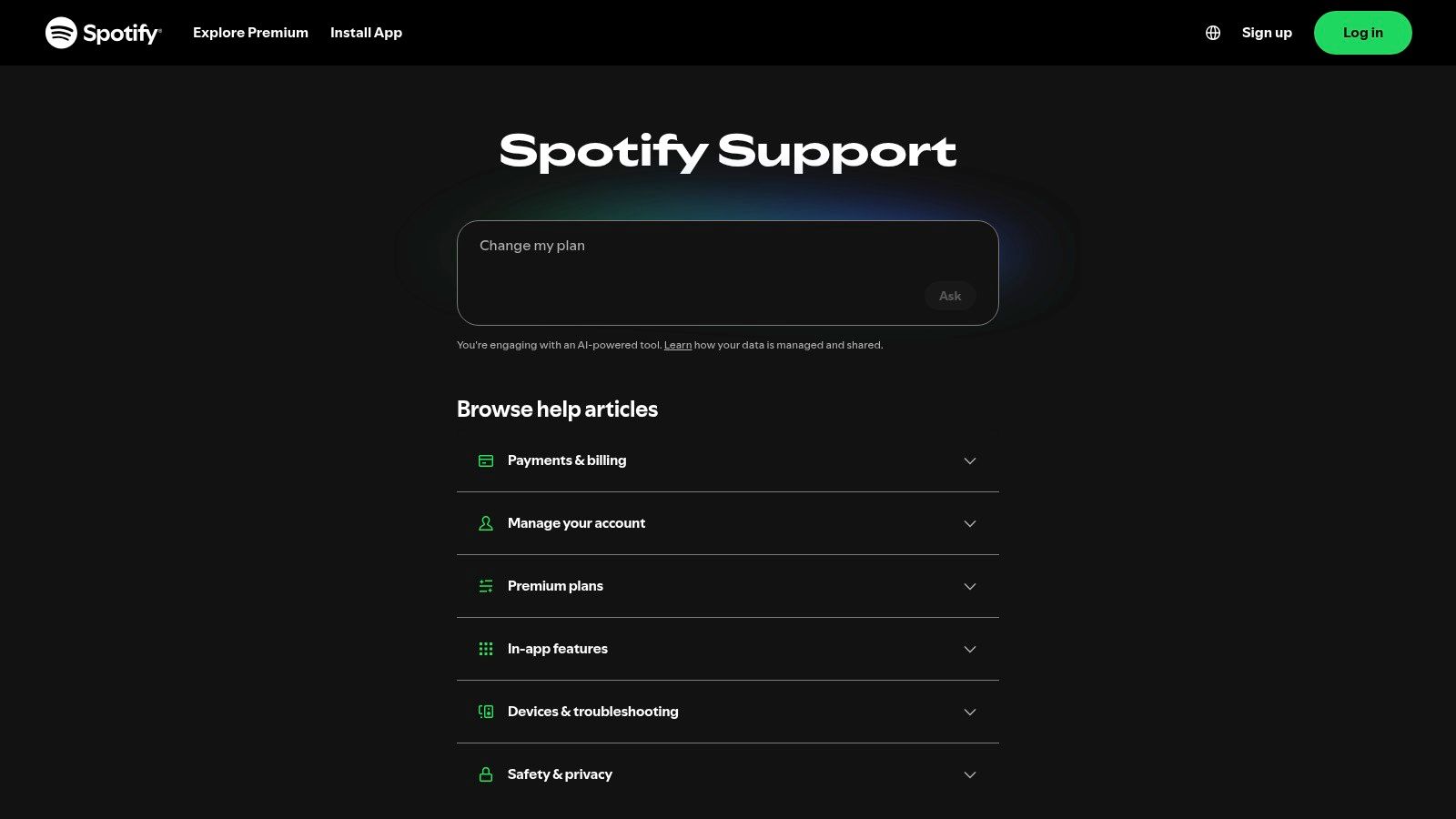
Spotify Support chooses a different kind of narrowness. It documents the recurring blockers that stop someone using the product rather than every feature the product has: account access, payment methods, subscription changes, playback problems, device troubleshooting.
The design decision is choosing which questions earn an article. A music service generates a long tail of rare questions and a short head of the same twenty problems. The short head is where self-service pays for itself. Topic labels map to customer tasks, and account and billing sit next to product use because those questions arrive together in real conversations.
What that buys and what it doesn't: general guidance is less specific than an answer tied to one account or subscription, and unusual cases still need another route out.
Accessibility is the gap this model exposes hardest, because a broad consumer audience includes people using screen readers, keyboards and mobile reflow. W3C's WCAG 2.1 recommendation sets the requirements a help center should meet, and automated scanners reach only a portion of them, so manual checks stay in the process.
- Keyboard only: tab through a full article and the search box, and confirm focus stays visible at every step.
- Structure: use real headings and descriptive link text instead of click here.
- Media: caption every video and publish a transcript.
- Mobile: check reflow at 320 pixels wide.
- Escape route: keep a non-visual path to a human, so nobody repeats the issue to get there.
Test it this way: ask three people who didn't write the article to find an answer and request help with one task, then watch where they stall.
7. HubSpot Knowledge Base
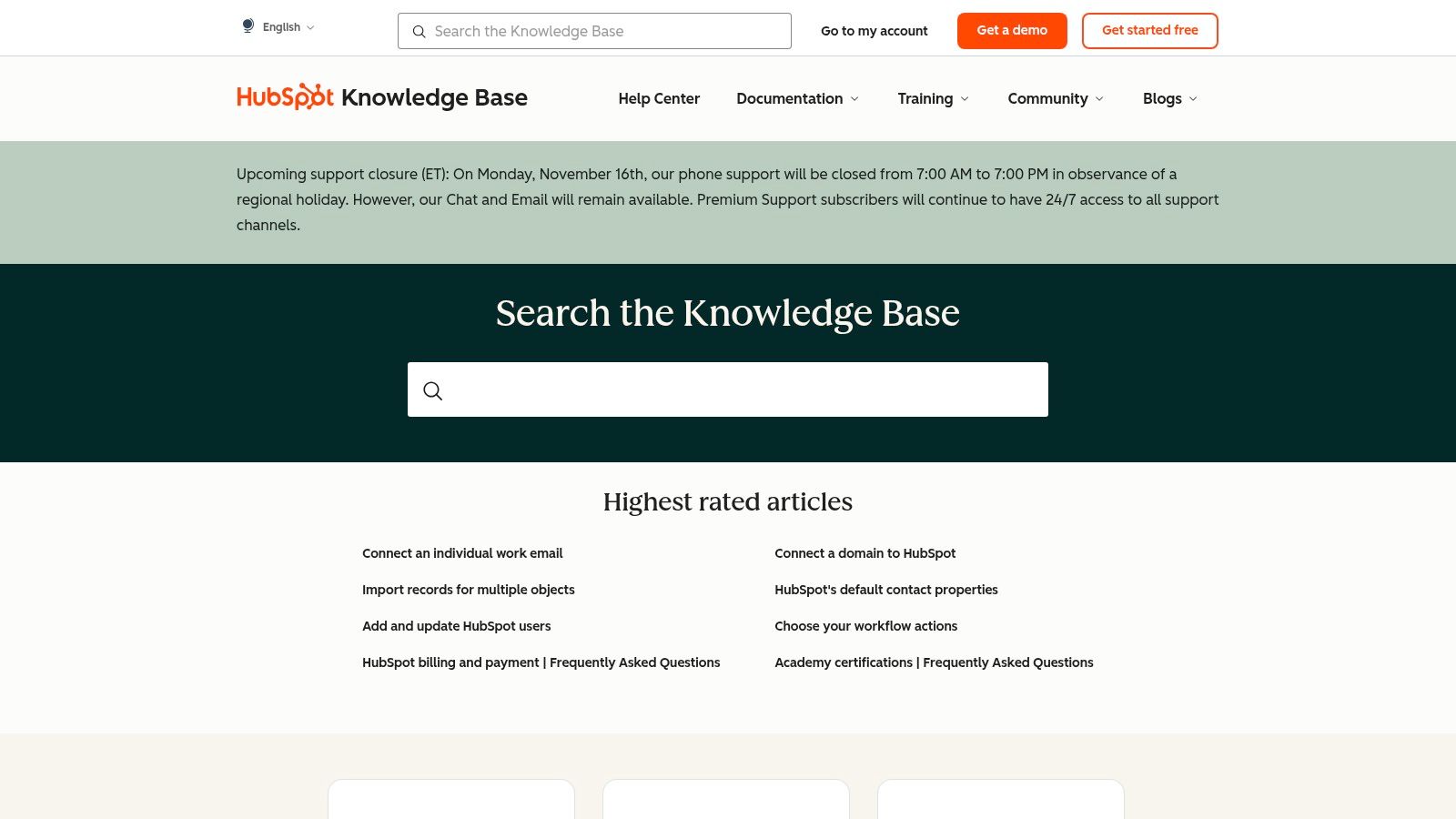
HubSpot's Knowledge Base documents a platform where every tool touches the next. A contact record feeds a workflow, the workflow fires an email, the email reports back to a dashboard. Articles are grouped by product area and cross-linked across those workflows, which is the design decision: a reader who solves the first problem gets handed the next one.
Maintenance is the design decision
Breadth cuts both ways. A large scope makes navigation hard, frequent releases date articles quickly, and a reader has to know which tool their question belongs to before they can choose a path. Cross-links help only when someone keeps them current.
Volume without ownership is the failure mode. A library at this scale grows faster than any team can review it, and each product release invalidates the articles that reference the old behavior. The pages nobody owns drift out of date first, and search surfaces them with the same confidence as the maintained ones. An outdated article on a connected platform does more damage than a missing one, because the reader follows it into the wrong workflow.
So copy the boring fields before copying the layout: owner, review date, product area, locale, effective date, and the rule for what happens when no article answers the question. An article published without an owner and a review date is unfinished work. Prune against that list every quarter.
Related articles belong at the end of a page, three at most, chosen by the next task in the sequence rather than by keyword overlap. Keyword matching returns more pages about the same problem. A task sequence hands the reader the next step they need, which is the whole point of cross-linking on a platform where tools chain together.
How the seven knowledge base examples compare on audience model, standout design choice, and main trade-off
| Item | Best For | Audience Model | Standout Design Choice | Main Trade-off |
|---|---|---|---|---|
| Slack Help Center | Supporting users and workspace administrators | Everyday users and admins | Task-based topics with step-by-step guidance | Broad coverage can make articles hard to find |
| Shopify Help Center | Guiding merchants through store setup and operations | New and established merchants | Topics organized around merchant workflows | Extensive content and plan-specific instructions can overwhelm |
| Canva Help Center | Answering practical creative and account questions | General users and account holders | Example questions and a “What's new” area | Broad feature range can make topic selection challenging |
| Stripe Support and Documentation | Serving products with technical integrations and account support | General users and developers | Separate support and developer documentation | Users may be unsure which resource to choose |
| Airbnb Help Center | Supporting a two-sided marketplace | Guests and hosts | Guidance organized around real-world situations | Some help depends on sign-in or booking details |
| Spotify Support | Resolving common consumer account and product issues | Broad consumer audience | Self-service help for recurring tasks across devices | General guidance may not address account-specific cases |
| HubSpot Knowledge Base | Supporting a broad SaaS platform and connected workflows | Users with varied roles and experience | Product and task areas with related articles | Large scope and frequent changes complicate navigation and upkeep |
Turn These Patterns Into Your Own Help Center Plan
Seven libraries, seven decisions. Scope by role (Slack). File by task (Shopify). Lead with the customer's words (Canva). Fork by audience (Stripe). Split by side of the marketplace (Airbnb). Document the recurring blockers only (Spotify). Govern the library (HubSpot). None is worth copying wholesale. The pattern underneath each one is the part that travels.
A practical sequence for a small team:
- Map the audiences first. List who arrives: end users, admins, buyers, developers, hosts. Every category should serve one of them.
- Group by customer task. Write category names as sentences a customer would say out loud, then check that each one maps to a real transcript.
- Decide where self-service ends. Name the escalation trigger for each article family, and pass the context along with the handoff.
- Give every article an owner and a review date. APQC's 2025 survey of 340 knowledge-management practitioners lists improving content management, search and discovery, and measuring KM impact as leading priorities, and finds generative AI for creating content and AI for recommending knowledge assets among the most important technologies for these teams. That combination punishes volume. More drafts without owners makes a library worse, faster.
- Review on product change. A release note should open a review task for every article it touches, before the release ships.
Demand isn't the question. The University of California, Davis knowledge base drew 2,668,477 views in 2024, a 73% increase on 2023, as UC Davis reported. People will use a library. The work is making sure what they find is true.
Tooling decides how much of that a small team can hold. Native pages vs help center apps is a useful read on the build-or-app question before committing to either. SignalZen's Help Center sits in the second camp, with articles organized into as many categories as a product needs and scaling from 5 to 500, search that returns results as a visitor types with keywords highlighted and content previewed, and the same articles feeding both the AI answers and the support team inside one chat widget.
SignalZen gives a small team the parts these examples keep pointing at: a searchable Help Center where articles are published in categories that scale from 5 to 500, and the same articles answer customer questions automatically in the chat widget, in any supported language, at any hour. Chat and email arrive in one workspace inside Slack, Microsoft Teams or Google Chat, and a human agent can take over any conversation with the full history and an AI summary of what's still open. Start at SignalZen.


Better support without a bigger support team.
Start with AI. Add your team when the conversation needs a person.