
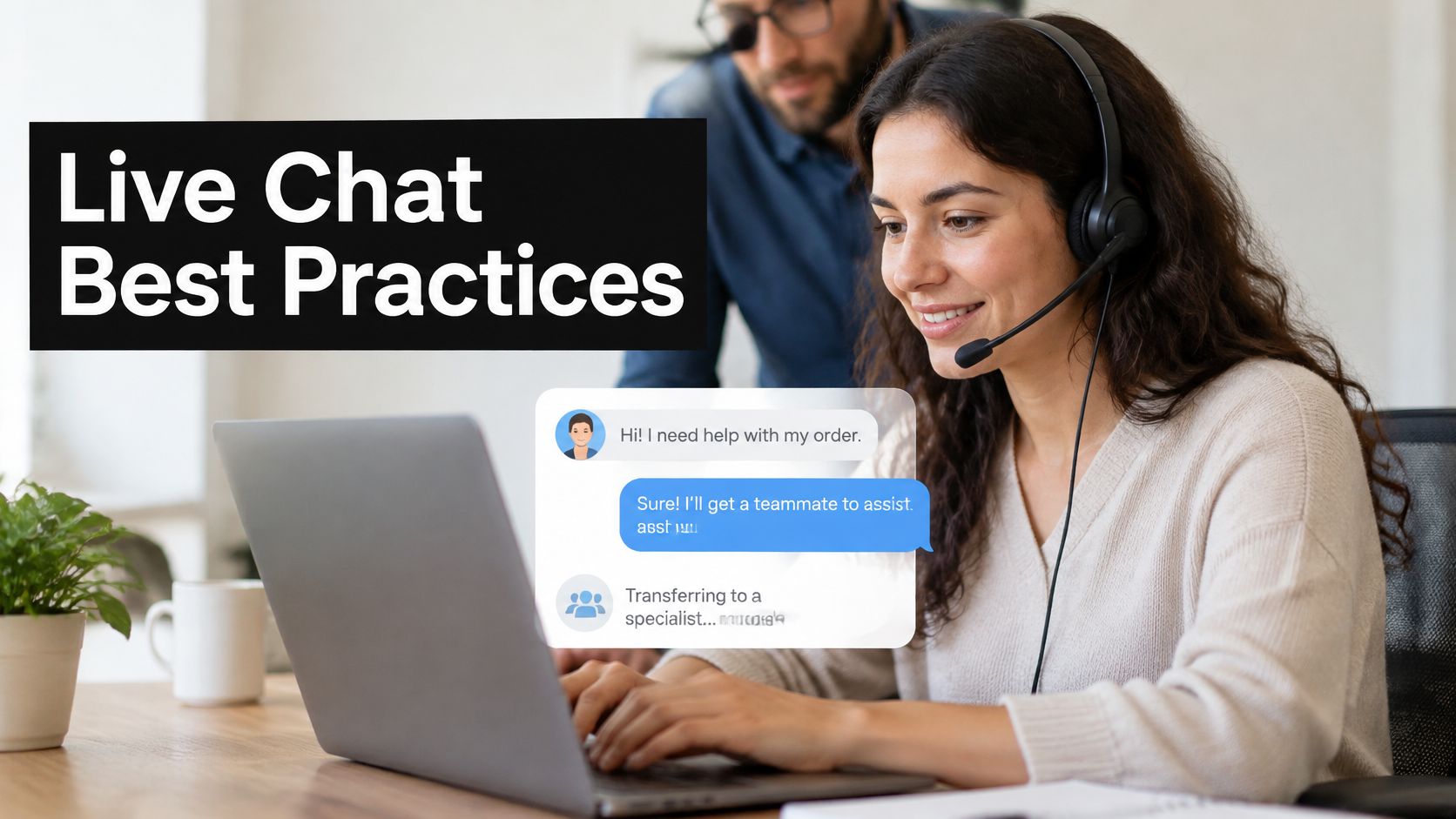
A visitor opens the chat widget, types a question about a late order, and waits. Four quiet minutes pass. The visitor closes the tab. On a small team, that miss is easy to explain and hard to absorb. One person is already in Slack clearing email, another is on a client call, and the chat landed in a channel nobody was watching.
That first minute decides whether the chat succeeds. Customers don't see your staffing chart. They see silence, a clear next step, or a useful answer. Live chat best practices for a team that also covers email and an AI assistant are less about a perfect script and more about a pattern you can run from Slack, Microsoft Teams, or Google Chat.
The eight practices below are the ones that hold up when two or three people share the queue. They cover how fast you answer, when a proactive invite helps, how an assistant stays inside your own content, how a handoff should feel, what happens after hours, how other languages get covered, how replies stay consistent, and which numbers deserve a weekly look. None of them needs a large support floor. Each one fails in a specific way if the setup is skipped.
Table of Contents
- 1. Respond Fast and Set Clear Expectations
- 2. Use Proactive Engagement with Well-Timed Triggers
- 3. Deflect Routine Questions with an AI Assistant Grounded in Verified Content
- 4. Hand Off to Humans Seamlessly with Full Context
- 5. Cover After-Hours and Unstaffed Periods with Offline Forms and Async Follow-Up
- 6. Support Multilingual Customers with Automatic Translation
- 7. Equip Agents with Canned Responses and Tone-Consistent Reply Tools
- 8. Measure Chat Performance and Review Transcripts Continuously
- How the 8 live chat best practices compare at a glance
- Start With One Change This Week
1. Respond Fast and Set Clear Expectations
Speed is the promise the widget makes before anyone types. Break it often enough and people stop opening chat. On a three-person team, the usual miss is simple. The widget still says online while everyone is in another Slack thread, a Teams channel, or a Google Chat space.
Treat the first reply as an acknowledgement, not a full answer. An automated line can name who is responding, whether that is an assistant or a person, and what happens if nobody is staffed. Publishing a time you cannot hit is worse than publishing none. In a sales queue, the benefits of faster lead response come from that first signal: the other person can tell the request is alive. Support chat works the same way. Silence reads as a closed door.

A 2019 baseline still fits a small queue. LiveChat's 2019 Customer Service Report, covering 23,487 customers, reported an average first-response time of 48 seconds per chat. Use that as a target for a staffed window, not as a promise during a lunch break when one person covers chat and email.
A vague "we'll be right with you" sets no bar. A response-time window you hit changes how the wait feels, because the visitor can judge the delay against a number instead of against silence.
Practical rule: Measure median first response for a normal week, then publish only a window you hit on a bad Tuesday.
Say an apparel shop shows "Typically replies within 2 minutes" from 9 to 6, then switches the widget to an assistant plus an offline form. A SaaS team can put "Product support is online until 6 PM ET" in the status line. When the channel is empty, hide the widget or force it offline from Microsoft Teams so the status matches the room. An open chat that nobody answers trains people to email instead, and then one missed minute becomes two queues.
A tight public window keeps the queue honest. It fails the moment the only agent steps into a call. Force the widget offline, or let the assistant take the first line, rather than leaving "online" up as decoration.
2. Use Proactive Engagement with Well-Timed Triggers
A proactive invite is useful when it names the page the visitor is stuck on. It is noise when it fires on every URL after twenty seconds. Small teams feel bad invites twice. The visitor gets annoyed, and the agent inherits a chat that started with "No thanks."
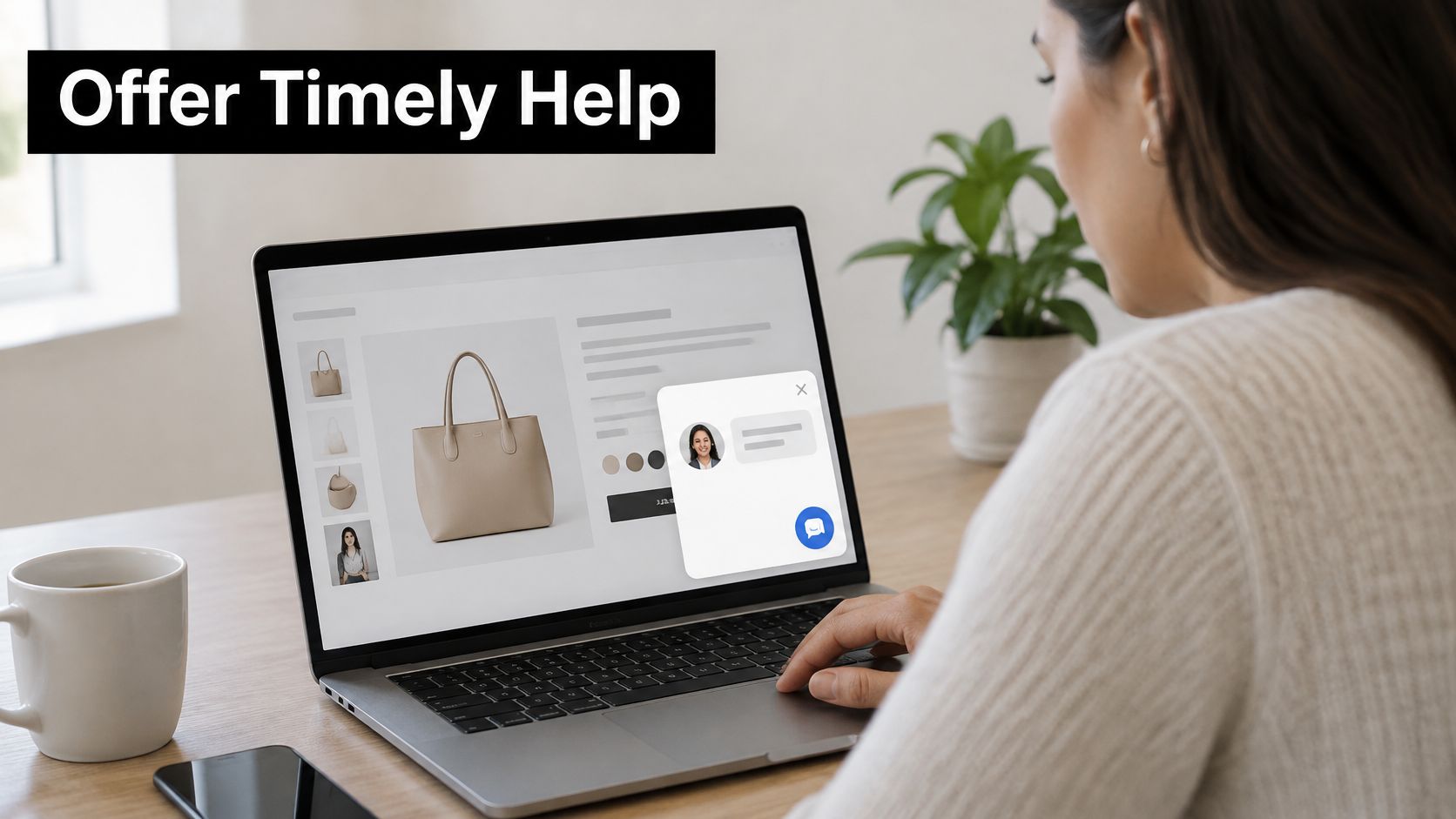
Limit this to one invite per session, and let the visitor dismiss it for good. Tie the trigger to a behavior you can explain in one sentence. Time on a pricing page, a second visit to shipping policy, or a cart that has sat still are fair reasons. A homepage scroll is not.
What a good trigger sounds like
An online store can invite a shopper who opened the shipping policy twice and still has an empty cart. The message should offer delivery help, not a generic "Need anything?" A software company can do the same on an API docs page, with a line about authentication setup rather than a sales pitch.
- One intent per rule: If you cannot name the question you expect, don't ship the trigger.
- Easy exit: A close control should stick for the rest of the visit, not just hide the bubble for ten seconds.
- Monthly prune: Drop any rule whose dismissal rate stays high and whose chats rarely turn into a real question.
Review those two rates together. A rule that starts many chats and resolves none is a tax on the same people who answer email. Agencies running several client sites should keep triggers per site, not one global rule, because a docs page and a checkout page do not share an intent.
3. Deflect Routine Questions with an AI Assistant Grounded in Verified Content
An assistant earns its place when it answers order status, hours, pricing, and setup steps without inventing policy. It fails when it pulls from generic web text and sounds confident about a return window you changed last month. Ground it in pages you control, uploaded files, and help center articles. If the source does not say it, the assistant should not say it either.
Automation is already a large share of chat operations, not a side feature. A 2025 Comm100 benchmark based on 2024 platform data reported that AI chatbots handled 73.8% of chats, up from 62.7%. The same report found that chats with an initial response within 30 seconds produced 79.6% CSAT. Speed from a bot only helps if the answer matches your current policy.
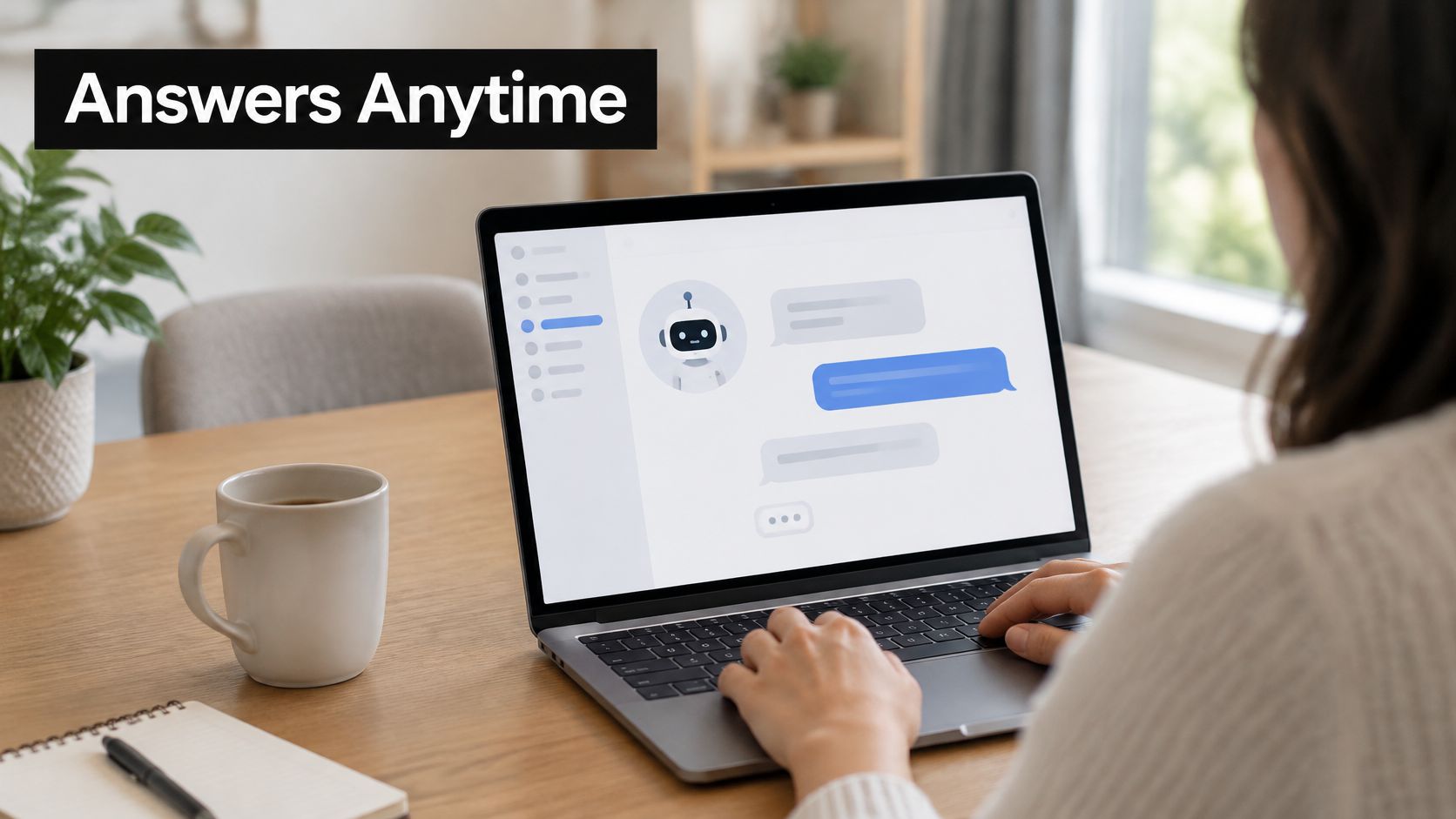
Before launch, list the top questions from the last month and confirm a real page answers each one. A retailer can let the assistant quote the published return policy and send refund disputes to a person. A SaaS team can have it walk through setup from the help center, then offer a human if those steps fail. A knowledge base chatbot works when the article and the chat answer stay in sync. SignalZen's AI Support uses the business website, files, help center, and instructions, and Help Center articles feed both the assistant and the team in the same widget.
Keep a visible way to reach a person on every step, including the first message.
Each week, read the chats the assistant could not finish or that customers rated poorly. Add the missing article, or narrow the assistant's scope. A bot that "handles" billing disputes by guessing account status creates a second ticket, usually an angrier one.
4. Hand Off to Humans Seamlessly with Full Context
The break most customers remember is not the wait. It is being asked to repeat the order number they already typed. A handoff should continue the thread, not open a new intake form.
Holiday-shopping research covered by Morningstar found that 78% of U.S. consumers used AI or automation for customer service, while only 22% said companies clearly disclosed that use, and 69% believed brands should always disclose it. The same research found 85% said AI made service faster or more accessible, 45% said it failed to understand the problem, and 55% had to escalate an AI-handled issue to a human. Hiding the assistant until it fails is a short-term containment trick. It costs trust the moment the customer notices.
Label the assistant at the start, say what it can and cannot do, and don't ask for payment details it does not need. When confidence drops, sentiment turns sharp, or the topic is a dispute, route to a person with the full transcript, the customer context, and a short summary of what is still open. A dedicated customer support agent should not have to rediscover the account email.
A handoff that fits a chat app
Picture a billing chat that started with the assistant. The customer already gave the invoice number and said the charge posted twice. In Slack, the agent gets a card with that number, the earlier answers, and a two-line summary. In Microsoft Teams, the same pattern lets someone take the thread and finish it without asking for the email again. Tell the customer a person is joining and what that person can already see. How to escalate an issue should be a visible path, not a hidden command. Track how often people ask for a human. Those cases are your bot-scope review, not a failure to "contain."
5. Cover After-Hours and Unstaffed Periods with Offline Forms and Async Follow-Up
A chat window that accepts messages at 11 p.m. and stores them in silence is not coverage. It is a dead end with a speech bubble. When nobody is staffed, replace the open composer with an offline form. Ask for the question, a contact method, and only the fields you need to start. A long form at night gets abandoned just like a long queue does in the afternoon.
Publish a window you can meet, such as the next business morning. "We reply within one business day" is a promise. "We'll get back to you soon" is not. Send an automatic confirmation that restates the question so the customer knows the note landed. A ticket-style reference in that email stops the second message that says "just checking you got this."
Say a digital agency runs chat on three client sites. After 6 p.m. each site shows the form, confirms by email, and drops the message into the same workspace as daytime chat. An ecommerce brand can collect order questions overnight and answer them on the same thread in the morning, instead of starting a fresh inbox. Chat and email can land in one place and be handled the same way, so the overnight note does not become a forgotten folder.
The failure mode is a second queue. If after-hours mail goes to a personal inbox while daytime chat lives in Teams, ownership gets fuzzy by Wednesday. Route both into the channel the morning person already watches. A short confirmation today beats a fast answer tomorrow that the customer never knew was coming.
6. Support Multilingual Customers with Automatic Translation
Hiring a native speaker for every market is the right call for legal disputes and regulated claims. It is a poor default for "Where is my order?" and "Does this plan include SSO?" Two-way translation lets the customer write in their language and the agent reply in one language, with both sides seeing their own.
An English-speaking SaaS team can help Spanish and French users in the same chat without a language queue. A retailer can answer pre-sales questions from international shoppers the same way, as long as product names stay stable. Build a glossary of names, plan tiers, and error codes that should not be translated. "Pro" becoming a verb, or a SKU getting "corrected," creates tickets you did not have yesterday.
Where translation should stop
Test the languages you see before you advertise multilingual support. Run ten real questions through each language and have someone who speaks it check tone, not just word choice. Route billing disputes, warranty language, and anything a regulator would read to a person who works in that language. Automatic translation is a coverage tool. It is not a substitute for a contract review.
SignalZen can detect a live chat visitor's language and send follow-up email with the From name and subject translated, and email templates can be translated too. That matters because the chat often continues as email the next morning. If the subject line snaps back to English, the thread looks like a different company. Keep one team, one queue, and a clear rule for which topics leave the translator.
7. Equip Agents with Canned Responses and Tone-Consistent Reply Tools
Templates save time on facts that never change. They sound robotic when they cover feelings. Keep a shared library for password resets, plan upgrades, shipping cutoffs, and refund windows. Write the opening so the agent still names the customer's situation. "Your order 1842 ships tomorrow" beats "Per our policy, orders ship in 1 to 2 days."
AI drafting sits in the middle. It can propose a reply from the thread, and a one-click tone shift can make that draft warmer or more formal. The agent still sends it. Require a read for accuracy before send, especially on dates, prices, and account status. A fluent wrong answer is harder to unwind than a slow correct one.
Who owns the library
Assign one person to update templates when pricing or policy changes. A monthly pass is enough for most SMB catalogs. If nobody owns the file, last year's return window keeps going out.
- Narrow the set: Templates for repetitive facts only. Judgment calls stay freehand.
- Personal first line: The template starts after the customer's name and the specific order, invoice, or error.
- Draft, then check: An AI suggestion is a starting point. Dates and amounts get a human look.
A saved auto response should match the voice you use in email, because customers move between the two. Say an agent faces a shipping delay. The draft explains the new date. The agent switches the tone toward empathy, confirms the carrier name, and sends. In a two-person team, that habit keeps Friday's replies from sounding unlike Monday's. Copilot-style drafting from conversation context, with a one-click tone change, fits that check. It does not replace it.
8. Measure Chat Performance and Review Transcripts Continuously
A dashboard with fifteen charts does not change next week's staffing. Three to five numbers, reviewed on a set day, do. Separate queue wait from the agent's first real reply. Comm100's 2025 benchmark report, based on 2024 data, found average customer wait time increased 4.89% to 23.6 seconds, while average response time improved 3.03% to 44.8 seconds. Those are different clocks. Fixing the greeting bot can improve one while the queue gets worse.
Satisfaction needs a collection plan, because most chats never get a score. A global LiveChat customer-service report covering 2 billion chats and 12 million tickets found that only 6.7% of chats received a customer rating, and CSAT among rated chats was 64.2%. Ask for a one-click rating when the chat closes, and pair it with resolution, reopen rate, transfer rate, first response, and time to resolution. Slice by business hours and by assistant versus human. An average hides the after-hours pile.
Read a fixed sample of transcripts each week, including chats that went well. A SaaS team that keeps seeing one API error can fix the help article and watch volume drop. A shop that keeps explaining shipping cost is looking at a page problem, not an agent problem. Store visitor messages, including files sent in the widget, with a retention rule you can explain. Encrypted storage does not replace telling people how long you keep the thread.
How the 8 live chat best practices compare at a glance
| Item | Core goal | Best for | Key metric | Setup effort |
|---|---|---|---|---|
| Respond Fast and Set Clear Expectations | Acknowledge customers quickly and clarify wait times and availability | Teams aiming to reduce abandoned chats and build trust | First response time | Low |
| Use Proactive Engagement with Well-Timed Triggers | Offer timely help based on customer behavior | Capturing high-intent visitors on pricing, help, or checkout pages | Conversion and dismissal rates | Moderate |
| Deflect Routine Questions with an AI Assistant Grounded in Verified Content | Resolve common questions instantly using trusted content | Reducing repetitive tickets while keeping support available around the clock | Resolution or deflection rate | High |
| Hand Off to Humans Seamlessly with Full Context | Transfer conversations to agents without losing customer context | Teams combining bots and human support | Time to resolution | Moderate |
| Cover After-Hours and Unstaffed Periods with Offline Forms and Async Follow-Up | Capture requests and set follow-up expectations when agents are unavailable | Teams that cannot provide 24/7 staffing | Follow-up response time | Low |
| Support Multilingual Customers with Automatic Translation | Enable customers and agents to communicate across languages | Businesses serving international or multilingual customers | Conversation resolution rate | Moderate |
| Equip Agents with Canned Responses and Tone-Consistent Reply Tools | Improve reply speed and consistency while preserving personalization | Support teams handling repetitive questions | Response time | Low |
| Measure Chat Performance and Review Transcripts Continuously | Use metrics and conversation reviews to improve support | Teams seeking to identify service issues and coaching needs | CSAT and resolution rate | Moderate |
Start With One Change This Week
You don't need all eight practices in one release. Pick the gap that costs the most this month. That might be a widget that stays open after the last person logs off, a handoff that makes customers retype an order number, or an assistant answering from a policy page you retired. Fix that one thing. Watch it for two weeks. Then take the next gap.
Small teams that stack one working habit tend to beat teams that launch a wide chat program and staff it with hope. The pattern is simple. Acknowledge fast, and only advertise a wait you can meet. Invite proactively when the page explains why. Let an assistant answer from verified pages, with a person one tap away. Pass the whole thread on handoff. At night, take a form and confirm it. Translate routine chats, and keep disputes with someone who can own the wording. Give agents short factual templates and a draft they must check. Review a few numbers and a few transcripts every week.
If the work already lives in Slack, Microsoft Teams, or Google Chat, keep chat there instead of adding another inbox. SignalZen is one option built for that setup. It puts live chat and email in the same workspace, answers from first-party pages and files, and lets a person take over with the history intact. Setup starts from the Integration page after signup, and you only turn on Slack, Teams, email, or the widget if you use them. Every plan starts with a 30 day free trial, no credit card, and there is no per-conversation charge because plans include unlimited chats and unlimited bandwidth.
The widget itself can be tuned, with suggested questions, file and screenshot sharing, and an offline form when you force status offline, including from a Microsoft Teams command. AI summaries can condense a long thread into what happened and what is still open, which is the difference between a two-minute handoff and a second interview. None of that removes the weekly transcript review. Tools don't notice a confusing shipping page. A person reading ten bad chats will.
Start with the status line and the after-hours form if you change only one setting before the weekend. Those two stop the silent window, which is the failure customers remember first. Measure median first response and abandonment for fourteen days. If both move the right way, add the assistant scope or the handoff card next. Steady beats a big launch you cannot staff on a Monday.
SignalZen brings live chat, email, and an assistant into Slack, Microsoft Teams, or Google Chat, so a small team can answer from verified site content, hand off with the full thread, and cover unstaffed hours with an offline form. It fits the practices above, from fast first replies to two-way translation and reply drafts agents still approve. Visit SignalZen to preview the widget and see how the queue would sit in the tools you already use.

Better support without a bigger support team.
Start with AI. Add your team when the conversation needs a person.