
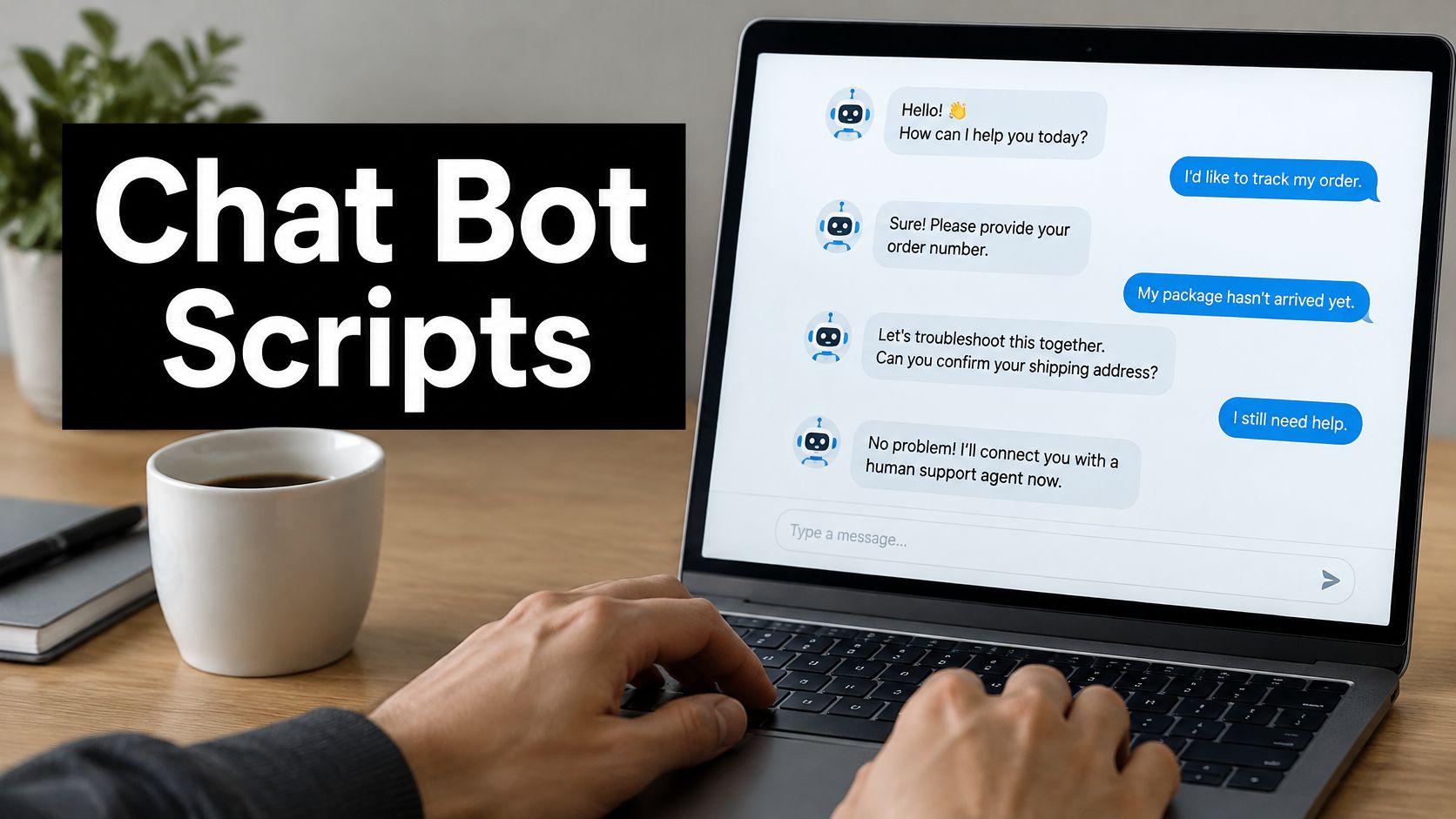
An order-status request turns into a loop: the store's bot serves a return-policy article, repeats it after clarification, and offers no route to a person. The visitor leaves. Support inherits the unresolved request without a useful handoff.
A chat bot script defines the route from that first question to a usable outcome. It controls what information gets retrieved, what the customer must provide, and when automation stops. A friendly greeting cannot replace order access or a working escalation path.
Use a hybrid workflow: automate a bounded task, then preserve the conversation context when a person takes over.
Keep informational answers separate from operational actions. A script that explains a policy does not necessarily have access to confirm an order change. For a restaurant-specific application, restaurant integrations and AI support covers that separate setting.
Give every script a defined trigger, an approved information source, a failure condition, and a next action. Otherwise, polished dialogue can still become a loop.
The eight blueprints map those boundaries to specific support moments, from policy questions to after-hours requests. Configure one narrow workflow first. Choose a frequent, well-documented request whose outcome can be checked against an answer or system record. Broader coverage means more paths to maintain, so keep the information source and handoff rule current before expanding.
Table of Contents
- 1. FAQ and Knowledge Base Answer Bot
- 2. Order Status and Post-Purchase Support Bot
- 3. Pre-Sales Product Recommendation Bot
- 4. Lead Capture and Appointment Booking Bot
- 5. Guided Troubleshooting Decision-Tree Bot
- 6. Multilingual Support Bot with Two-Way Translation
- 7. Human Handoff and Escalation Bot
- 8. After-Hours Offline Contact and Ticket Creation Bot
- Chat bot script templates compared by scenario and setup needs
- Pick One Script, Measure It, Then Expand
1. FAQ and Knowledge Base Answer Bot
A customer asks whether a subscription can be paused. The bot retrieves the approved billing article, explains the applicable conditions, and links to the full policy. It doesn't infer an exception from an old promotional page.
This knowledge-grounded script suits setup instructions, return policies, billing explanations, and other questions with published answers. The implementation starts with content cleanup: conflicting articles should be consolidated, superseded pages excluded, and policy owners assigned before launch.

Ready-to-adapt answer logic
- Trigger: A customer asks an informational question that doesn't require private account data.
- Retrieve: Search approved help content, then check whether the result addresses the actual question.
- Reply template: Policy summary: {concise supported answer}. Applies when: {relevant conditions}. Full guidance: {approved article link}.
- Fallback template: The published guidance doesn't establish whether {requested exception} applies. Support review is available with the question and relevant article attached.
The trade-off is coverage versus certainty. Broad website access supplies more material, but it can also introduce outdated announcements or marketing language that shouldn't govern support decisions. A curated help center is easier to audit, although someone must maintain it.
A knowledge base chatbot should provide a visible source with each substantive answer and ask only for details needed to distinguish between applicable policies. It shouldn't request an email address before answering a public question.
Review unanswered questions weekly and turn recurring gaps into approved articles. Escalate when documents conflict, a customer disputes the policy's application, or the answer requires account-specific judgment. A plausible answer without supporting content is a failed retrieval, not a successful resolution.
2. Order Status and Post-Purchase Support Bot
An order-status script needs access to records, not just conversational fluency. Without an authorized connection to the order system, it can explain how tracking works, but it can't reliably report where a particular parcel is.
For a retailer, the workflow should authenticate the customer through an approved verification process, retrieve the order, and separate merchant status from carrier status. A packed order isn't necessarily in transit, and a generated shipping label isn't proof of collection.

Build around the actual order state
Trigger: An order-location, delivery, cancellation, or return request starts this branch. The bot requests an order reference, then verifies access through the account session or another approved method before displaying private details.
Response template: Order {reference} currently shows {recorded status}. The latest carrier update is {status and timestamp}. Tracking is available through {carrier link}. The next available action is {supported action}.
Failure template: Current shipment information couldn't be retrieved. A support request can include the verified order reference and the failed lookup without treating the missing result as a shipping delay.
The most important trade-off is convenience versus authorization. An order number and email address may help locate a purchase, but they shouldn't automatically authorize a refund, address change, or disclosure of sensitive details.
A practical e-commerce chatbot workflow also needs branches for canceled orders, split shipments, and return exceptions. Test those states before launch, and recheck mappings whenever fulfillment systems change.
Handoff should include the order reference, verification state, retrieved status, and requested outcome. Return eligibility can be explained automatically when policy and purchase data agree; disputed eligibility belongs with a person.
3. Pre-Sales Product Recommendation Bot
For a software company, a useful recommendation starts with the buyer's required workflow, not the most expensive plan. A prospect who needs shared approvals should reach the plan that supports them, with a clear explanation of the match.
The script should use a maintained decision matrix covering features, exclusions, availability, and approved pricing information. Open-ended generation can explain a recommendation, but it shouldn't invent the rules behind it.

Recommend from constraints, not persuasion
- Start with intent: Suggested prompts such as plan comparison, product compatibility, or team purchasing give visitors a concrete starting point.
- Ask selectively: Collect the missing requirement that changes the recommendation, rather than running every visitor through the same questionnaire.
- Explain the match: Recommended option: {product}. Matching requirements: {confirmed needs}. Relevant limitation: {known exclusion}.
- Offer an alternative: When no exact match exists, disclose the compromise instead of presenting a near match as fully suitable.
For an apparel store, the same logic could narrow sneakers by intended activity, fit preference, and available sizes. The script must distinguish a product's published specifications from subjective judgments about comfort.
The trade-off is qualification depth versus shopping friction. More questions can improve relevance, but unnecessary questions delay a buyer who already knows the required feature. Existing answers should persist when the customer changes a preference.
Escalate custom quotes, uncertain compatibility, and requests that fall outside the catalog's documented claims. Maintain the script whenever products, plan entitlements, or stock rules change, and review recommendation quality against purchases, returns, and agent corrections. A click on the suggested product isn't enough to establish that the recommendation was appropriate.
4. Lead Capture and Appointment Booking Bot
A booking bot should distinguish someone ready for a conversation from someone seeking a quick answer. Requiring contact details before explaining a service turns a support widget into a gate.
For a digital agency, the useful branch begins when a visitor requests a consultation or describes work that requires scoping. The bot can collect a contact email, classify the project, and route the request to the appropriate calendar without pretending that every inquiry needs a sales meeting.
A booking sequence with an honest fallback
Entry template: Consultation scheduling is available for {service categories}. Available routes include appointment booking or a message for the team.
Qualification template: Required project detail: {the missing fact needed for routing}. Scheduling uses {contact email} for the confirmation and appointment updates.
Confirmation template: Appointment confirmed for {date and time}, {explicit time zone}, with {assigned team or person}. Meeting details and rescheduling instructions are included in the confirmation.
The appointment should be described as confirmed only after the calendar system accepts it. If availability retrieval or event creation fails, the bot should offer a contact request rather than display a success message.
- Keep collection purposeful: Ask for company size only when it changes routing or preparation.
- Preserve choice: Offer a message route alongside booking, including when no suitable slots exist.
- Handle availability: Show the calendar's returned slots and make the time zone visible before submission.
- Transfer useful context: Attach the visitor's stated goal and qualification answers to the meeting record.
The maintenance burden sits in calendar ownership, routing rules, and staff availability. Recheck the flow when team members change roles or services change scope. Escalate unusual projects and ambiguous routing rather than forcing the visitor into an unsuitable appointment category.
5. Guided Troubleshooting Decision-Tree Bot
A login failure needs diagnosis before instructions. A script that immediately recommends a password reset may be useless for a customer whose organization uses single sign-on.
Start with an observable distinction: whether the failure occurs before authentication, after authentication, or when accessing a particular workspace. Then follow approved branches, presenting a single diagnostic action at each step and recording the result.

Make every branch auditable
A ready-to-adapt branch might display: Login method: password or organization sign-in. Observed result: {selected error}. Approved action: {relevant diagnostic step}. Outcome: resolved, unchanged, or different error.
The next action must depend on the recorded outcome. Repeating the same instruction after an unchanged result creates activity without progress.
Practical rule: A completed troubleshooting path is evidence for the technician. The handoff should carry the path, not merely label the conversation a technical issue.
Single-turn testing won't expose every failure. The ChatBench paper found that AI-alone accuracy didn't reliably predict user–AI accuracy, which supports testing complete conversations rather than isolated answers.
Test customers who correct earlier information, skip a step, report conflicting symptoms, or encounter outdated instructions. Allow screenshots where they help diagnosis, with a reminder to exclude passwords, recovery codes, and unrelated personal information.
The trade-off is predictability versus flexibility. Decision trees are easy to audit, but they become brittle when every unexpected answer returns to the beginning.
Escalate when the approved path is exhausted, an action risks data loss, or account access requires privileged intervention. Maintain branches alongside product releases, and review abandonment points for instructions that customers can't reasonably complete.
6. Multilingual Support Bot with Two-Way Translation
Language detection should start a conversation, not lock it into a language. A French-speaking shopper may paste an English carrier message, while a German-speaking software user may need an untranslated error code.
The script should let the customer select or correct the language and preserve product names, identifiers, and technical strings. Translation helps communication, but it doesn't resolve an unclear policy or authorize an account action.
Keep the meaning inspectable
- Trigger: The customer selects a language or writes in a language different from the support team's working language.
- Opening template: Automated translation is active for {selected language}. A language change or human review remains available.
- Agent workflow: Retain the original message beside the translated version, then translate the agent's response back for the customer.
- Clarification template: The meaning of {specific term or request} remains unclear. Available interpretations are {supported options}.
For an online retailer serving French and Spanish shoppers, a shipping question can follow the same verified order workflow regardless of language. A disputed refund needs more care: the agent should confirm the requested outcome before approving an irreversible action.
Accessibility belongs in this script too. An evaluation of deployed web chatbots found that more than 80% had at least one critical accessibility issue, making interface checks a necessary companion to dialogue design.
Test keyboard navigation, screen-reader announcements, readable message structure, and language controls. Avoid timed responses and flag icons as the sole language selector.
The trade-off is broader coverage versus ambiguity in specialized language. Maintain a glossary, test recurring support topics with qualified reviewers, and route legally sensitive or unclear exchanges to language-capable staff when available. If that route isn't available, disclose the limitation instead of implying native-language review.
7. Human Handoff and Escalation Bot
Human handoff should be available before the customer becomes frustrated. An explicit request for a person is a routing instruction, not an invitation to make the bot try again.
There's a practical trust argument for making that route visible. The Five9 consumer CX report reports that trust in AI resolution rises from 26% to 55% when customers can see a clear route to a human.
Transfer ownership and context together
Configure triggers for repeated misunderstanding, unresolved intent, account risk, emotional distress, and direct requests for an agent. A frustration signal can prompt escalation, but the absence of that signal shouldn't prevent it.
Customer-facing template: This request needs support review. The conversation history and completed steps will accompany the transfer. Current availability: {verified availability or response expectation}.
Agent summary template: Customer goal: {goal}. Verified facts: {facts}. Actions attempted: {steps and outcomes}. Open questions: {unknowns}. Urgency: {stated impact}. Requested next action: {action}.
A handoff isn't complete when the bot posts a summary. The receiving team must have a queue, an owner, and a way to continue the conversation.
For example, a software customer reporting repeated billing errors should reach the billing team with the relevant references and previous checks attached. The agent should verify uncertain summary statements against the transcript rather than treating generated text as authoritative.
A sound chatbot human handoff also handles unavailable agents. The bot should offer asynchronous follow-up and a realistic response expectation, not imply that someone is joining immediately.
Review escalated conversations monthly for missed triggers and unnecessary transfers. The trade-off isn't automation versus people; it's whether automation supplies enough context for people to take useful action without restarting the interview.
8. After-Hours Offline Contact and Ticket Creation Bot
An offline script should say that the team is unavailable before collecting a detailed account of the problem. A customer who expects live assistance needs that information to decide whether to continue.
For a regional retailer, the bot can answer a public shipping-policy question immediately, then offer a ticket when the request requires order investigation. For an agency, it can route a client's website issue to the appropriate account team without promising overnight technical coverage.
Acknowledge the request only after capture succeeds
Opening template: Live support is currently offline. Published guidance remains available, and requests can be sent to the team for review during {configured service hours and time zone}.
Capture template: Contact email: {email}. Topic: {category}. Additional context: {description, optional when the request is already clear}.
Success template: Request {reference} has been recorded for {team}. Expected response: {operationally supported response window}. Follow-up will use {confirmed channel}.
The script must distinguish a submitted form from a successfully created ticket. If ticket creation fails, retain entered details where appropriate and provide a working alternative contact route.
- Avoid duplicate collection: Reuse information already supplied in the conversation.
- Respect urgency: Route urgent categories according to an actual staffed process, not an invented emergency promise.
- Keep consent clear: Explain why contact details are needed and avoid unrelated marketing enrollment.
- Maintain schedules: Update business hours, holidays, routing destinations, and response messages when coverage changes.
The trade-off is short capture versus useful triage. Requiring a long description discourages simple requests, while accepting an empty urgent report leaves the next agent without actionable context. Collect the missing detail that determines routing, attach the transcript, and leave deeper diagnosis for the responsible team.
Chat bot script templates compared by scenario and setup needs
| Script | Primary use case | Best for | Key integration | Maintenance burden |
|---|---|---|---|---|
| FAQ and Knowledge Base Answer Bot | Answering repetitive customer questions | Businesses with established help documentation | Help center, website content, or uploaded files | Regularly update and audit source content |
| Order Status and Post-Purchase Support Bot | Handling order tracking, returns, and cancellations | E-commerce retailers | Order management and shipping systems | Keep tracking data and authentication flows reliable |
| Pre-Sales Product Recommendation Bot | Guiding visitors to suitable products or plans | E-commerce retailers and SaaS companies with multiple plans | Product catalog and product or plan pages | Update recommendation logic as offerings change |
| Lead Capture and Appointment Booking Bot | Qualifying visitors and booking calls or consultations | Agencies, SaaS companies, and sales-led businesses | Calendar and meeting tools | Maintain calendar sync, routing, and booking details |
| Guided Troubleshooting Decision-Tree Bot | Resolving common technical issues step by step | SaaS and technology support teams | Ticketing system for diagnostic handoffs | Review and simplify decision trees as issues change |
| Multilingual Support Bot with Two-Way Translation | Supporting customers in multiple languages | Businesses expanding into new markets | Translation service and support platform | Review translation quality and maintain terminology glossaries |
| Human Handoff and Escalation Bot | Transferring complex or sensitive conversations to agents | Support teams that need reliable escalation | Agent queues or team messaging platforms | Tune escalation triggers and maintain staff coverage |
| After-Hours Offline Contact and Ticket Creation Bot | Capturing support requests when agents are unavailable | Businesses with limited staffing or cross-time-zone support | Ticketing system and business-hours settings | Keep schedules, response expectations, and forms current |
Pick One Script, Measure It, Then Expand
A retailer with a flood of "where is my order" chats should start there, not with a product-recommendation script. A software company should start with a setup question that already has a stable help-center article, not a branching troubleshooting tree. The first script is the highest-volume scenario that has dependable information and a clear completion condition.
Write the success condition before you write the dialogue. A policy answer is done when the reply matches the article and cites it. An order lookup is done when the bot returns the authorized record, not a confident guess. A booking is done when the calendar holds a confirmed event. If you score all three as "answered," the report hides the failures that matter.
Measure resolution rather than activity
An academic chatbot user study found higher overall satisfaction for live agents, averaging 3.1 out of 5, compared with 2.2 out of 5 for chatbots. Fast replies are the entry condition. They are not proof the problem is solved.
- Unanswered-question report: Split missing documentation from misunderstood intent, an integration that is down, and questions the bot is not allowed to answer.
- Handoff rate: Read why transfers happen and whether the agent gets a usable summary. A lower rate is not automatically better if people are stuck in a loop.
- Resolution quality: Watch first-contact resolution, repeat contacts, abandonment, and post-handoff satisfaction next to containment.
- Regression coverage: Replay a fixed set of conversations after you change prompts, articles, translation settings, or escalation rules.
Run cases where the visitor changes the request, sends half the order number, rejects the answer, or asks for a person in the first message. Score whether they finished the job. Product-research work such as usability scripts for lean product teams is a different exercise, built for moderated task sessions rather than live support transcripts. Borrow only the scoring habit: record what the participant accomplished, not whether the wording sounded polished.
Keep the first release small enough that one named owner can read the failures and fix the source content that week. Add the next script only after this one returns reliable answers, routes exceptions to the right queue, and hands the team enough history to continue. A script that works only while its author watches every chat is not ready for a second use case.
SignalZen can run the knowledge side of that rollout. AI Support answers from the website, files, help center, and instructions. AI Copilot drafts replies from the thread and can adjust tone in one click. When a person is needed, the handoff includes a summary so the customer does not repeat the story. Agents handle the thread from Slack, Microsoft Teams, or Google Chat. Booking a slot or changing an order still depends on the authorized system and the workflow you configure. The bot should not invent that step.
The rollout decision stays concrete: pick the recurring request, name its content owner, write its failure conditions, and read the conversations before you add coverage.
SignalZen combines AI answers from business knowledge sources with contextual agent drafts and human handoffs that preserve conversation history. Visit SignalZen to explore a support workflow built around the team's most common request, with clear escalation into Slack, Microsoft Teams, or Google Chat.



Better support without a bigger support team.
Start with AI. Add your team when the conversation needs a person.